Free Open Graph debugger: preview and fix your OG tags
Riley Thompson3 min read
Find out how easy it is to capture and share pixel-perfect screenshots at scale using Allscreenshots. Sign up for a free account and start integrating your first screenshot API call today.
RT
Riley Thompson
Developer advocate focused on web tooling, screenshot APIs, and helping teams ship better visual experiences.
Start capturing screenshots in minutes
Developers, marketers, and founders use Allscreenshots to automate website captures. No credit card required to get started.
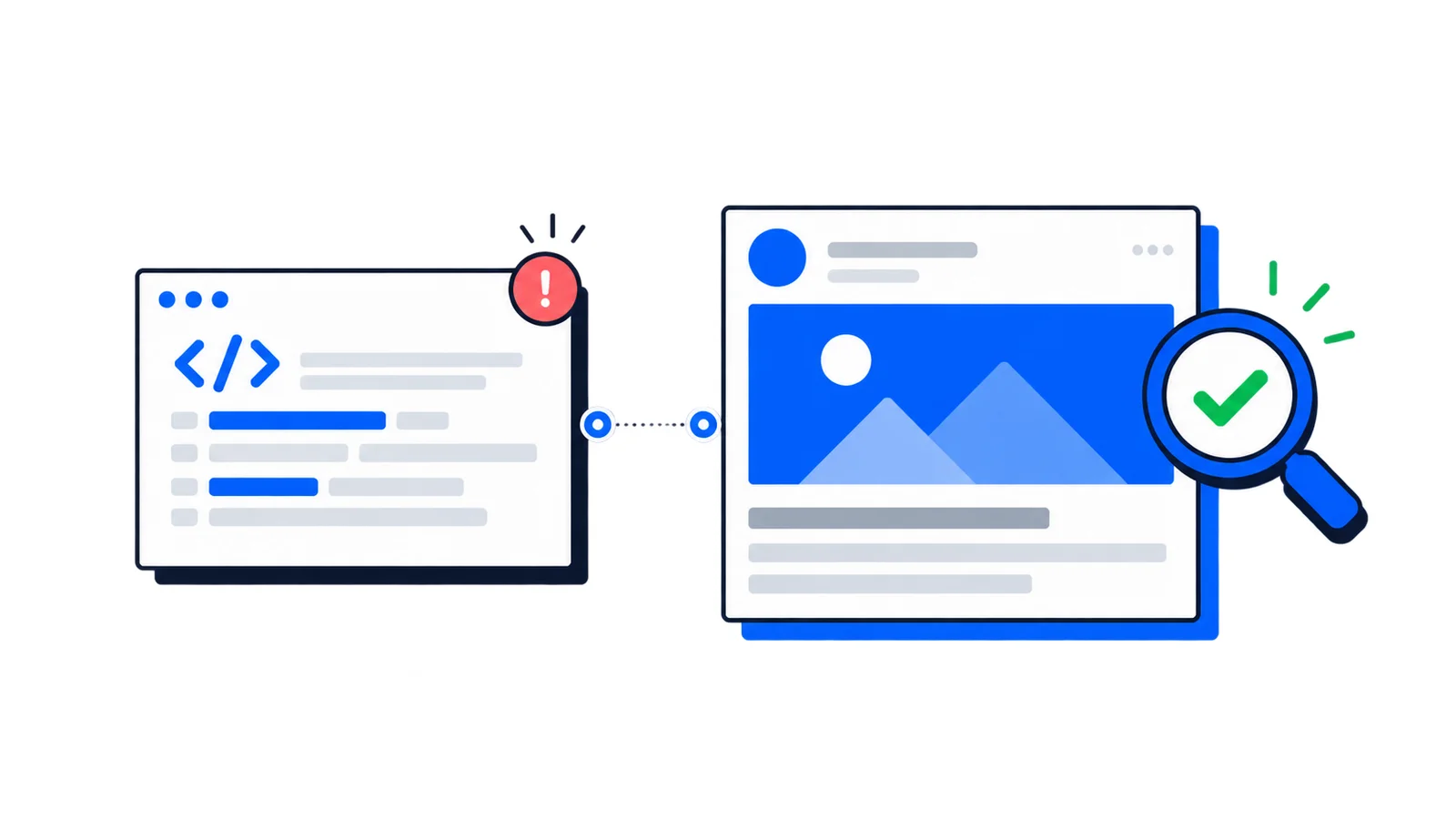
We just launched a free Open Graph Debug & Preview Tool that shows you exactly how your links will appear when shared on social media—and tells you what's wrong if they don't look right.
No account required. No limits. Just paste a URL and debug.
Why this matters
You share a link on Twitter. The image is cropped weirdly. The title is truncated. The description is missing.
This happens because social platforms use Open Graph meta tags to generate link previews, and getting them right requires guessing what each platform will do with your markup.
Our OG debugger eliminates the guesswork. It validates your tags, scores your implementation, and tells you exactly what to fix.
What you can do
Preview across platforms — See how your link appears on Facebook, Twitter/X, LinkedIn, Discord, and Slack. Each platform renders previews differently, and now you can check them all in one place.
Debug and validate — The tool analyzes your OG tags, calculates a validation score, and flags issues: missing required tags, images that are too small, titles that will be truncated. Each issue includes an explanation and fix.
Test mobile and desktop — Toggle between viewport sizes to see how previews render on different devices. Mobile previews often crop images differently than desktop.
Share debug links — The URL updates as you work. Share allscreenshots.com/tools/og-preview?url=yoursite.com with your team so they can see exactly what you see.
Export HTML tags — Once your preview looks right, copy the generated meta tags directly into your site. No more looking up the correct tag format.
Test local images — Upload an image from your computer to preview how it will look before you host it anywhere. The preview is client-side only, so your images stay private.
The tool fetches your page's metadata in real-time, validates it against best practices, and shows you exactly what social platforms will see.
Common issues we help you debug
Missing og:image — The most common problem. Without an image, most platforms show a generic placeholder or nothing at all.
Wrong image dimensions — Images under 600×315 pixels may not display. We recommend 1200×630 for optimal rendering across platforms.
Truncated titles — Facebook cuts titles at about 60 characters. Twitter is more generous. Our tool shows you where truncation will happen.
Missing Twitter card type — Without twitter:card, Twitter falls back to a small summary card. Adding twitter:card="summary_large_image" gives you the large preview.
Inaccessible images — If your og:image URL returns a 404 or is blocked, platforms can't display it. We verify image accessibility.
Built for developers
The tool generates clean, properly escaped HTML meta tags ready for copy-paste. It also exports JSON if you prefer programmatic access to the data.
For sites using Next.js, React, or other frameworks with metadata APIs, the exported format maps directly to what these frameworks expect.
Try it now
Head to the Open Graph Debug & Preview Tool and test your site. It's free, works instantly, and might save you from that awkward "why does my link look broken" moment after you've already shared it.