Find out how easy it is to capture and share pixel-perfect screenshots at scale using Allscreenshots. Sign up for a free account and start integrating your first screenshot API call today.
RT
Riley Thompson
Developer advocate focused on web tooling, screenshot APIs, and helping teams ship better visual experiences.
If you've searched for "screenshot API" lately, you've probably noticed there are dozens of options promising reliable website capture. The problem isn't finding a screenshot service—it's finding one that actually handles modern web complexity without creating new bottlenecks in your development workflow.
Most screenshot APIs sound similar until you try to scale them or capture content from real websites with lazy loading, infinite scroll, and dynamic elements. You'll discover rate limits that force artificial batching, incomplete captures that miss half your content, and infrastructure complexity that defeats the purpose of using an API in the first place.
We evaluated top screenshot APIs based on what actually matters for development teams in 2026: cost per included capture, useful public limits, intelligent handling of modern web content, clean professional output, and integration flexibility that works with your existing stack.
What is a screenshot API?
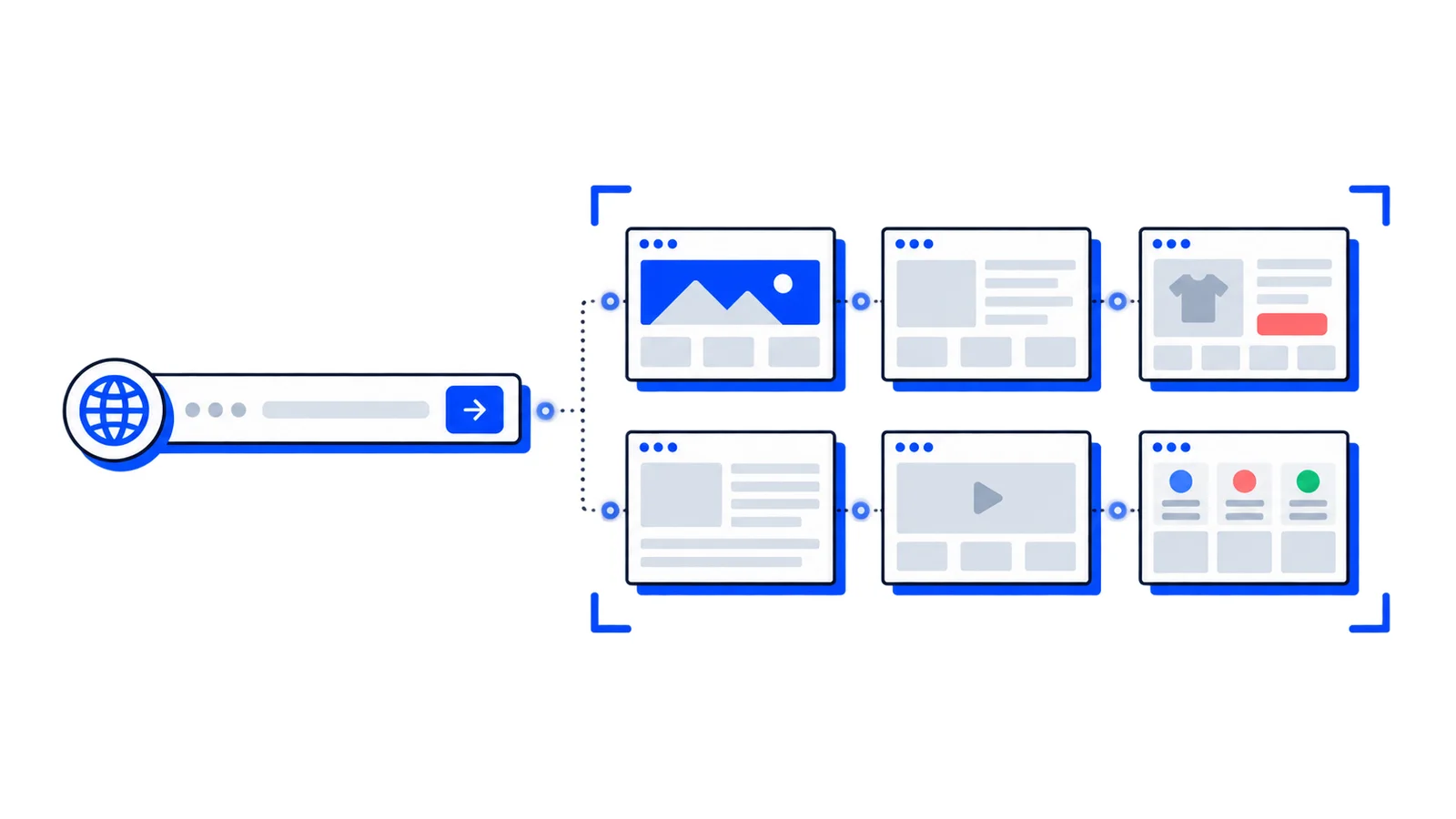
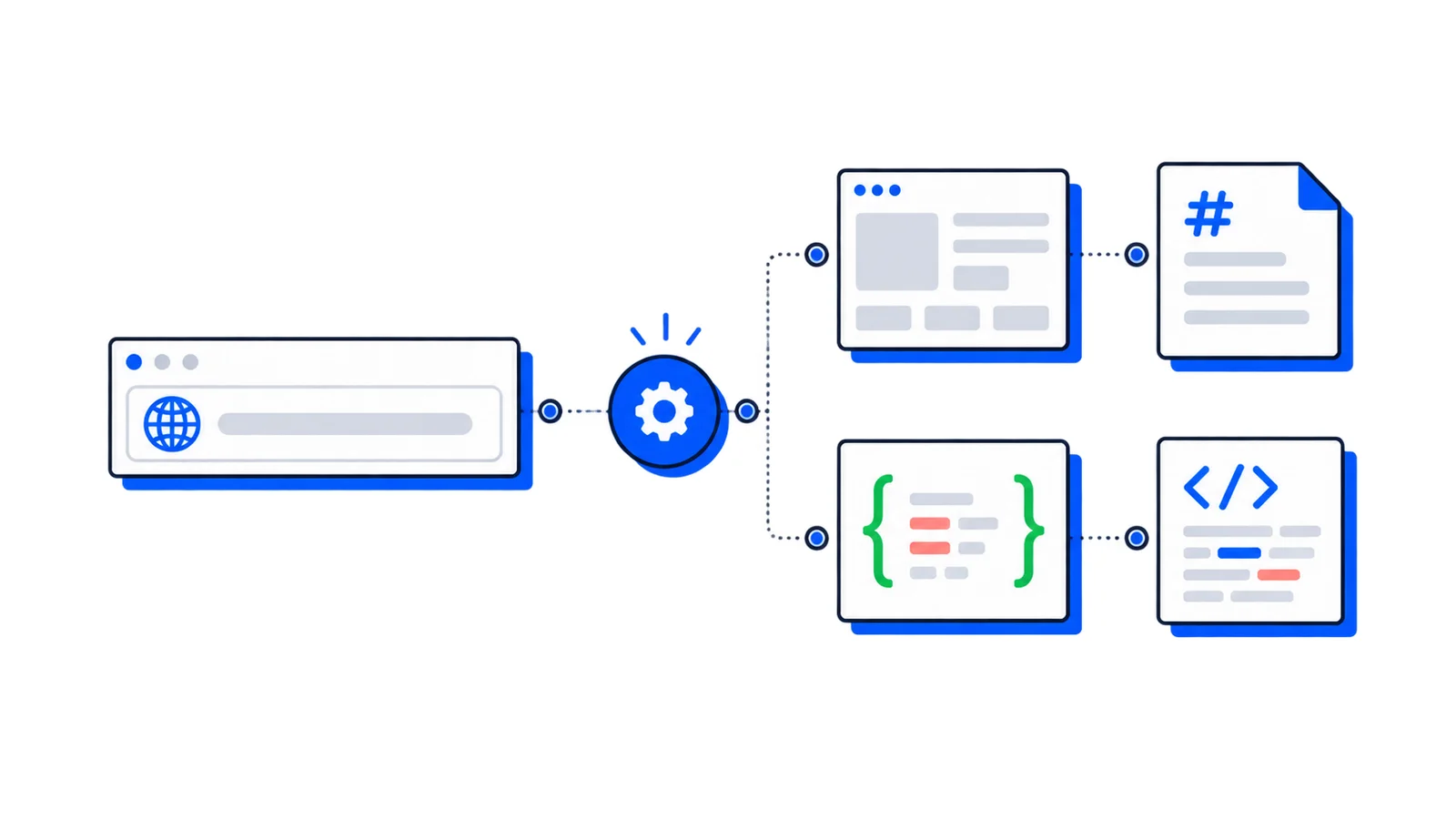
A screenshot API is a cloud-based service that captures images of websites programmatically through HTTP requests. You don't have to manage headless browsers, handle rendering complexities, or deal with infrastructure scaling; you make an API call with a target URL and receive a high-quality screenshot.
These services eliminate the need to run browser automation tools like Puppeteer or Playwright in your own infrastructure while providing features like full-page capture, device emulation, and content blocking that would take significant development effort to implement properly.
What makes the best screenshot API in 2026
Infrastructure and scalability requirements
Traditional screenshot solutions force developers to manage headless browser clusters, handle memory leaks, and scale containers manually. The best screenshot APIs eliminate this complexity entirely with cloud-based rendering that auto-scales based on actual demand.
Rate limits often become the biggest bottleneck. Many screenshot services cap public plans somewhere between 20 and 150 requests per minute, creating constraints that do not match recurring monitoring, bulk captures, or CI workloads. If you need to process a batch of 500 URLs for a monitoring system or bulk content analysis, low limits force you to spread the work across multiple windows.
Look for services that provide intelligent scaling without arbitrary per-minute restrictions, especially if your use case involves periodic bulk processing or traffic spikes.
Modern web content handling
Static HTML screenshots miss the majority of content on modern websites that load dynamically. Quality APIs must handle lazy-loaded images, infinite scroll content, and async JavaScript elements automatically.
The service should wait for network idle states and trigger content loading through intelligent scrolling. Basic browser automation tools capture only what's immediately visible, missing critical below-the-fold content that loads as users scroll.
Test any screenshot API with your actual target websites to verify it captures dynamically loaded content, not just the initial page state.
Clean, professional output quality
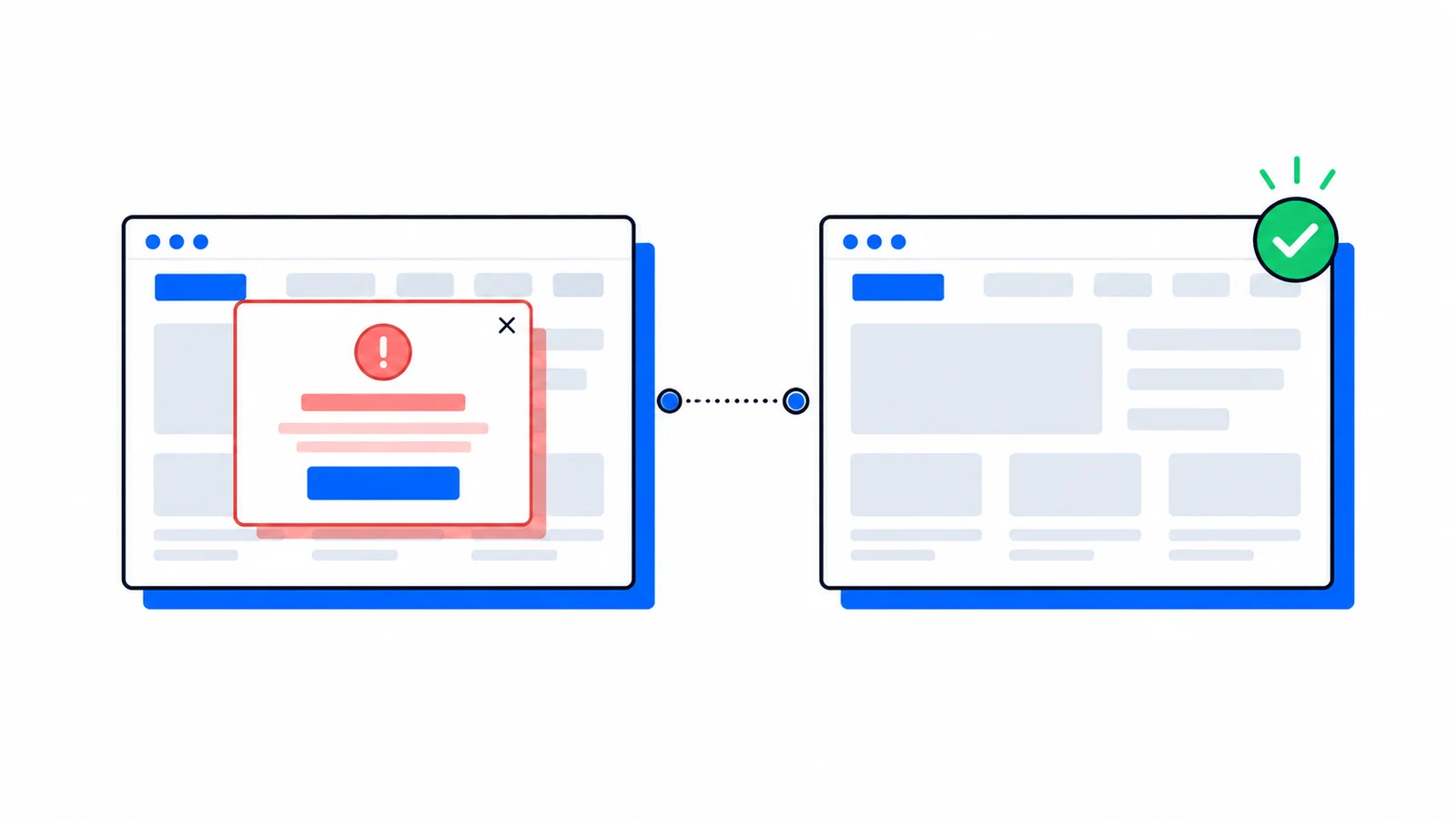
Raw website screenshots typically include distracting elements that ruin professional appearance. Cookie consent banners, ad placements, chat widgets, and notification overlays should be automatically removed without requiring manual CSS selectors.
The best services maintain databases of blocking rules that stay current with evolving web patterns. High-resolution rendering with retina display support ensures crisp, professional-quality captures suitable for presentations, documentation, and marketing materials.
Developer experience and integration flexibility
Simple HTTP API calls should be sufficient for basic use cases without requiring complex authentication flows or extensive parameter configuration. Multiple SDK options allow integration into existing codebases regardless of programming language.
Clear documentation with practical examples reduces integration time from days to hours. Look for services that provide webhook support for asynchronous processing and bulk operations.
The best screenshot APIs
1. AllScreenshots: best overall screenshot automation value
AllScreenshots was designed to eliminate the infrastructure management and workflow gaps that plague most screenshot services. Its updated 2026 pricing makes it the strongest overall offer for teams that need screenshot automation rather than just occasional one-off captures.
Competitive pricing and higher included limits
The current paid plans are straightforward:
Starter: $10/month for 2,500 monthly screenshots
Pro: $49/month for 12,500 monthly screenshots
Business: $149/month for 75,000 monthly screenshots
Scale: $399/month for 150,000 monthly screenshots
That puts AllScreenshots ahead of common screenshot-first competitors on cost per included capture at the entry, Pro, and high-volume public tiers. Paid plans also count successful captures only, so failed render attempts do not reduce the paid monthly allowance.
Published rate limits start at 50 requests/min on Starter, then move to 100/min on Pro, 200/min on Business, and 400/min on Scale. Bulk processing supports grouped capture jobs, and webhook notifications provide status updates for large operations without requiring constant polling.
Intelligent full-page content capture
AllScreenshots automatically scrolls through pages and waits for lazy-loaded images, infinite scroll content, and async elements. Smart loading detection ensures no content is missed, even on complex modern websites with dynamic rendering.
Network idle detection waits for all resources to load before capturing the final screenshot. This handles JavaScript-heavy applications that traditional browser screenshots fail to capture completely.
Professional content blocking
The service automatically blocks cookie consent popups, ad banners, and chat widgets that typically ruin screenshots. Multiple blocking levels are available from basic to comprehensive blocking for different use cases.
The blocking database stays current with evolving web patterns without requiring manual updates, delivering clean, professional captures consistently.
Advanced features:
Multiple output formats: PNG, JPEG, WebP, PDF
Extensive device emulation for iPhones, Android devices, tablets, and desktops
Scheduled recurring captures with cron-based scheduling
Geographic targeting from US, Europe, and Asia Pacific regions
Screenshot composition for creating galleries and comparison images
Custom CSS injection and theme control (dark mode, light mode)
Developer integration
Official SDKs are available for TypeScript, JavaScript, Python, Go, Java, PHP, .NET, Rust, and Swift. The Figma plugin brings full-page screenshot capture directly into design workflows.
A simple Node.js example:
import{AllScreenshots}from'allscreenshots-api';const client =newAllScreenshots('your-api-key');const screenshot =await client.capture({url:'https://example.com',fullPage:true,blockAds:true,deviceType:'desktop'});// Returns screenshot data or hosted URL
2. ScreenshotOne
ScreenshotOne provides a developer-focused screenshot API with extensive customization options and reliable infrastructure. The service has grown past 1,000 active developers and renders over 1,000,000 screenshots monthly.
Core capabilities
Chrome-based rendering engine provides accurate website capture with comprehensive JavaScript support. Full-page screenshot capture includes automatic scrolling and content loading detection for modern web applications.
The service supports multiple output formats including PNG, JPEG, and WebP with quality control options. Device emulation covers mobile, tablet, and desktop viewports with preset configurations.
Content management
ScreenshotOne maintains a database of 50,000+ rules and heuristics to block cookie banners across different websites. Ad blocking capabilities remove promotional content for cleaner professional screenshots.
Custom CSS injection allows fine-tuned control over page appearance before capture, and chat widget blocking reduces visual distractions.
Integration and pricing
SDKs are available for Java, Go, Node.js, PHP, Python, Ruby, and C#. The RESTful API uses straightforward parameter structure for easy integration.
Rate limits range from 40-150 requests per minute depending on pricing tier. Plans start at $17/month for 2,000 screenshots with a pay-per-success model that only charges for successful generation.
3. ScreenshotAPI.net
ScreenshotAPI.net offers real Chrome browser rendering with geolocation-based capture from multiple regions. The service provides accessible pricing with bulk processing capabilities.
Technical features
Real Chrome browser rendering ensures accurate capture of modern web applications with full JavaScript execution support. Geolocation-based rendering from multiple regions enables localized content testing.
The service supports 4K and 5K retina resolution for high-quality output in detailed use cases. Custom delay settings allow proper loading time for complex websites.
Automation features
Automatic ad and cookie banner blocking creates cleaner professional screenshots without manual configuration. Multiple device presets simplify mobile and tablet screenshot generation.
Bulk CSV/JSON upload capabilities help process large lists of URLs efficiently.
Pricing and limitations
Starting at $9/month for 1,000 screenshots, ScreenshotAPI.net provides an accessible entry point for smaller projects. Its Startup plan lists 10,000 screenshots for $29/month, and Business lists 100,000 screenshots for $175/month. Rate limits range from 20-80 requests per minute across public tiers.
While the service includes bulk scheduling features, the documentation could be more comprehensive for complex integration scenarios.
4. ApiFlash
ApiFlash offers a straightforward screenshot API with Chromium-based rendering and competitive pricing for basic use cases.
Core features
Chromium-based rendering provides reliable screenshot capture for modern websites with retina and HiDPI support for high-quality output. Full-page capture with automatic scrolling handles long-form content effectively.
CSS injection capabilities allow page modification before screenshot generation for customized outputs.
Service characteristics
A free tier provides 100 screenshots per month for testing and small projects. Paid plans start at $7/month, making it accessible for budget-conscious developers.
Response times under 1 second provide optimized performance for time-sensitive applications with a simple API structure that reduces integration complexity.
Limitations
ApiFlash doesn't support direct HTML input, requiring content to be hosted before screenshot capture. Rate limits and overage fees may impact large-scale usage scenarios.
As a single-purpose service, it lacks ecosystem integrations found in more comprehensive platforms and has limited advanced features compared to specialized screenshot services.
5. Urlbox
Urlbox provides a mature screenshot API with strong rendering capabilities and comprehensive customization options for professional use cases.
Technical implementation
Full Chrome browser engine ensures accurate rendering of complex web applications with complete JavaScript support. The service handles modern web frameworks and single-page applications effectively.
High-resolution output with retina support delivers professional-quality screenshots suitable for presentations and documentation. Full-page capture with intelligent content loading captures dynamic content reliably.
Customization options
Extensive device emulation covers popular mobile devices, tablets, and desktop configurations. Custom viewport dimensions allow precise control over output dimensions.
Element hiding with CSS selectors and custom CSS injection provide fine-grained control over page appearance. The service supports various output formats including PNG, JPEG, PDF, and SVG.
Scaling and integration
Rate limits are more generous than many competitors at higher tiers, though still present in lower-tier plans. The HTTP API uses straightforward parameter structure with comprehensive documentation.
Webhook support enables asynchronous processing for bulk operations. Public screenshot API pricing starts with Lo-Fi at $19/month for up to 2,000 renders, then Hi-Fi at $49/month for up to 5,000 renders and Ultra at $99/month for up to 15,000 renders.
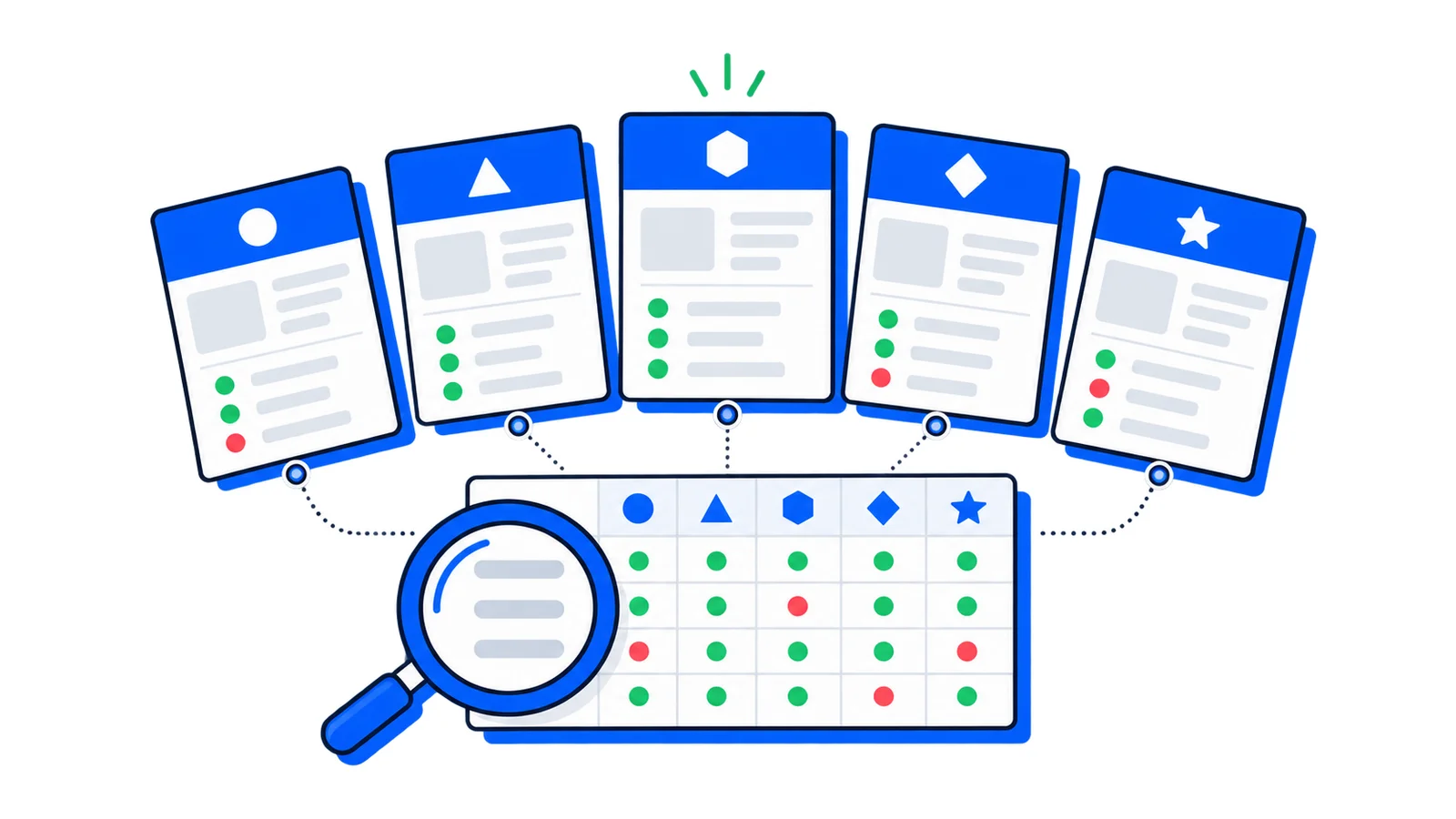
Feature comparison matrix
Feature
AllScreenshots
ScreenshotOne
ScreenshotAPI.net
ApiFlash
Urlbox
Rate Limits
50-400/min
40-150/min
20-80/min
Limited
30-1,000/min
Bulk Processing
100 URLs/call
Available
CSV/JSON upload
No
Limited
Full-Page Capture
✓ Smart loading
✓ Auto-scroll
✓ Auto-scroll
✓ Auto-scroll
✓ Intelligent
Ad Blocking
✓ Multi-level
✓ 50k+ rules
✓ Automatic
✗
✓ CSS selectors
Device Emulation
✓ Extensive
✓ Presets
✓ Multiple
✓ Basic
✓ Comprehensive
Starting Price
$10/month
$17/month
$9/month
$7/month
$19/month
Free Tier
100 lifetime credits
100/month
Trial
100/month
Trial
Paid failures billed?
No
No
Check plan terms
Check plan terms
No
SDK Support
9 languages
7 languages
HTTP only
HTTP only
HTTP + libs
Geographic Regions
✓ Multiple
✓ Available
✓ Multiple
✗
✓ Available
How to choose the right screenshot API for your project
Evaluate your scale requirements
If you need to process hundreds or thousands of screenshots regularly, rate limits become the primary constraint. Traditional services with 40-150 requests per minute limits force you to batch operations and create complex queuing systems.
Consider your peak usage patterns, not just average volume, when evaluating capacity. A monitoring system that checks 500 websites every hour needs different infrastructure than a documentation tool that generates a few screenshots per day.
AllScreenshots' higher public limits and bulk workflow reduce these bottlenecks for applications with variable or high-volume requirements.
Assess content complexity needs
Modern websites with lazy loading, infinite scroll, and dynamic content require intelligent capture systems. Basic browser automation misses content that loads after initial page render.
Test potential services with your specific target websites to verify that all necessary content appears in screenshots. Pay particular attention to single-page applications and content management systems that load data asynchronously.
Services with smart loading detection and network idle monitoring ensure comprehensive content capture without manual intervention.
Factor in integration requirements
Simple HTTP APIs work for basic use cases, but SDKs reduce development time significantly when integrating with existing codebases. Consider whether you need features like bulk processing, webhooks, or automated scheduling.
No-code integrations enable non-technical team members to automate screenshot workflows through platforms like Zapier or Make. Developer experience quality directly impacts implementation timeline and ongoing maintenance requirements.
Frequently asked questions
What's the difference between a screenshot API and running Puppeteer yourself?
Screenshot APIs eliminate infrastructure management, browser maintenance, and scaling complexity. While Puppeteer gives you complete control, you're responsible for server provisioning, handling memory leaks, managing browser versions, and solving edge cases that APIs handle automatically.
How do screenshot APIs handle dynamic content and single-page applications?
Quality screenshot APIs wait for network idle states, execute JavaScript fully, and use intelligent scrolling to trigger lazy-loaded content. They maintain browser instances long enough for async content to load, unlike simple HTML-to-image converters.
What should I look for in screenshot API pricing?
Beyond per-screenshot costs, consider rate limits, overage fees, and scaling restrictions. Some services charge extra for features like full-page capture or high resolution. Factor in your peak usage patterns, not just average volume.
Can screenshot APIs capture content behind authentication?
Most screenshot APIs support custom headers, cookies, and authentication tokens for capturing protected content. However, complex multi-step authentication flows may require pre-authenticated URLs or session management.
How do I ensure screenshots look professional and clean?
Look for services with automatic ad and popup blocking rather than manual CSS hiding. The best APIs maintain updated blocking databases that handle evolving website patterns without requiring configuration changes.
Today, AllScreenshots is the best overall screenshot API offer for development teams that care about pricing, included volume, request limits, successful-only paid billing, and recurring screenshot workflows. ScreenshotOne remains a strong screenshot-first alternative with mature integrations and niche rendering features, but AllScreenshots now offers a better public value package for most screenshot automation teams.
For budget-conscious projects with simpler requirements, ApiFlash and ScreenshotAPI.net offer solid alternatives with accessible pricing and decent feature sets. ScreenshotAPI.net is especially competitive on raw Business-tier screenshot volume, while AllScreenshots is stronger on request limits and built-in recurring workflow automation.
The key is matching the service capabilities to your specific use case requirements rather than choosing based on price alone. Screenshot APIs that seem cheaper often create hidden costs through rate limit bottlenecks, incomplete content capture, or integration complexity that requires additional development effort.