How to download all images from a webpage using Puppeteer
Alex Chen6 min read
Find out how easy it is to capture and share pixel-perfect screenshots at scale using Allscreenshots. Sign up for a free account and start integrating your first screenshot API call today.
AC
Alex Chen
Full-stack developer and technical writer who loves browser automation and making complex tools accessible.
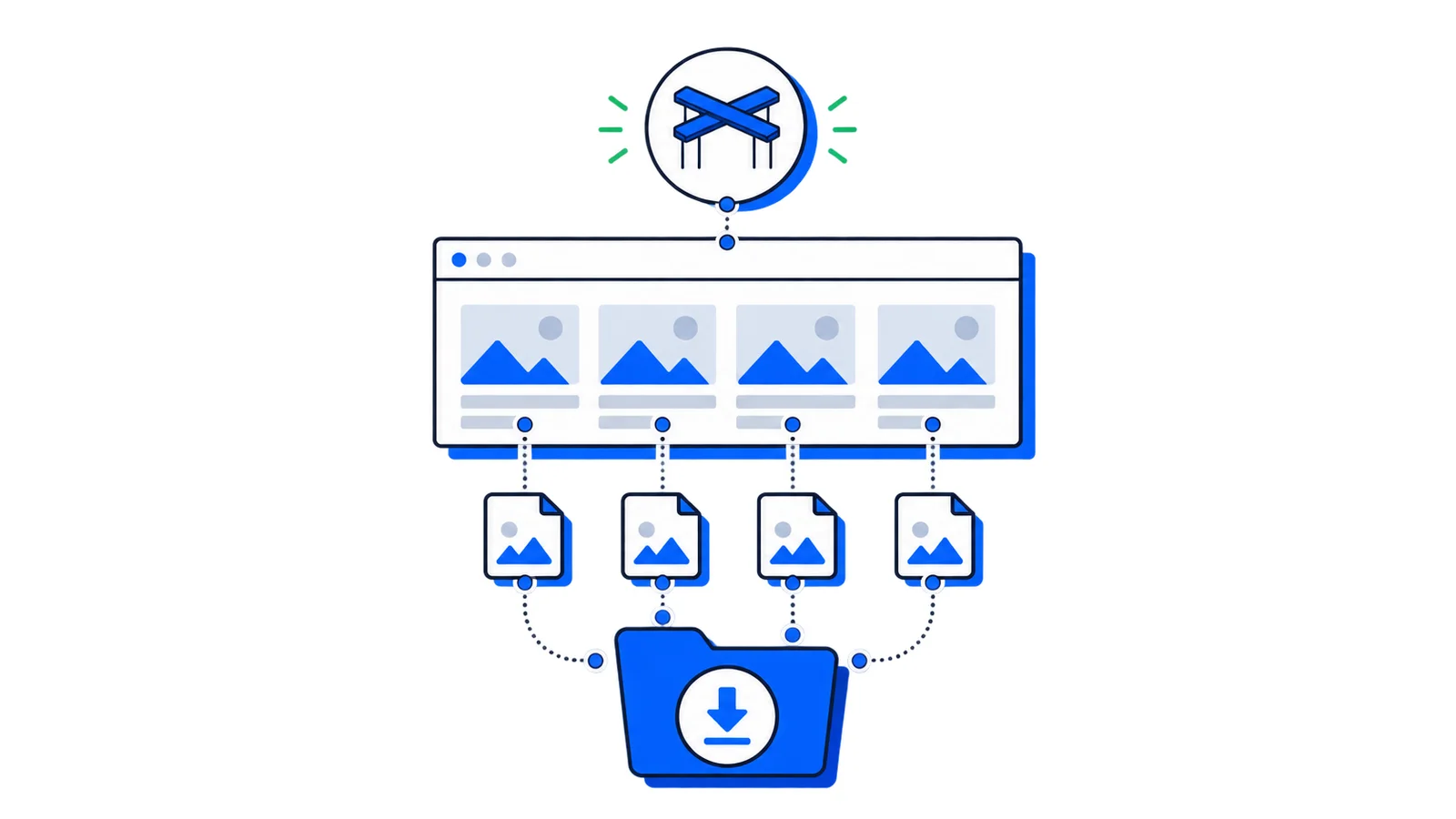
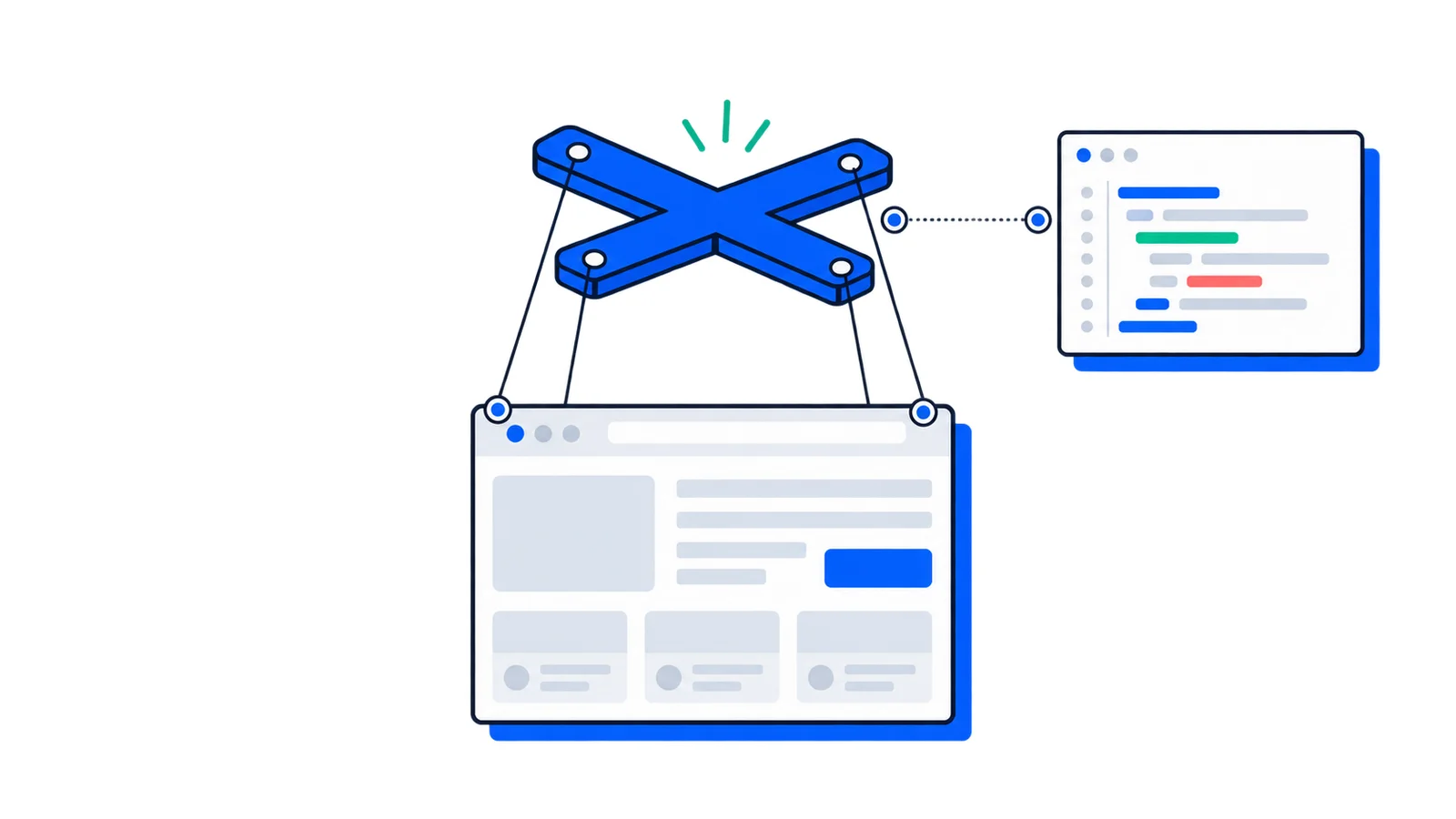
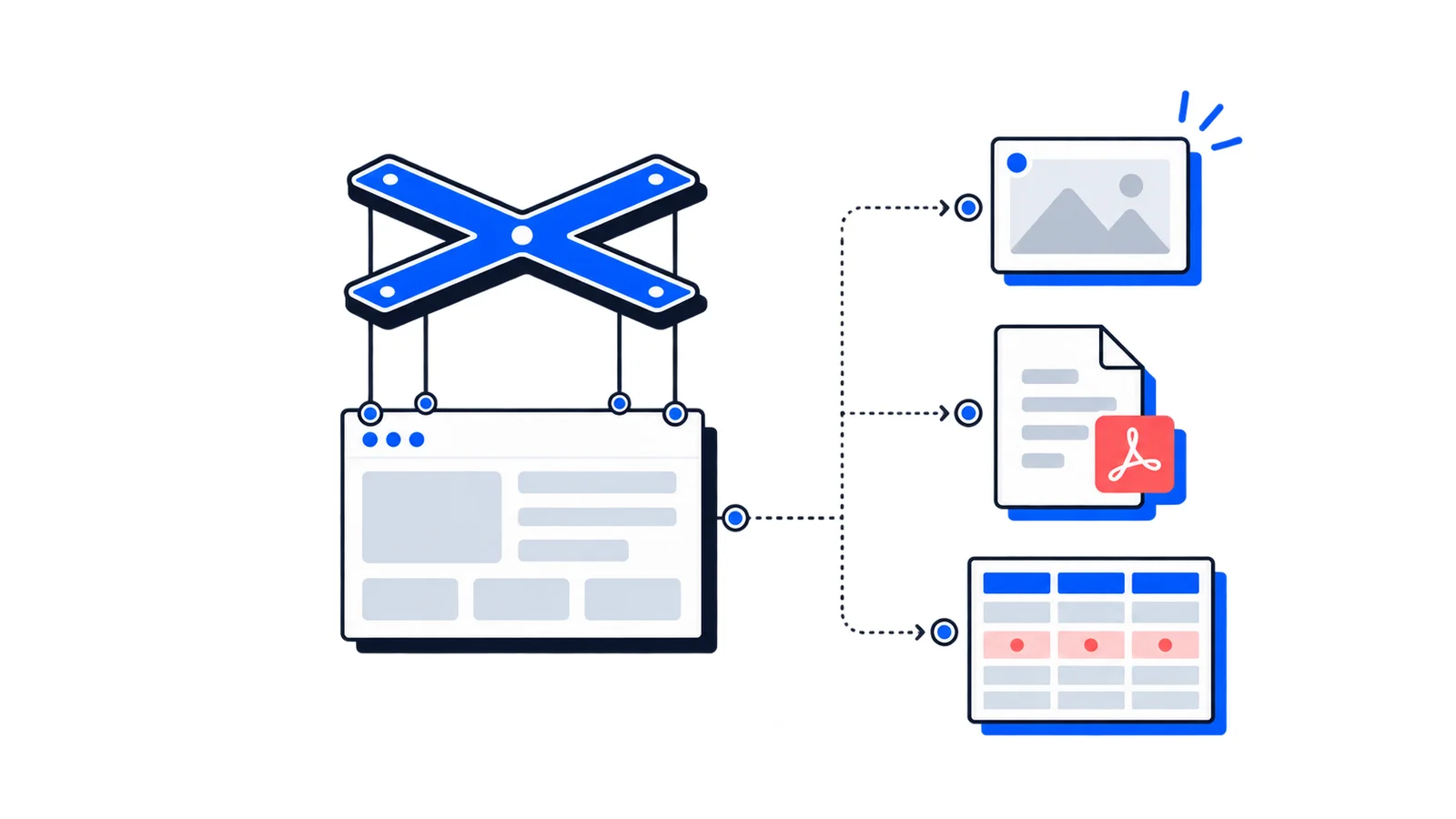
Puppeteer makes it straightforward to download images from web pages. Whether you're building a scraper, archiving content, or collecting data for analysis, this guide covers everything you need to know.
Basic setup
First, install Puppeteer in your project:
npminstall puppeteer
Here's the minimal code to get started:
const puppeteer =require('puppeteer');const fs =require('fs');const path =require('path');asyncfunctiondownloadImages(url){const browser =await puppeteer.launch();const page =await browser.newPage();await page.goto(url,{waitUntil:'networkidle0'});// Get all image URLs from the pageconst imageUrls =await page.evaluate(()=>{const images =document.querySelectorAll('img');returnArray.from(images).map(img=> img.src).filter(src=> src && src.startsWith('http'));});console.log(`Found ${imageUrls.length} images`);await browser.close();return imageUrls;}downloadImages('https://example.com');
Downloading the images
Finding image URLs is only half the battle. You also need to download them. Here's a complete solution:
This method captures images as they're loaded by the browser, including those loaded via JavaScript.
Always respect robots.txt and terms of service when scraping. Some websites explicitly prohibit automated downloading of their content.
Handling authentication
For pages behind a login:
asyncfunctionscrapeAuthenticatedPage(url){const browser =await puppeteer.launch({headless:false});const page =await browser.newPage();// Navigate to login pageawait page.goto('https://example.com/login');// Fill in credentialsawait page.type('#username','your-username');await page.type('#password','your-password');await page.click('#login-button');// Wait for navigation after loginawait page.waitForNavigation();// Now scrape the authenticated pageawait page.goto(url);// ... extract images}
Rate limiting
Be respectful to the servers you're scraping:
functiondelay(ms){returnnewPromise(resolve=>setTimeout(resolve, ms));}// Add delays between downloadsfor(const imageUrl of imageUrls){awaitdownloadImage(imageUrl, filepath);awaitdelay(500);// Wait 500ms between downloads}
Complete example
Here's a production-ready script that combines everything:
Sometimes you want to capture images as they appear on the page rather than downloading the source file. This is useful when images have CSS effects, overlays, or when the source is protected. Puppeteer lets you take screenshots of specific elements:
asyncfunctionscreenshotImages(url, outputDir ='./screenshots'){if(!fs.existsSync(outputDir)){ fs.mkdirSync(outputDir,{recursive:true});}const browser =await puppeteer.launch();const page =await browser.newPage();await page.goto(url,{waitUntil:'networkidle0'});// Wait for images to be presentawait page.waitForSelector('img');// Get all image elementsconst images =await page.$$('img');console.log(`Found ${images.length} image elements`);for(let i =0; i < images.length; i++){const image = images[i];// Check if the image is visible and has dimensionsconst isVisible =await image.evaluate(el=>{const rect = el.getBoundingClientRect();return rect.width>0&& rect.height>0;});if(isVisible){try{await image.screenshot({path: path.join(outputDir,`element-${i +1}.png`),});console.log(`Screenshot saved: element-${i +1}.png`);}catch(err){console.error(`Failed to screenshot element ${i +1}: ${err.message}`);}}}await browser.close();console.log('Done!');}screenshotImages('https://example.com');
You can also filter by size and capture only larger images:
Element screenshots capture exactly what's rendered, including any CSS filters, borders, shadows, or transformations applied to the image.
When to use a screenshot API instead
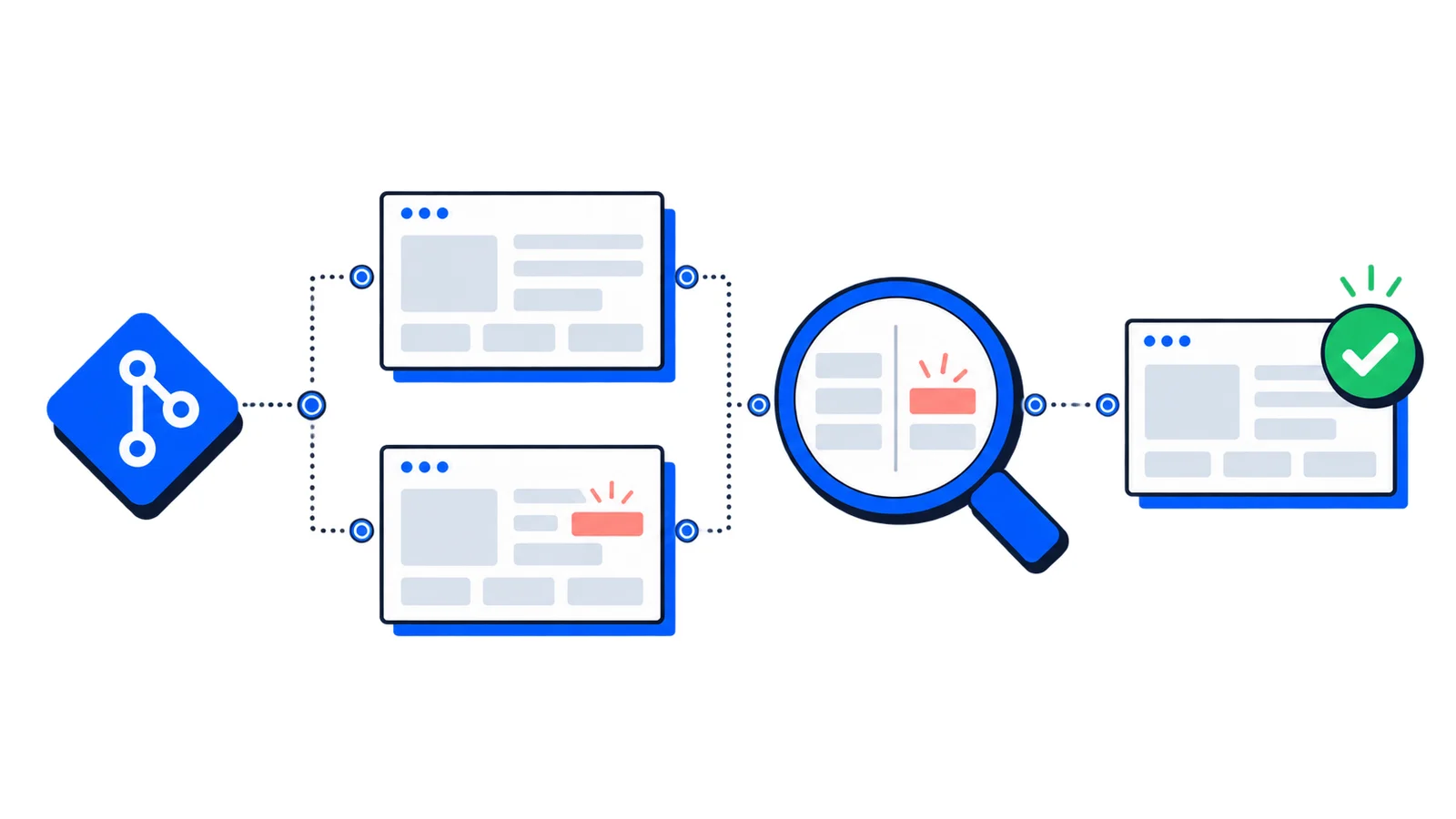
Puppeteer is powerful but requires you to manage browser instances, handle edge cases, and maintain infrastructure. For simpler use cases, or when you need reliability at scale, a screenshot API might be a better choice.
With allscreenshots, you can capture full-page screenshots without managing browsers:
curl-X POST 'https://api.allscreenshots.com/v1/screenshots'\-H'X-API-Key: your-api-key'\-H'Content-Type: application/json'\-d'{"url": "https://example.com", "fullPage": true}'
This handles browser management, ad blocking, and edge cases automatically, and is useful when you need screenshots rather than individual images.