Playwright End-to-End Testing Guide for Modern Web Apps
Alex Chen · Updated 10 min read
Find out how easy it is to capture and share pixel-perfect screenshots at scale using Allscreenshots. Sign up for a free account and start integrating your first screenshot API call today.
AC
Alex Chen
Full-stack developer and technical writer who loves browser automation and making complex tools accessible.
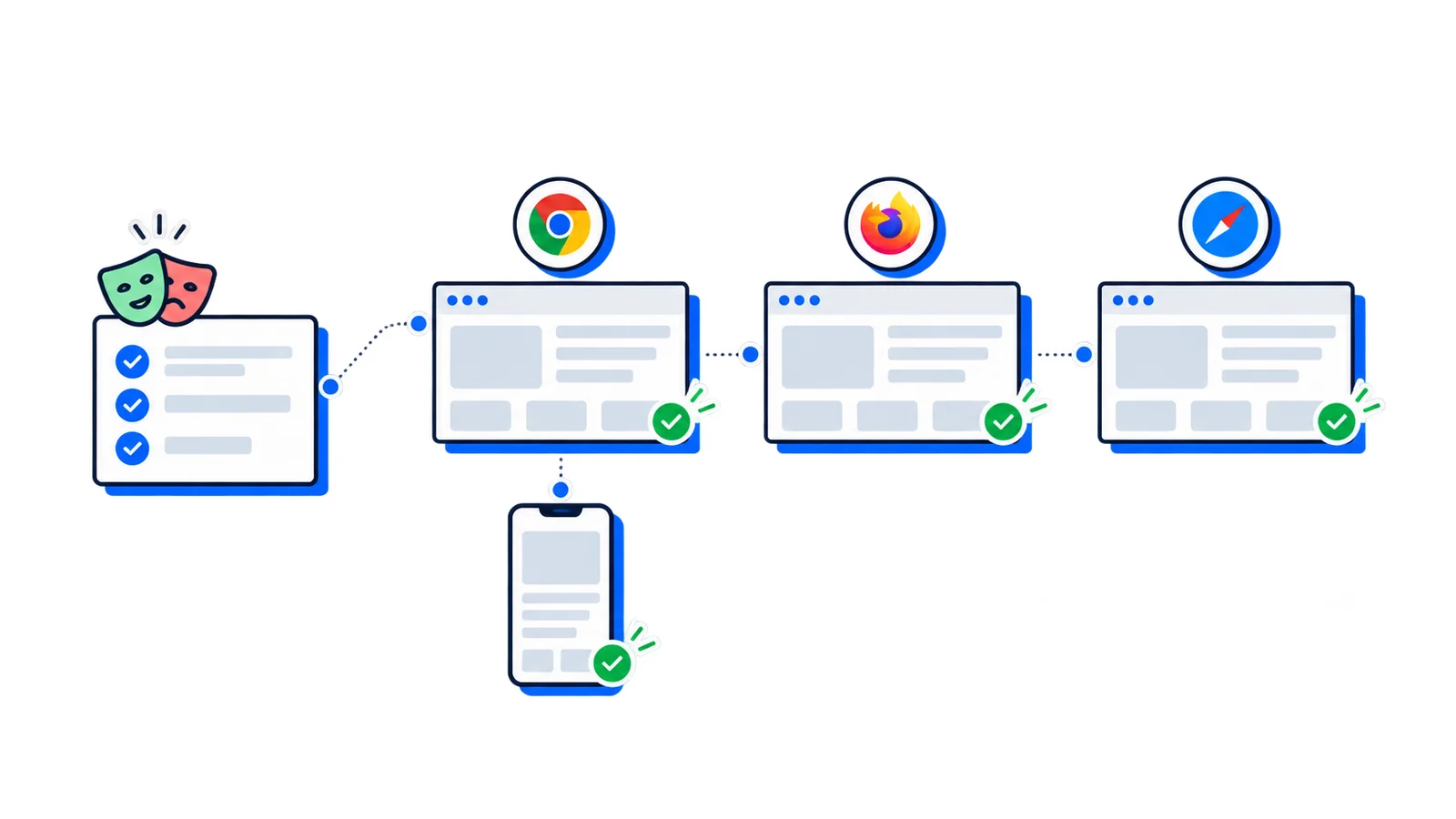
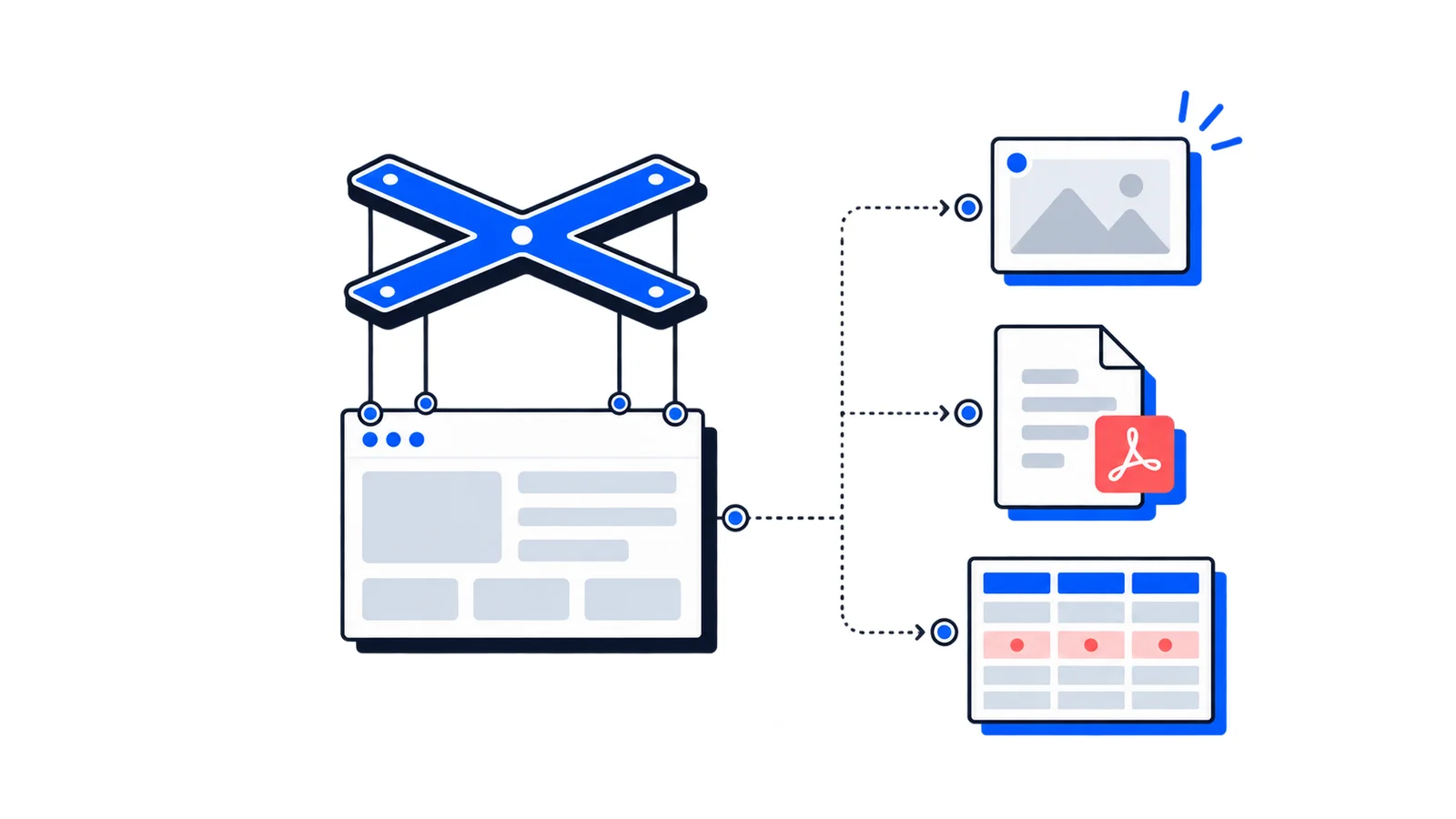
Playwright is a browser automation framework built for end-to-end testing. It lets you drive Chromium, Firefox, and WebKit with one API, write assertions against real pages, and debug failures with traces, videos, screenshots, and a visual test runner.
The reason teams adopt Playwright is not that it can click buttons. Selenium, Cypress, Puppeteer, and browser drivers can all do that. The reason is reliability: Playwright waits for elements to be actionable, isolates tests in fresh browser contexts, and gives you enough tooling to understand failures quickly.
This guide covers the practical pieces you need for a maintainable Playwright suite.
What Playwright Is Best At
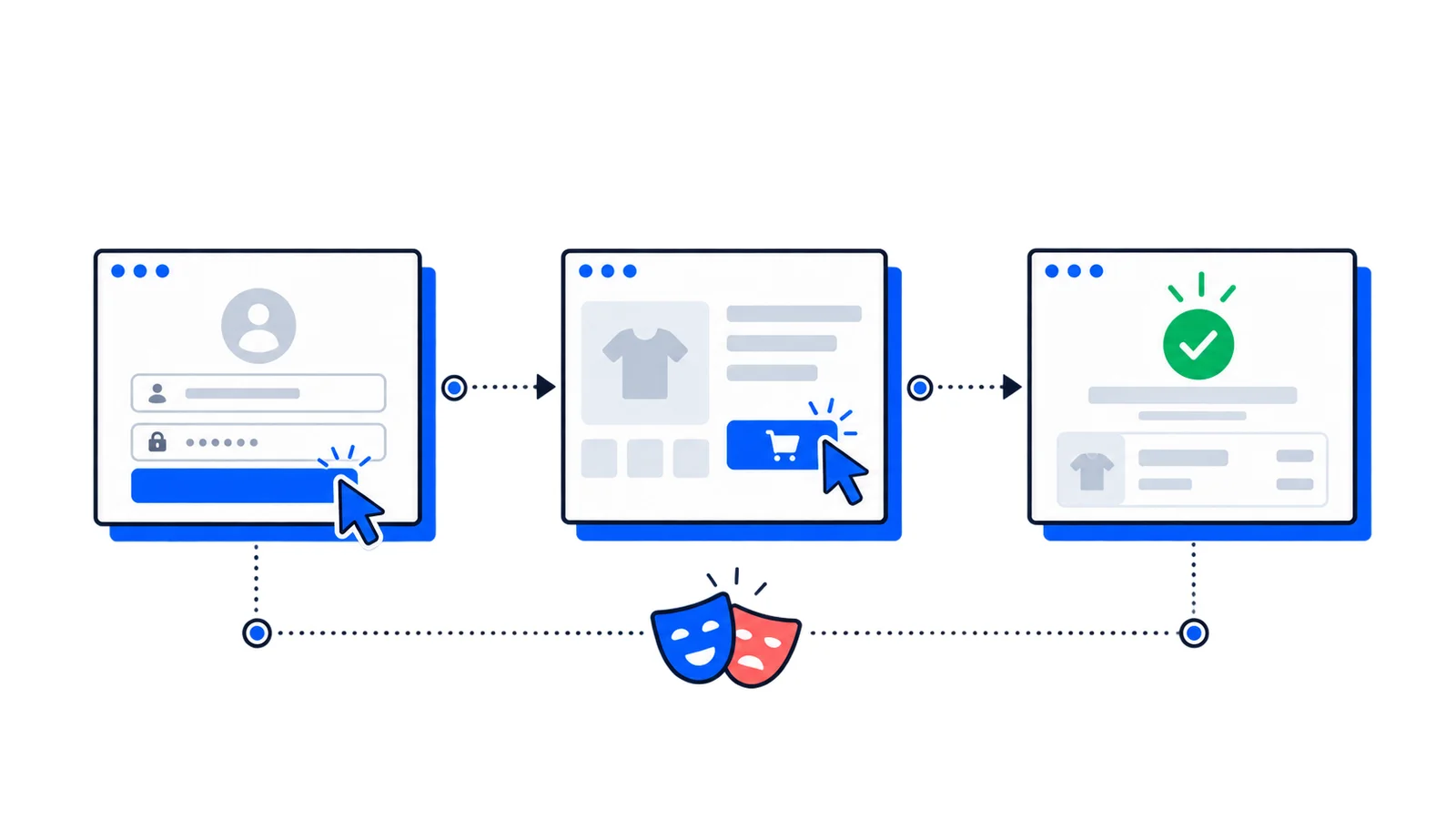
Playwright is strongest when you need to verify complete user journeys:
Signup, login, and password reset flows
Checkout and billing flows
Search, filtering, and dashboard interactions
Cross-browser rendering differences
Mobile viewport behavior
JavaScript-heavy single-page applications
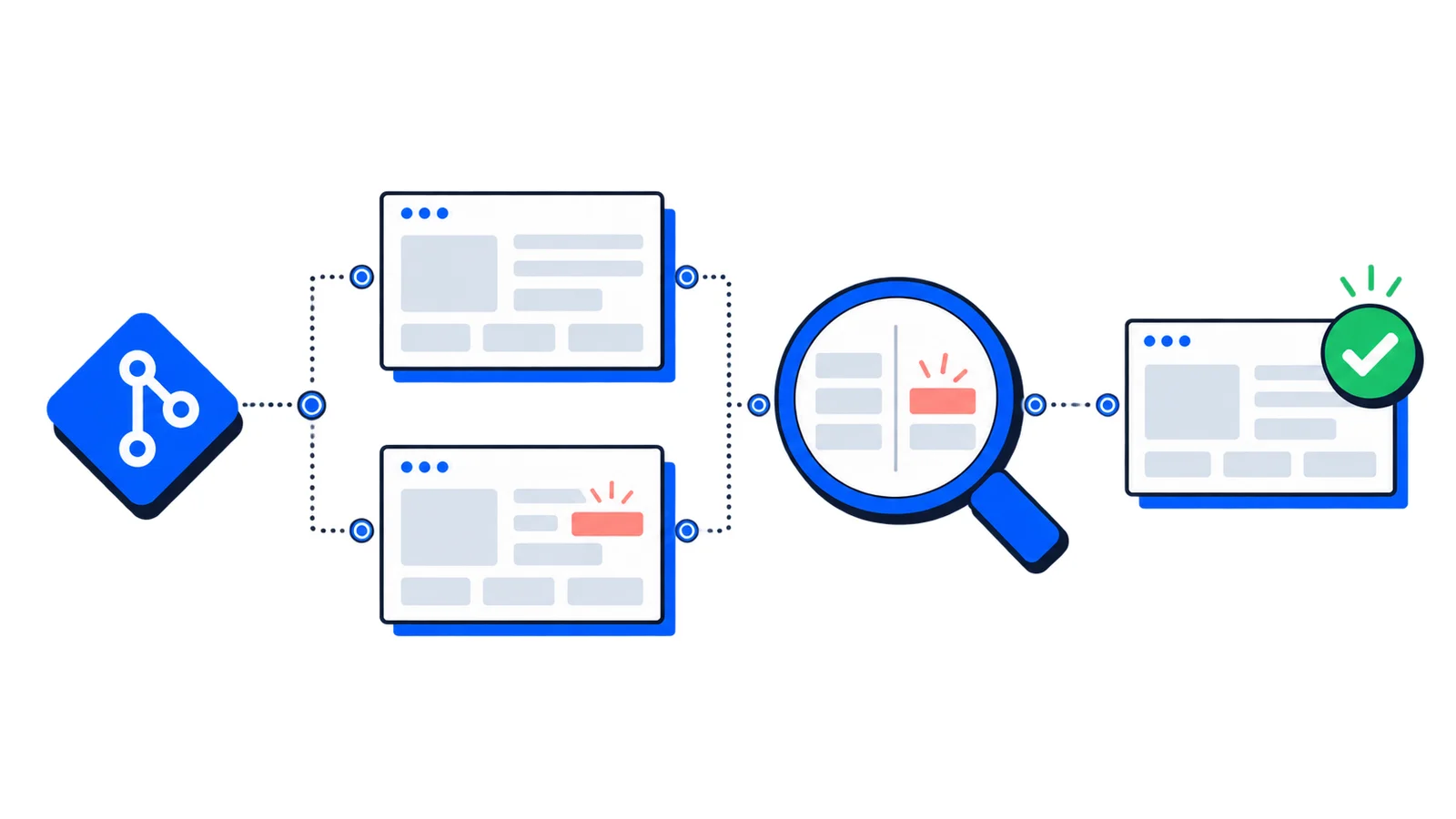
Regression tests for critical product paths
It is less useful for pure unit testing. If you only need to verify a helper function, use a unit test runner. If you need to verify that a user can complete a workflow in a real browser, use Playwright.
Install Playwright
For a Node.js project, start with:
npm init playwright@latest
The installer creates a config file, example tests, and browser setup. Run the suite with:
npx playwright test
Open the HTML report after a run:
npx playwright show-report
A minimal test looks like this:
const{ test, expect }=require('@playwright/test');test('visitor can open the pricing page',async({ page })=>{await page.goto('https://example.com/pricing');awaitexpect(page.getByRole('heading',{name:/pricing/i})).toBeVisible();});
The important detail is the assertion. End-to-end tests should prove something meaningful about the page, not just open a URL.
How Playwright Reduces Flaky Tests
Most flaky browser tests fail because the test acts before the page is ready. Playwright avoids a lot of that with actionability checks.
Before clicking, Playwright checks that the target is:
Attached to the DOM
Visible
Stable
Enabled
Not covered by another element
That means this line already includes waiting behavior:
Fixed sleeps make tests slower when the app is fast and unreliable when the app is slow. Prefer locators, web assertions, and app-specific readiness signals.
If a test needs a wait, wait for something the user would recognize: a heading, button, URL, dialog, toast, table row, or loaded state. Avoid waiting for arbitrary time.
Use Locators That Match User Intent
Playwright's locator API encourages selectors based on what users see and assistive technologies understand.
Avoid selectors built from generated class names. CSS modules, Tailwind build output, design system updates, and refactors can break those tests even when the user experience is unchanged.
Write Tests Around User Flows
A good Playwright test reads like a workflow:
const{ test, expect }=require('@playwright/test');test('user can create a project',async({ page })=>{await page.goto('https://app.example.com/projects');await page.getByRole('button',{name:'New project'}).click();await page.getByLabel('Project name').fill('Website redesign');await page.getByRole('button',{name:'Create project'}).click();awaitexpect(page).toHaveURL(/projects\/[a-z0-9-]+/);awaitexpect(page.getByRole('heading',{name:'Website redesign'})).toBeVisible();awaitexpect(page.getByText('Project created')).toBeVisible();});
Notice what the test does not assert:
It does not check every class name
It does not inspect internal component state
It does not repeat assertions already covered by unit tests
End-to-end tests are expensive compared with unit tests. Spend them on paths that matter.
Handle Authentication Without Repeating Login
Logging in through the UI before every test is slow and can make unrelated tests fail when the login page changes.
Use Playwright's storage state feature to authenticate once and reuse the session:
The trace viewer shows DOM snapshots, console logs, network requests, screenshots, timing, and each Playwright action. Instead of guessing why CI failed, you can inspect what the browser saw.
Playwright is a strong default for end-to-end testing because it balances realistic browser coverage with practical developer tooling.
Conclusion
Playwright gives teams a reliable way to test modern web applications in real browsers. Start with a few critical user flows, use locators that match user intent, avoid fixed waits, capture traces in CI, and expand browser coverage as the suite proves its value.
For screenshot-specific workloads, pair it with AllScreenshots so your test suite does not become a screenshot infrastructure project.