Screenshot Netflix with an API
Capture the Netflix landing page with the cookie banner already gone — one API call, no browser to run.
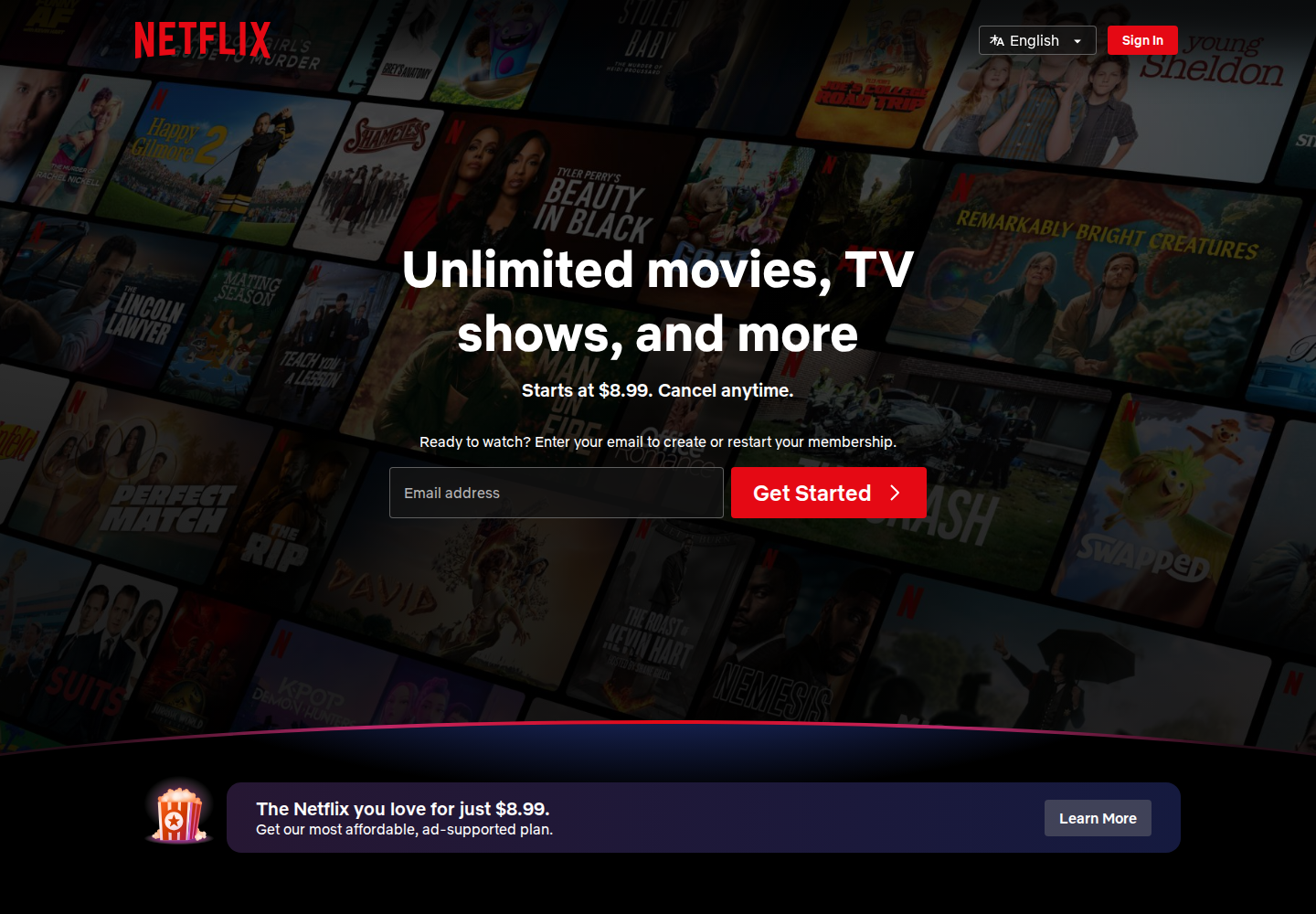
100 screenshots free · No credit card required
What makes Netflix hard to capture
Netflix renders without stealth mode, but it shows a cookie banner and serves different landing pages by region. blockCookieBanners clears the banner, and the page you get back reflects the region the request resolves to.
- Cookie banner
- Geo content
- Heavy JavaScript
The request that works
curl -X POST https://api.allscreenshots.com/v1/screenshots \
  -H "X-API-Key: $ALLSCREENSHOTS_API_KEY" \
  -H "Content-Type: application/json" \
  -d '{
    "url": "https://www.netflix.com",
    "blockCookieBanners": true,
    "viewport": {
      "width": 1440,
      "height": 1000
    },
    "waitUntil": "networkidle",
    "delay": 3000
  }' \
  --output screenshot.png
FAQ
Can you screenshot Netflix with an API?
Yes. Send the Netflix URL to the Allscreenshots API and you get back a PNG of the rendered landing page — no browser to run.
How do I remove the Netflix cookie banner from a screenshot?
Set blockCookieBanners: true and the banner is dismissed before capture, so it never appears in the image.
Do I need stealth mode for Netflix?
No. The Netflix landing page renders cleanly with a standard capture, so stealth mode is not needed — and it counts toward the 100 free lifetime screenshot credits.
Why does my Netflix screenshot look different by region?
Netflix serves different landing pages by country, so the page you capture reflects the region the request resolves to.
Capture Netflix.
And everything else.
Start with 100 free lifetime screenshot credits. No credit card required.
Get started free