screenshotone alternative
ScreenshotOne alternative for website screenshots
Compare the monthly capture allowance, rendering features and migration work for your use case. Allscreenshots starts at $10 per month for 2,500 captures and includes scheduled capture workflows; ScreenshotOne offers its own integrations and advanced rendering options.
Quick read
Match the API to your workflow
Compare capture settings, recurring cost and the features your workflow needs.
Allscreenshots
- 100 free lifetime screenshot credits
- Paid plans from $10/mo with successful-only billing
- 12,500 captures on Pro and 75,000 on Business
- Full-page screenshots, PDFs, dark mode, and geolocation
- Scheduled screenshots and visual change monitoring
- Bulk and async processing with webhooks
ScreenshotOne
ScreenshotOne offers a mature screenshot API with free usage, successful-request billing, full-page screenshots, PDF rendering, ad and cookie banner blocking, S3 uploads, integrations, and higher-tier options such as geolocation, scrolling screenshots, video generation, and GPU rendering.
Public pricing checked October 8, 2026
Try the migration
Start with the same capture settings.
Match the target URL, viewport, page extent and image format before comparing outputs. A change in defaults can look like a difference in rendering quality. Keep API keys on your server.
| Setting | ScreenshotOne | Allscreenshots |
|---|---|---|
| Full page | full_page | fullPage |
| Viewport | viewport_width / viewport_height | viewport: { width, height } |
| Image format | format: png | format: png |
Option names checked October 8, 2026 against ScreenshotOne's options reference. Check delay units, response handling, storage retention and webhook payloads separately; they are not interchangeable contracts.
curl --fail-with-body -X POST 'https://api.allscreenshots.com/v1/screenshots' \
  -H "X-API-Key: $SCREENSHOT_API_KEY" \
  -H 'Content-Type: application/json' \
  -d '{
    "url": "https://allscreenshots.com",
    "viewport": { "width": 1280, "height": 800 },
    "format": "png", "fullPage": false,
    "delay": 1500, "blockAds": true, "blockCookieBanners": true
  }' -o homepage.png
This request returns image bytes. To receive JSON with a hosted URL, add responseType: "url" and read storageUrl. See the screenshot API reference and authentication setup.
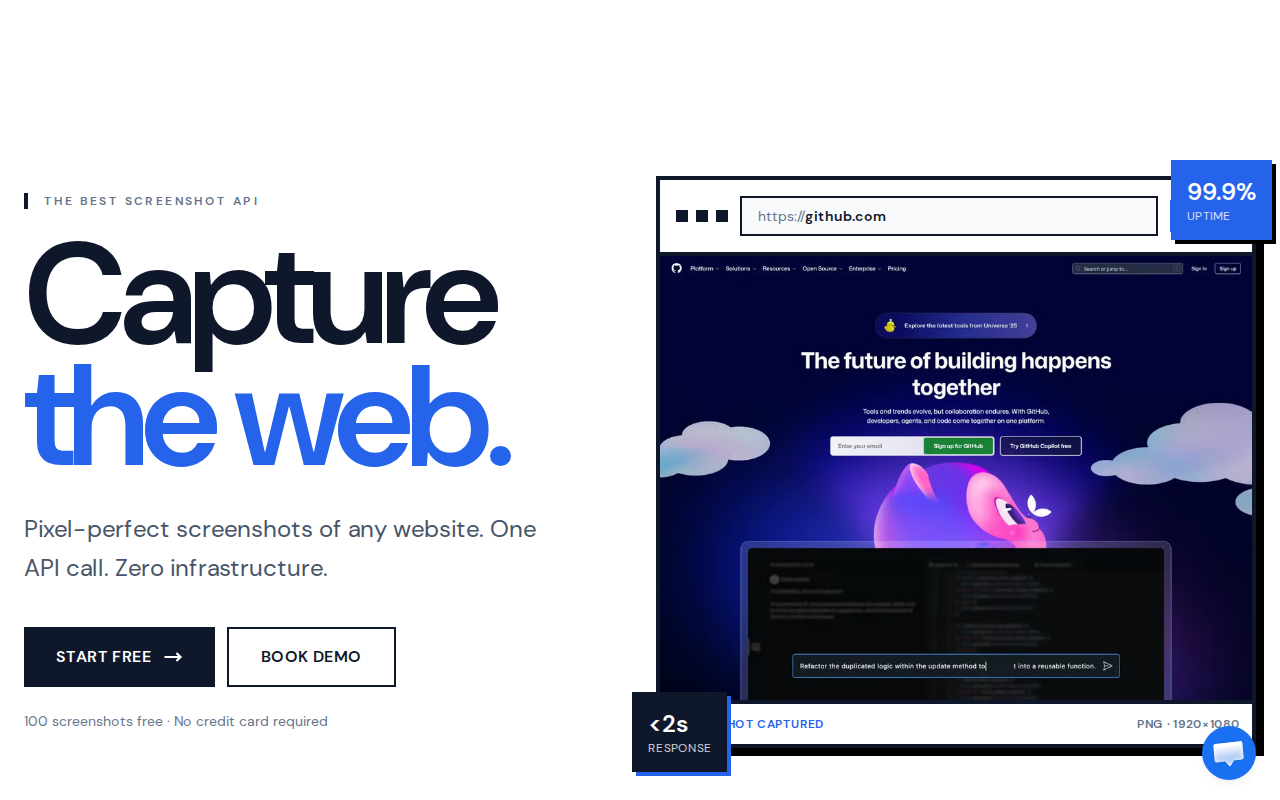
Inspect real outputs before switching.
Our format experiment compares encodings of this exact captured frame. Open the PNG, JPEG and enlarged text comparisons, then review the measurements and method.
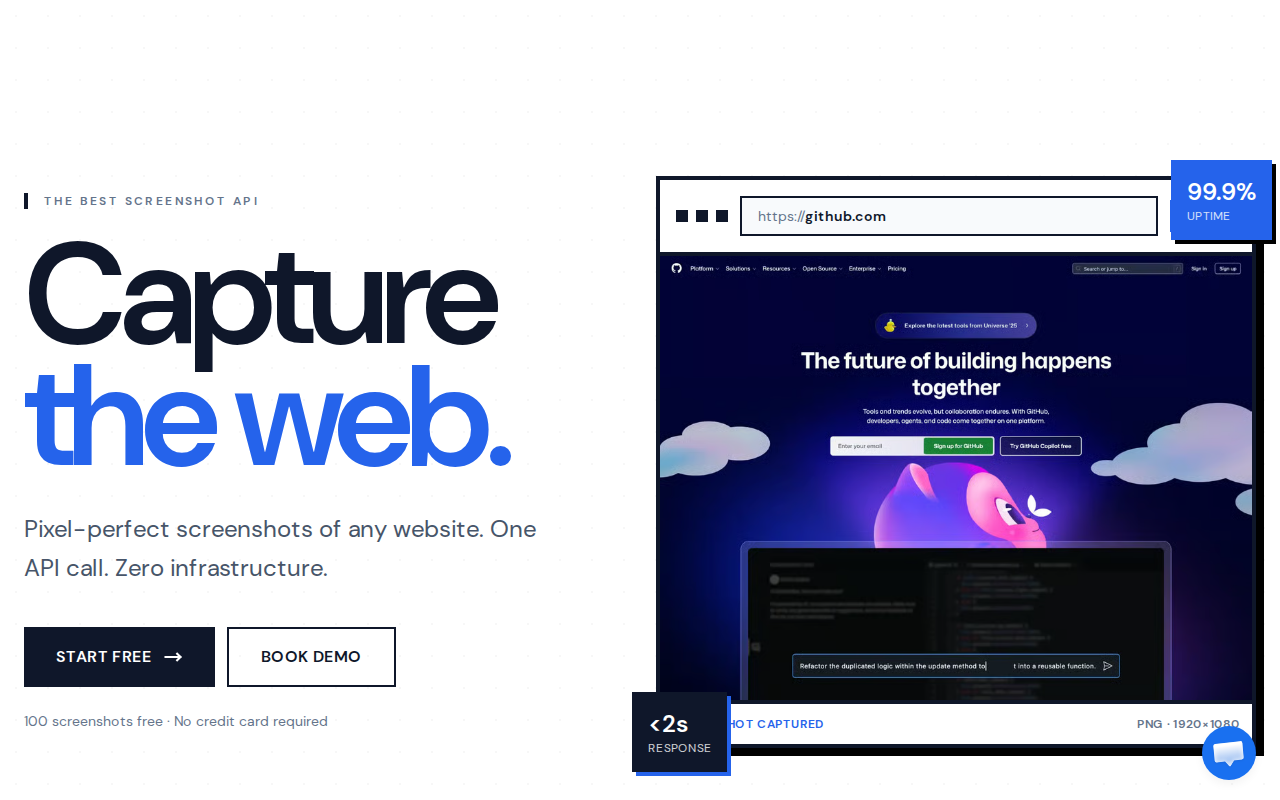
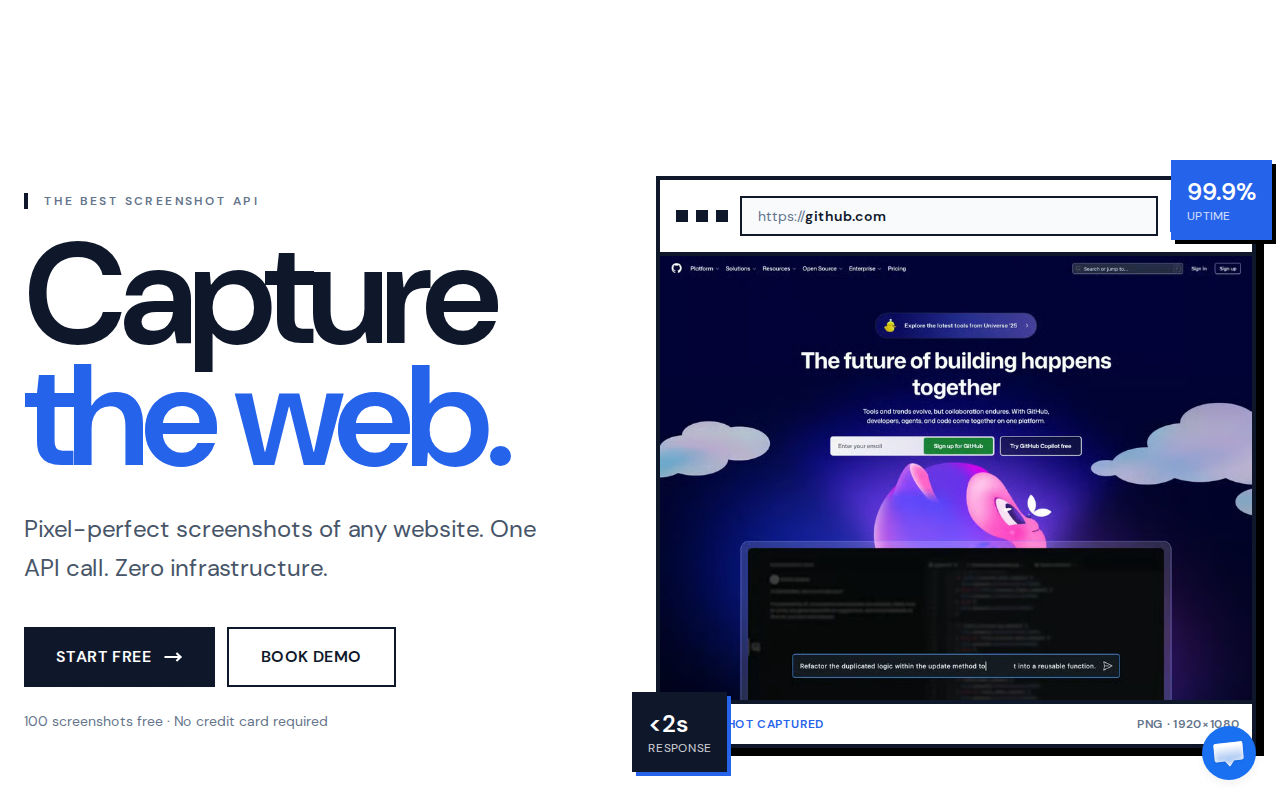
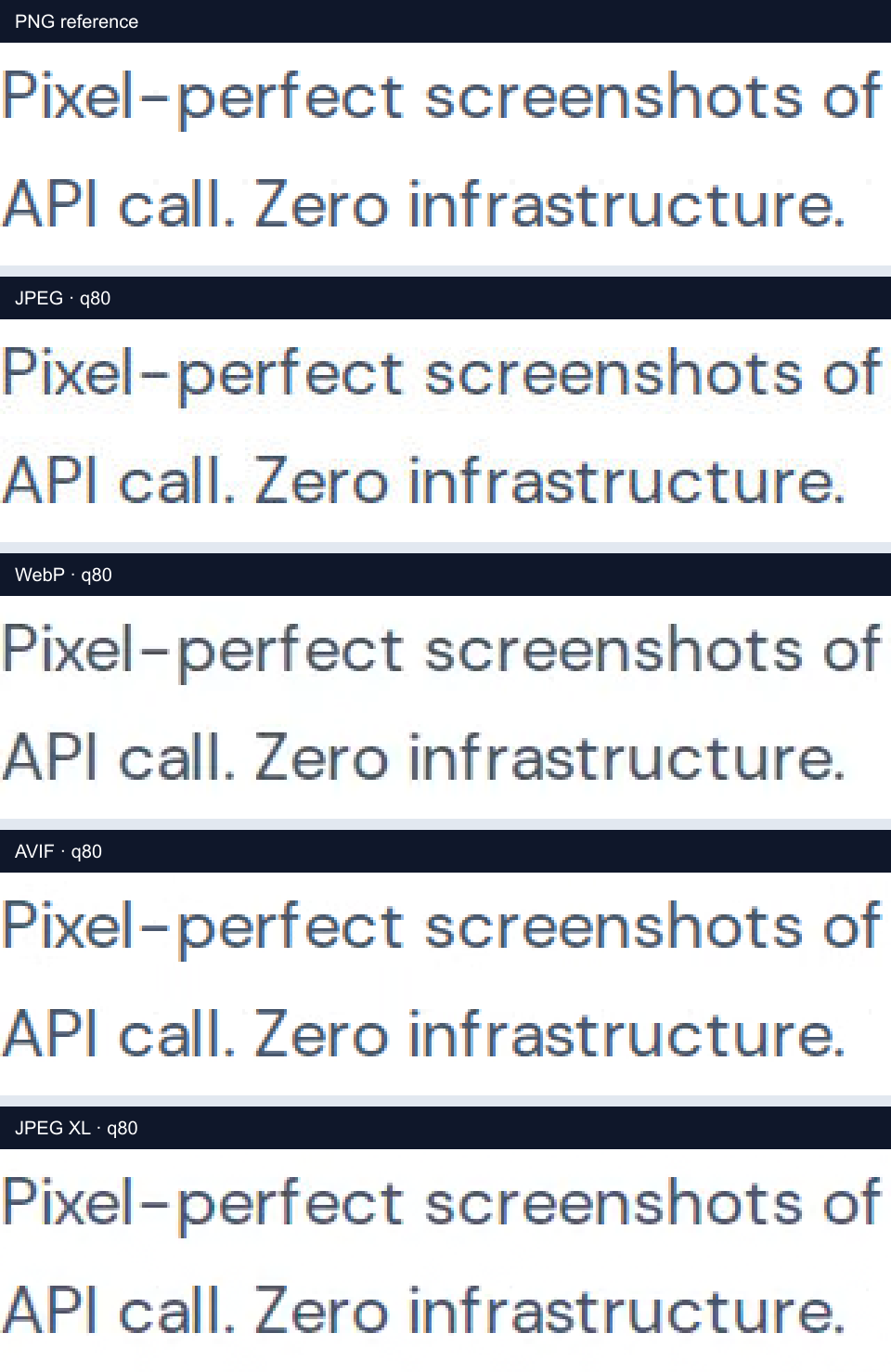
These are Allscreenshots outputs and encoding comparisons, not a measured rendering contest against ScreenshotOne. Compare your own representative URLs with both services before choosing; no competitor output or speed benchmark is claimed here.
- Check small text, lazy-loaded images, sticky headers and the bottom of a full-page image.
- Run a small batch within your plan's concurrency and rate limits before moving a production queue.
- Verify a failed capture and a repeated webhook so errors and retries do not duplicate downstream work.
Factual comparison
Compare the parts that decide day-to-day value.
Pricing and feature data below is based on public pages checked on October 8, 2026. Always confirm current limits before buying. Source: ScreenshotOne pricing.
| Area | Allscreenshots | ScreenshotOne | What it means |
|---|---|---|---|
| Free usage | 100 free lifetime screenshot credits | 100 free screenshots per month, according to ScreenshotOne’s pricing FAQ | Allscreenshots gives a one-time free allowance; ScreenshotOne describes a recurring monthly allowance. |
| Entry paid plan | Starter plan at $10/mo for 2,500 screenshots ($4.00 per 1,000 included captures) | Basic plan at $17/mo for 2,000 screenshots | Allscreenshots is both cheaper and larger at entry: $10 for 2,500 captures versus $17 for 2,000 screenshots. |
| Mid-market plan | Pro plan at $49/mo for 12,500 screenshots ($3.92 per 1,000 included captures) | Growth plan at $79/mo for 10,000 screenshots | Allscreenshots Pro includes 25% more monthly captures for $30 less per month. |
| High-volume plan | Business plan at $149/mo for 75,000 screenshots ($1.99 per 1,000 included captures) | Scale plan at $259/mo for 50,000 screenshots | Allscreenshots Business includes 50% more captures than ScreenshotOne Scale for $110 less per month. |
| Scale plan | Scale plan at $399/mo for 150,000 screenshots ($2.66 per 1,000 included captures) | Scale plan at $259/mo for 50,000 screenshots | Allscreenshots Scale publishes triple the included monthly capture volume, which is stronger for recurring monitoring and bulk queues. |
| Core screenshot features | Screenshot API plus successful-only billing on paid plans, scheduled screenshots, webhooks, async processing, bulk operations, ad and cookie blocking, geolocation, dark mode, and PDF export | Full-page screenshots, PDFs, ad and cookie blocking, HTML rendering, S3 uploads, webhooks, caching, and stealth mode | The core overlap is strong; Allscreenshots stands out when scheduling, monitoring, and webhook-driven workflows matter more than niche render options. |
Pricing calculator
Estimate your monthly screenshot bill.
Move the slider or type your expected monthly capture volume to compare Allscreenshots with ScreenshotOne.
ScreenshotOne publishes monthly screenshot plans with per-screenshot overage pricing. The estimate uses the lowest eligible public plan for the selected volume. Public pricing checked October 8, 2026.
Monthly volume
2,500 screenshots / month
Allscreenshots
Starter
$10/mo
Covers 2,500 screenshots
ScreenshotOne
Basic + overage
$21.50/mo
Covers 2,500 screenshots
Monthly savings
$11.50 saved per month
Switching from ScreenshotOne to Allscreenshots lowers the estimated subscription cost from $21.50/mo to $10/mo at this volume, resulting in savings of $11.50 per month.
Choose ScreenshotOne when
- You want ScreenshotOne-specific features such as signed links, GPU rendering, or video generation on higher tiers.
- You prefer a provider that states failed renders do not count against quota when the failure is due to HTTP, browser, or network errors.
- You already use ScreenshotOne integrations and want to keep that existing setup.
Choose Allscreenshots when
- You want lower cost per included capture across comparable public paid plans.
- You want higher published monthly quotas at Starter, Pro, Business, and Scale price points.
- You want scheduled screenshots, change monitoring, webhooks, geolocation, dark mode, direct upload, and bulk jobs in the same screenshot workflow.
FAQ
Questions about this screenshotone alternative.
Short answers for teams comparing providers before moving screenshot jobs.
Is Allscreenshots a ScreenshotOne alternative?
Yes. Allscreenshots is a screenshot API and automation platform that can replace ScreenshotOne for common website screenshot, PDF, webhook, bulk, and scheduled capture workflows.
Which is cheaper, ScreenshotOne or Allscreenshots?
Allscreenshots is cheaper across the comparable public tiers we checked. Starter is $10 for 2,500 captures versus ScreenshotOne Basic at $17 for 2,000 screenshots. Pro is $49 for 12,500 captures versus ScreenshotOne Growth at $79 for 10,000 screenshots.
Why choose Allscreenshots over ScreenshotOne?
Choose Allscreenshots when you want lower cost per included capture, higher monthly quotas, successful-only paid billing, scheduled screenshots, change monitoring, async and bulk capture, geolocation, dark mode, direct upload, and webhooks.
Next step
Try Allscreenshots on a real URL.
Start with free screenshots, then scale into API capture, scheduled monitoring, and webhook-driven screenshot workflows.