urlbox alternative
Urlbox alternative for website screenshots
Compare hosted screenshot APIs by target website, output, volume and support. Allscreenshots starts at $10 per month for 2,500 captures with scheduled monitoring; Urlbox offers distinct render tiers and enterprise options.
Quick read
Match the API to your workflow
Compare capture settings, recurring cost and the features your workflow needs.
Allscreenshots
- 100 free lifetime screenshot credits
- Paid plans from $10/mo with successful-only billing
- 12,500 captures on Pro and 75,000 on Business
- Full-page screenshots, PDFs, dark mode, and geolocation
- Scheduled screenshots and visual change monitoring
- Bulk and async processing with webhooks
Urlbox
Urlbox offers multiple render tiers, including Lo-Fi, Hi-Fi, Ultra, Business, and Enterprise. Its pricing page lists support for full-page screenshots, ad and cookie blocking, element screenshots, JavaScript rendering, URL and HTML outputs, PDF, markdown extraction, Open Graph metadata, custom data extraction, storage integrations, and enterprise SLAs.
Public pricing checked October 8, 2026
Try the migration
Start with the same capture settings.
Match the target URL, viewport, page extent and image format before comparing outputs. A change in defaults can look like a difference in rendering quality. Keep API keys on your server.
| Setting | Urlbox | Allscreenshots |
|---|---|---|
| Full page | full_page | fullPage |
| Viewport | width / height | viewport: { width, height } |
| Image format | format: png | format: png |
Option names checked October 8, 2026 against Urlbox's options reference. Check delay units, response handling, storage retention and webhook payloads separately; they are not interchangeable contracts.
curl --fail-with-body -X POST 'https://api.allscreenshots.com/v1/screenshots' \
  -H "X-API-Key: $SCREENSHOT_API_KEY" \
  -H 'Content-Type: application/json' \
  -d '{
    "url": "https://allscreenshots.com",
    "viewport": { "width": 1280, "height": 800 },
    "format": "png", "fullPage": false,
    "delay": 1500, "blockAds": true, "blockCookieBanners": true
  }' -o homepage.png
This request returns image bytes. To receive JSON with a hosted URL, add responseType: "url" and read storageUrl. See the screenshot API reference and authentication setup.
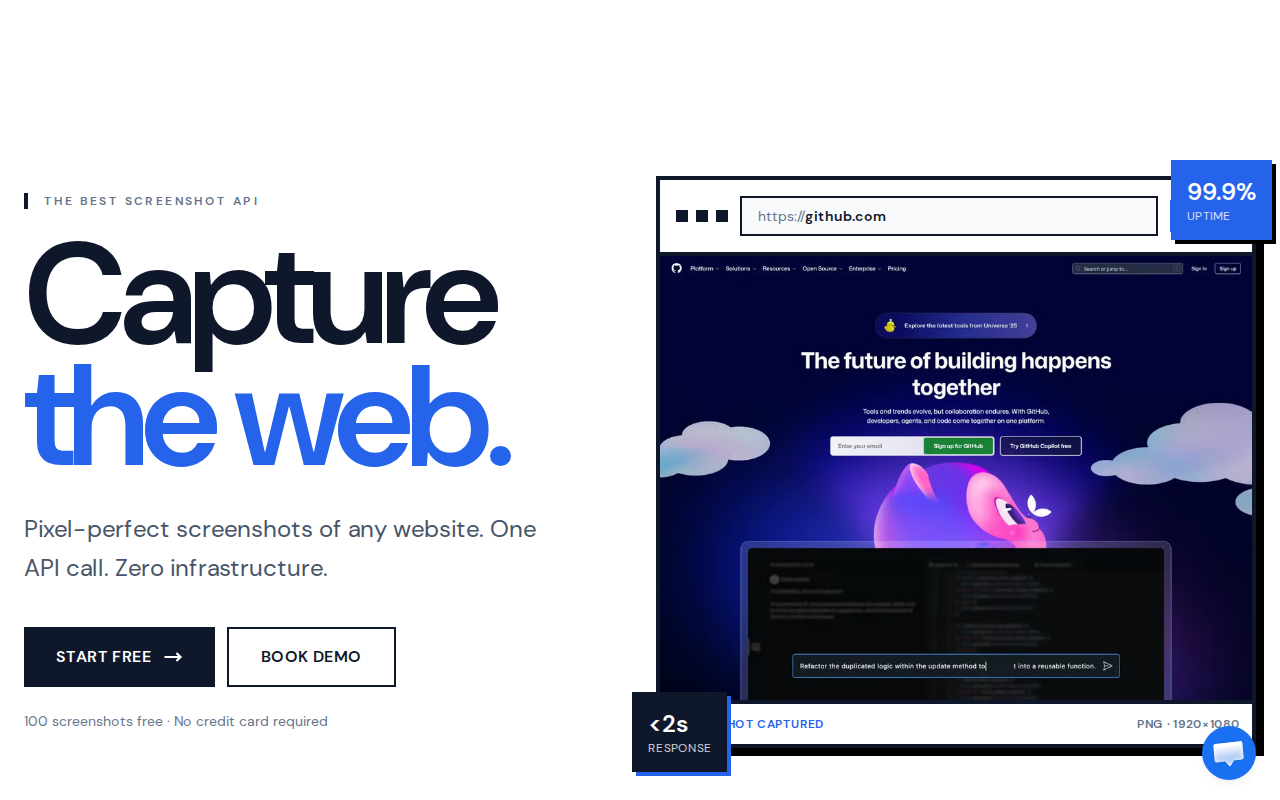
Inspect real outputs before switching.
Our format experiment compares encodings of this exact captured frame. Open the PNG, JPEG and enlarged text comparisons, then review the measurements and method.
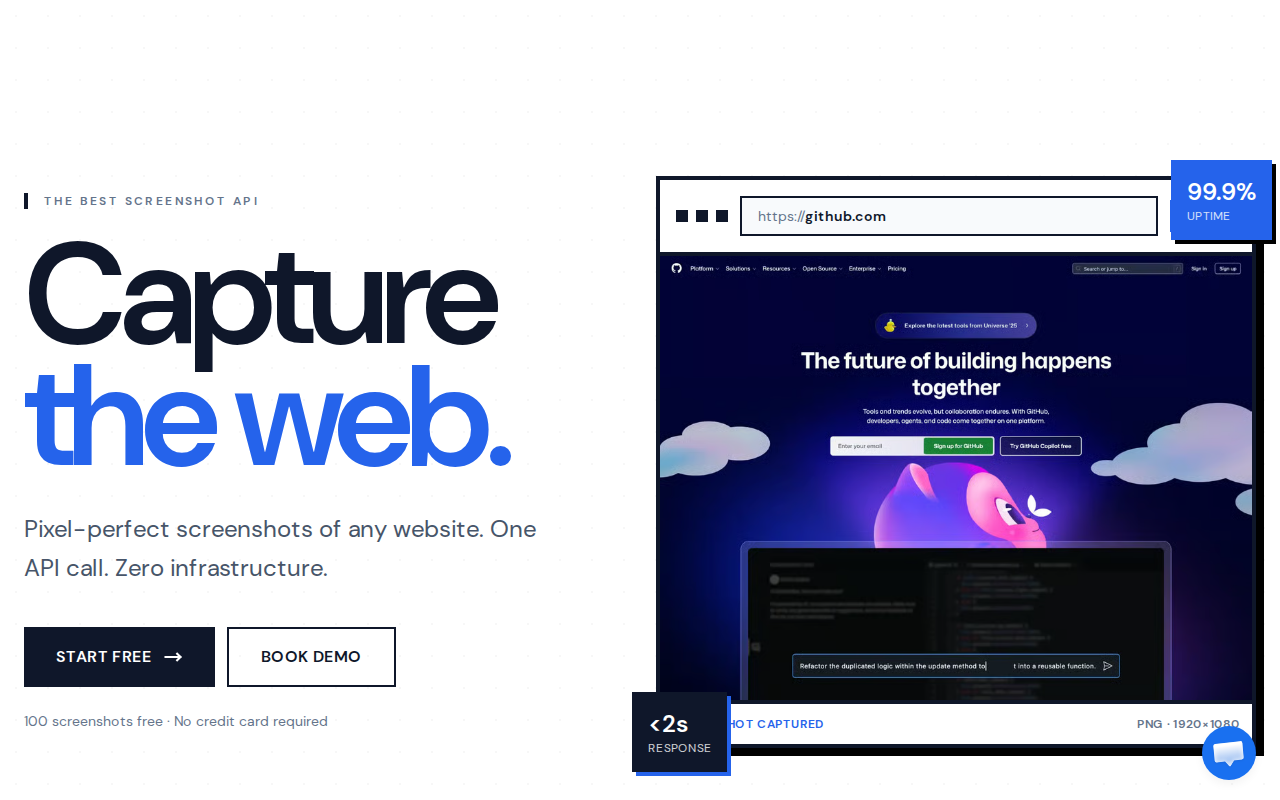
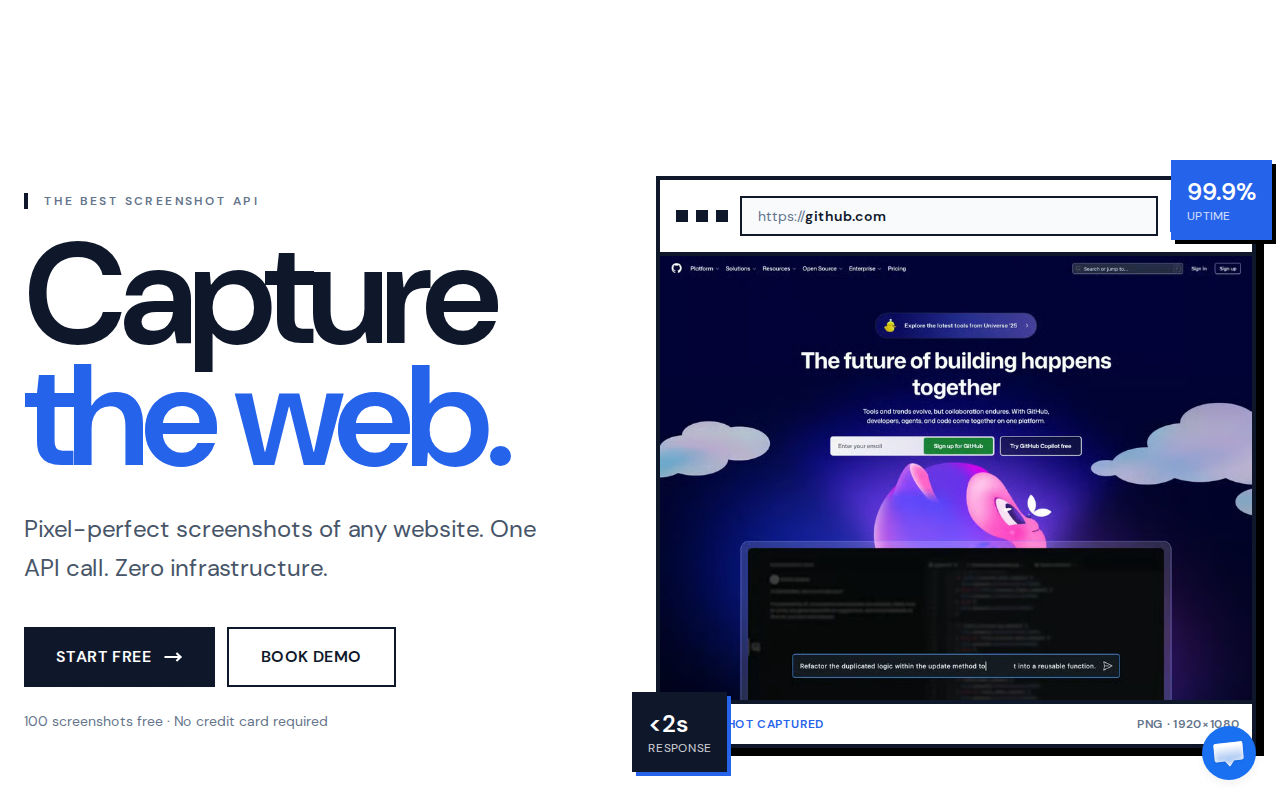
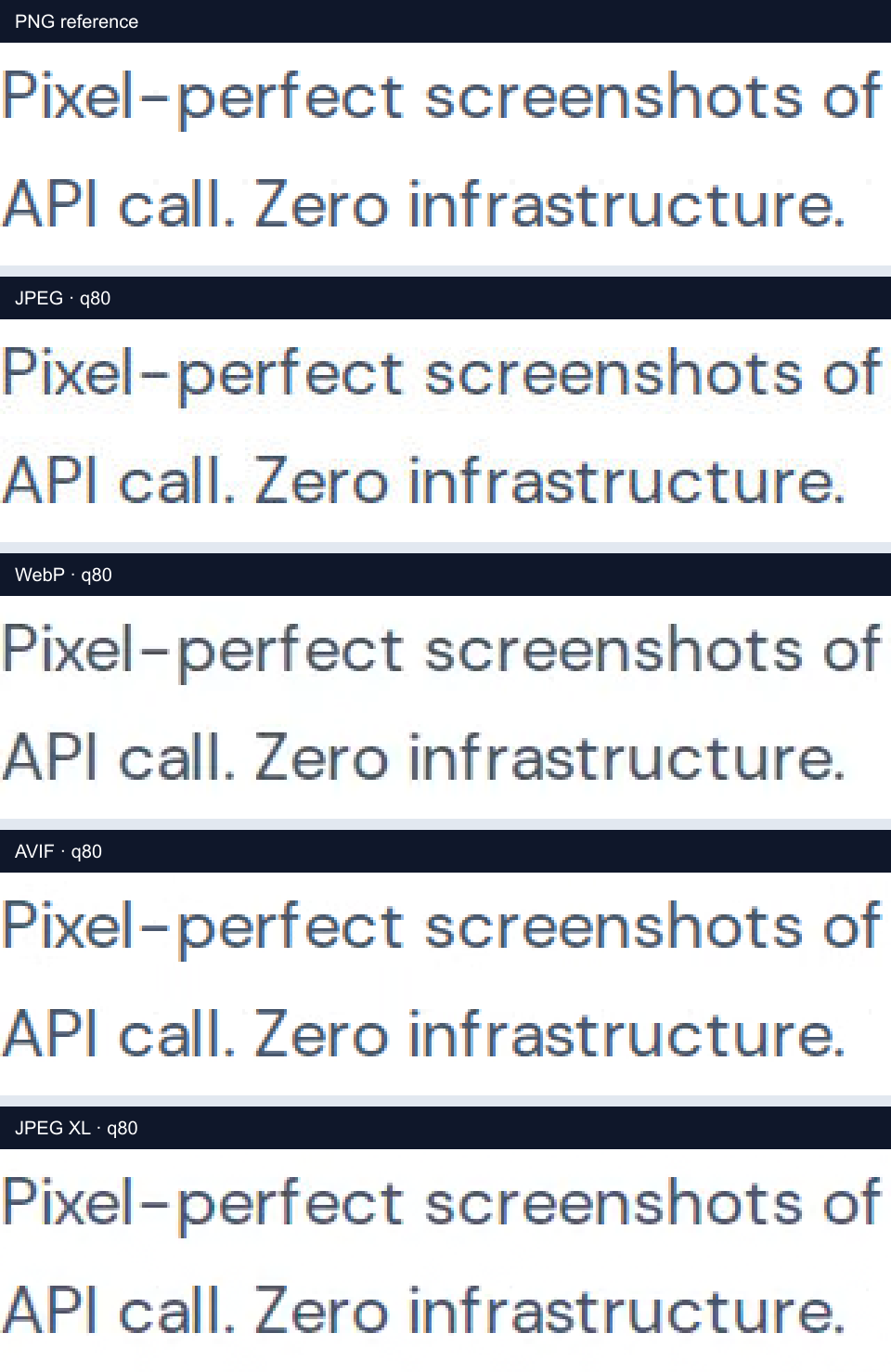
These are Allscreenshots outputs and encoding comparisons, not a measured rendering contest against Urlbox. Compare your own representative URLs with both services before choosing; no competitor output or speed benchmark is claimed here.
- Check small text, lazy-loaded images, sticky headers and the bottom of a full-page image.
- Run a small batch within your plan's concurrency and rate limits before moving a production queue.
- Verify a failed capture and a repeated webhook so errors and retries do not duplicate downstream work.
Factual comparison
Compare the parts that decide day-to-day value.
Pricing and feature data below is based on public pages checked on October 8, 2026. Always confirm current limits before buying. Source: Urlbox pricing.
| Area | Allscreenshots | Urlbox | What it means |
|---|---|---|---|
| Entry paid plan | Starter plan at $10/mo for 2,500 screenshots ($4.00 per 1,000 included captures) | Lo-Fi: $19/mo for 2,000 renders of websites you own; Hi-Fi: $49/mo for 5,000 renders with broader third-party capture | Compare the tier that supports your target websites. Lo-Fi limits third-party websites to thumbnails; Hi-Fi is the relevant starting tier for many third-party capture jobs. |
| Pro-level plan | Pro plan at $49/mo for 12,500 screenshots ($3.92 per 1,000 included captures) | Hi-Fi at $49/mo for up to 5,000 renders; Ultra at $99/mo for up to 15,000 renders | At the same $49 price point, Allscreenshots Pro includes 12,500 captures versus Urlbox Hi-Fi's 5,000 renders. |
| Request limits | Starter 50/min, Pro 100/min, Business 200/min, Scale 400/min | Lo-Fi 30/min, Hi-Fi 60/min, Ultra 250/min, Business 1,000/min, Enterprise no limit | Urlbox publishes higher limits on Business and Enterprise; Allscreenshots publishes stronger limits than Urlbox Lo-Fi and Hi-Fi at lower public tiers. |
| Output coverage | Website screenshots, full-page capture, PDF export, dark mode, custom viewports, and screenshot composition | URL/HTML to PNG, JPEG, WebP, PDF, SVG conversion, markdown, Open Graph metadata, data extraction, hydrated HTML, video, and animated screenshots across tiers | Urlbox advertises a wider listed output surface; Allscreenshots is clearer when the job is screenshot capture, scheduling, and monitoring. |
| Automation workflow | Screenshot API plus successful-only billing on paid plans, scheduled screenshots, webhooks, async processing, bulk operations, ad and cookie blocking, geolocation, dark mode, and PDF export | Synchronous and async render APIs, render links, Zapier, webhooks, and storage integrations | Both support automation, but Allscreenshots makes recurring screenshots and visual change workflows a first-class part of the product. |
| Support model | Email and chat on paid plans, priority support on higher plans | Email, email/chat, dedicated support, and Slack on higher tiers | Urlbox publishes more enterprise support detail; Allscreenshots keeps support simpler and tied to screenshot plan level. |
Pricing calculator
Estimate your monthly screenshot bill.
Move the slider or type your expected monthly capture volume to compare Allscreenshots with Urlbox.
This recurring estimate starts at Hi-Fi for third-party website captures. Lo-Fi is intended for websites you own and only thumbnail-quality third-party captures. Business uses a $495 base plus $3 per 1,000 renders. VAT, feature multipliers and annual discounts are excluded. Public pricing checked October 8, 2026.
Monthly volume
2,500 screenshots / month
Allscreenshots
Starter
$10/mo
Covers 2,500 screenshots
Urlbox
Hi-Fi
$49/mo
Covers 5,000 renders
Monthly savings
$39 saved per month
Switching from Urlbox to Allscreenshots lowers the estimated subscription cost from $49/mo to $10/mo at this volume, resulting in savings of $39 per month.
Choose Urlbox when
- You want Urlbox's explicit Lo-Fi, Hi-Fi, Ultra, Business, and Enterprise render tiers.
- You need Urlbox-specific enterprise options such as dedicated clusters, on-premises support, or bespoke contracts.
- You want a platform that also advertises extraction features such as markdown, Open Graph metadata, and custom data extraction on its pricing page.
Choose Allscreenshots when
- You want a lower public entry price and lower cost per included capture than Urlbox's screenshot API tiers.
- You want successful-only paid billing with clear monthly screenshot quotas.
- You need recurring screenshot monitoring and change detection without assembling a separate scheduler.
- You prefer screenshot-based plans with API capture, async jobs, bulk capture, webhooks, geolocation, dark mode, and direct upload in one product.
FAQ
Questions about this urlbox alternative.
Short answers for teams comparing providers before moving screenshot jobs.
Is Allscreenshots a Urlbox alternative?
Yes. Allscreenshots can replace Urlbox for common screenshot API workflows such as full-page capture, PDF export, async capture, webhooks, storage upload, and scheduled website monitoring.
How is Allscreenshots different from Urlbox?
Urlbox uses render tiers and advertises a broad output and extraction surface. Allscreenshots focuses more tightly on screenshot automation, scheduled captures, change monitoring, successful-only paid billing, and screenshot-based pricing with stronger included volume at common public price points.
When should I choose Urlbox instead?
Urlbox may fit better when you specifically need its Lo-Fi, Hi-Fi, or Ultra tier model, or enterprise capabilities such as dedicated clusters, on-premises options, or detailed SLA support.
Next step
Try Allscreenshots on a real URL.
Start with free screenshots, then scale into API capture, scheduled monitoring, and webhook-driven screenshot workflows.