Screenshot Notion with an API
Capture Notion’s marketing pages and public pages with one API call. No browser to run.
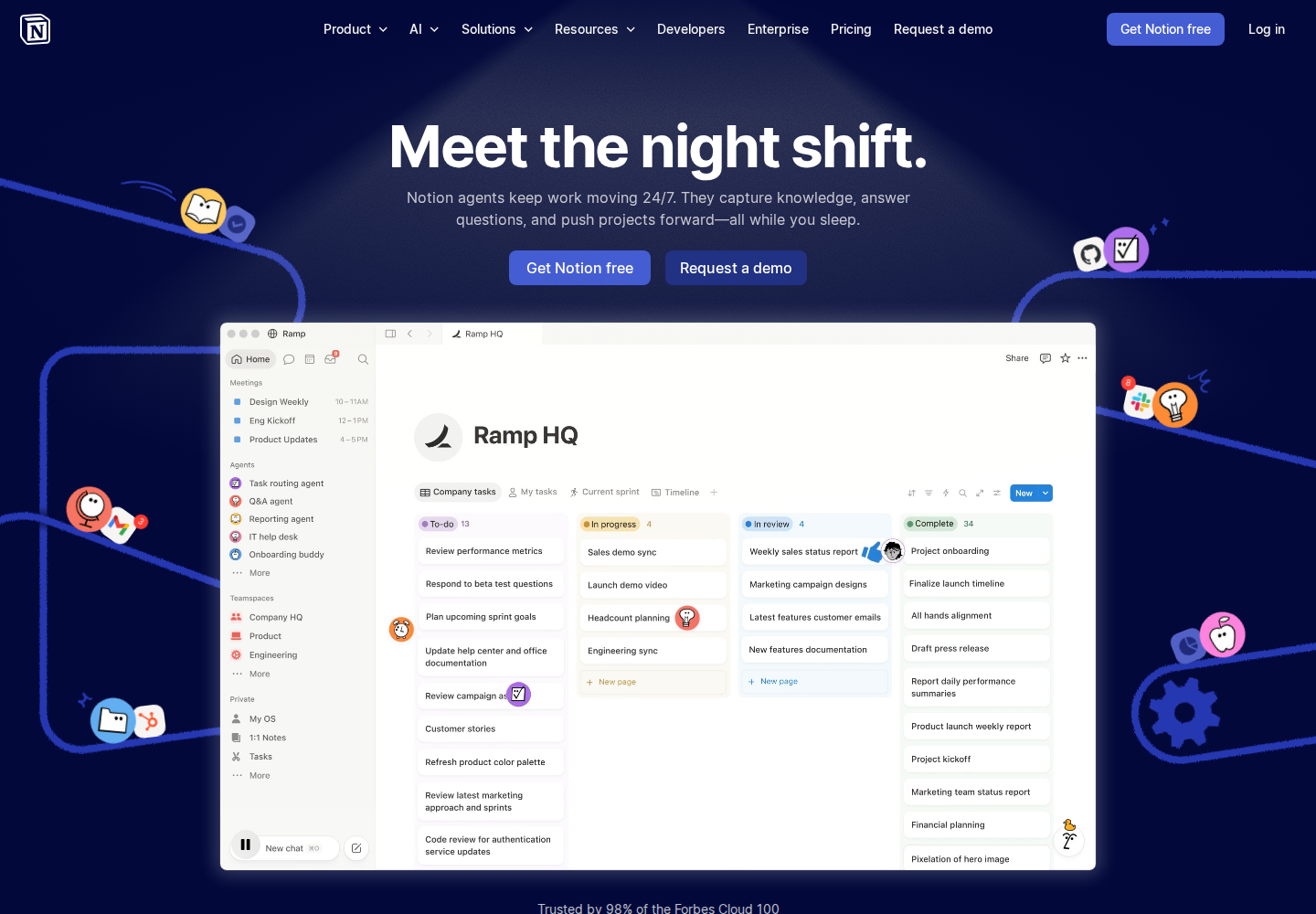
100 screenshots free · No credit card required
What makes Notion hard to capture
Notion renders without stealth mode, but its pages are JavaScript-heavy and load content as they settle. waitUntil networkidle plus a short delay lets everything render before capture.
- Heavy JavaScript
- Lazy loading
- Cookie banner
The request that works
curl -X POST https://api.allscreenshots.com/v1/screenshots \
  -H "X-API-Key: $ALLSCREENSHOTS_API_KEY" \
  -H "Content-Type: application/json" \
  -d '{
    "url": "https://www.notion.com",
    "blockCookieBanners": true,
    "viewport": {
      "width": 1440,
      "height": 1000
    },
    "waitUntil": "networkidle",
    "delay": 3000
  }' \
  --output screenshot.png
FAQ
Can you screenshot Notion with an API?
Yes. Send a notion.com or public Notion page URL to the Allscreenshots API and you get back a PNG of the rendered page — no browser to run.
How do I capture a JavaScript-heavy Notion page fully?
Use waitUntil networkidle with a short delay so the page finishes rendering before capture. Add fullPage: true for the whole page.
Do I need stealth mode for Notion?
No. Notion pages render with a standard capture, so stealth mode is not needed — and they count toward the 100 free lifetime screenshot credits.
Can I screenshot a published Notion page?
Yes. Point the url at any publicly shared Notion page and capture it like any other URL.
Screenshot other sites
See all screenshot guides →Capture Notion.
And everything else.
Start with 100 free lifetime screenshot credits. No credit card required.
Get started free