Screenshot Wikipedia with an API
Capture any Wikipedia article, including full-page captures of very long ones, with one API call.
100 screenshots free · No credit card required
What makes Wikipedia hard to capture
Wikipedia is one of the easiest sites to capture — no bot wall, no cookie banner. The only thing to plan for is length: articles can run very long, so use full-page capture, optionally with maxHeight, to control how much of the page you get.
- Very long pages
- Tables of contents
The request that works
curl -X POST https://api.allscreenshots.com/v1/screenshots \
  -H "X-API-Key: $ALLSCREENSHOTS_API_KEY" \
  -H "Content-Type: application/json" \
  -d '{
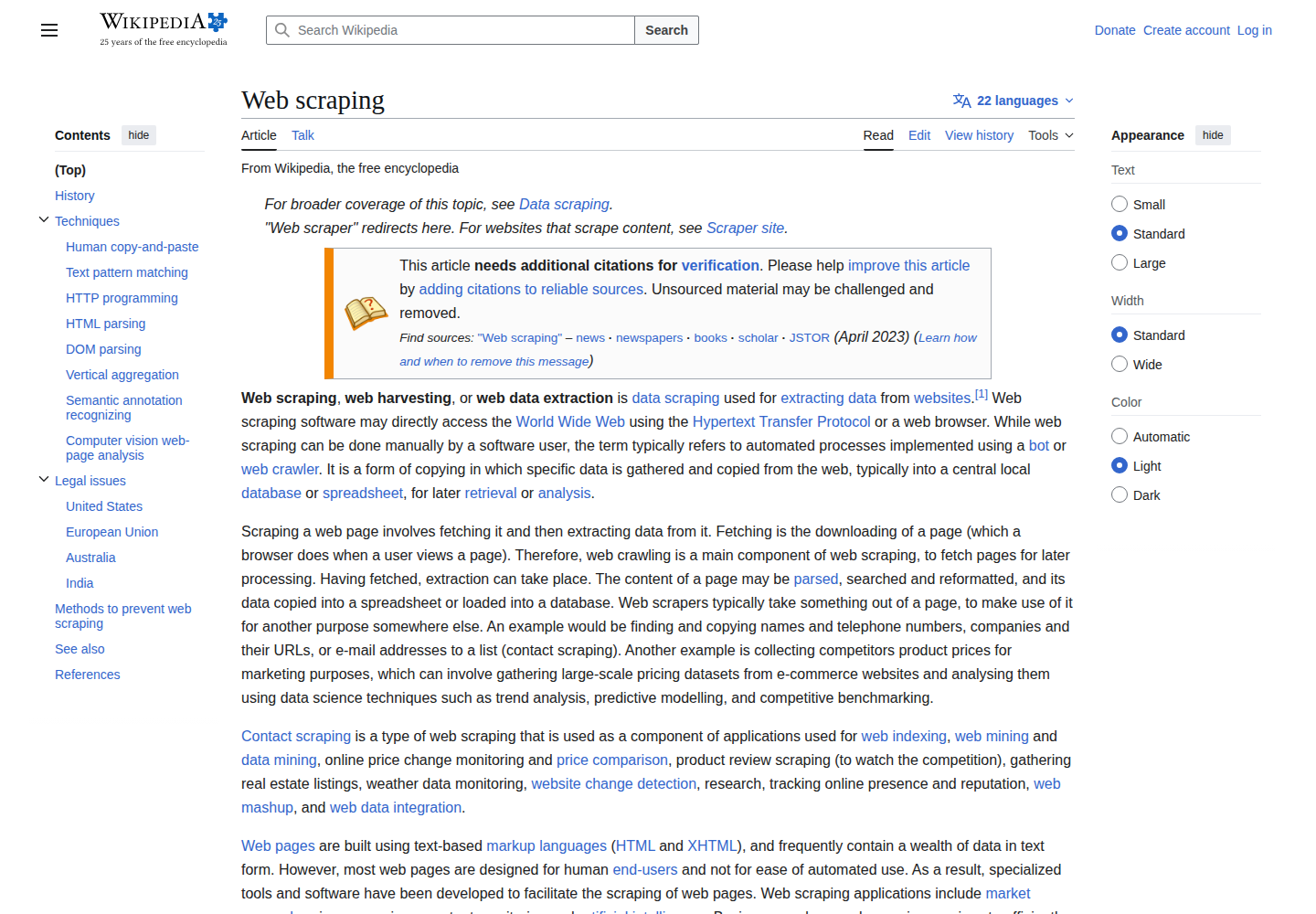
    "url": "https://en.wikipedia.org/wiki/Web_scraping",
    "viewport": {
      "width": 1440,
      "height": 1000
    },
    "waitUntil": "domcontentloaded",
    "delay": 1000
  }' \
  --output screenshot.png
FAQ
Can you screenshot Wikipedia with an API?
Yes. Send any Wikipedia article URL to the Allscreenshots API and you get back a PNG of the rendered page — no browser to run.
How do I capture a full Wikipedia article?
Add fullPage: true and the API scrolls the whole article and stitches it into one tall image. Use maxHeight to cap how tall the capture gets on very long articles.
Do I need stealth mode for Wikipedia?
No. Wikipedia has no bot wall, so a standard capture works and counts toward the 100 free lifetime screenshot credits.
Can I capture Wikipedia in another language?
Yes. Point the url at the language edition you want, such as the de.wikipedia.org or ja.wikipedia.org version of an article.
Screenshot other sites
See all screenshot guides →Capture Wikipedia.
And everything else.
Start with 100 free lifetime screenshot credits. No credit card required.
Get started free