Floating player
A video player on top of the content
Kotaku's video player floats over the Latest column and hides some of the headlines. On the right it's gone and you can read them.
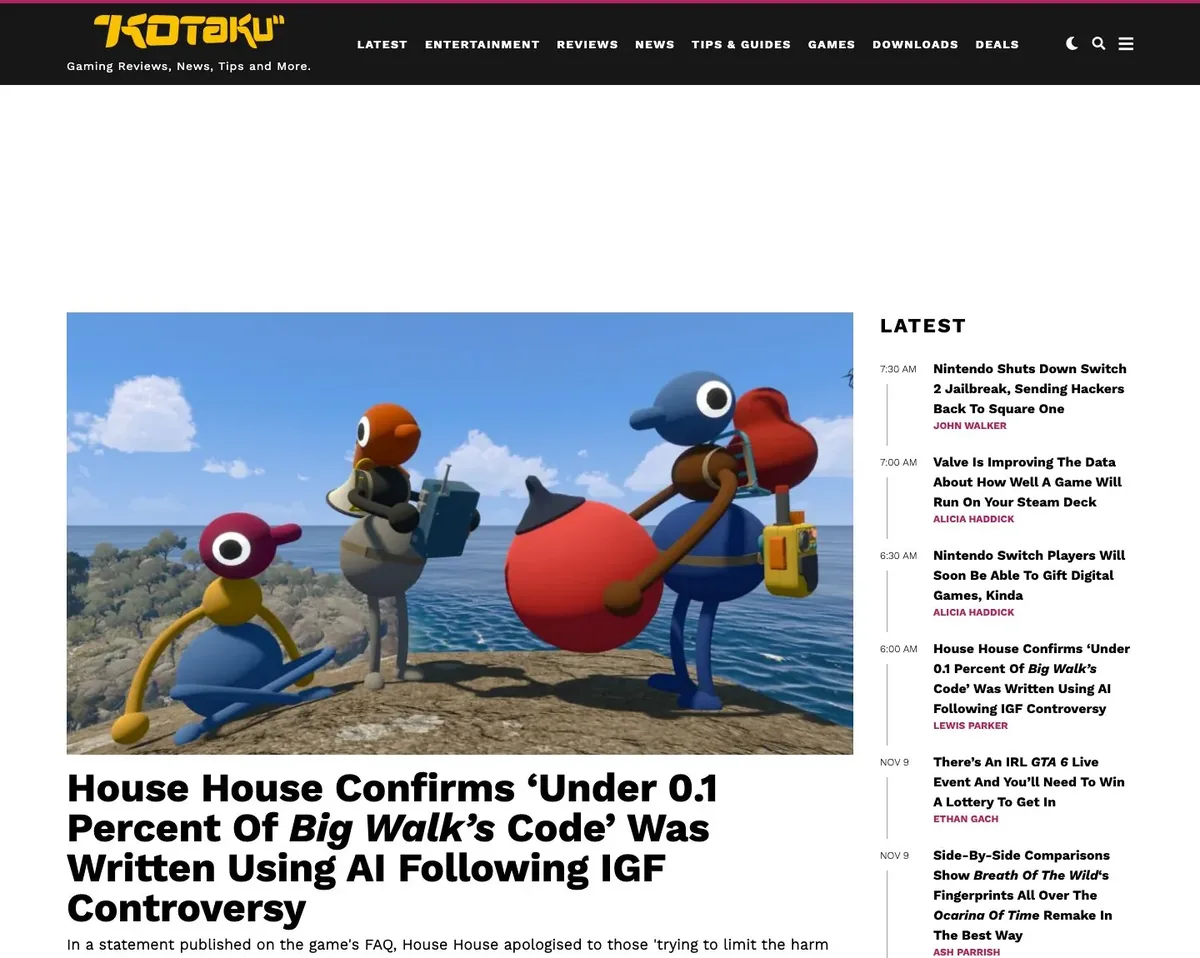
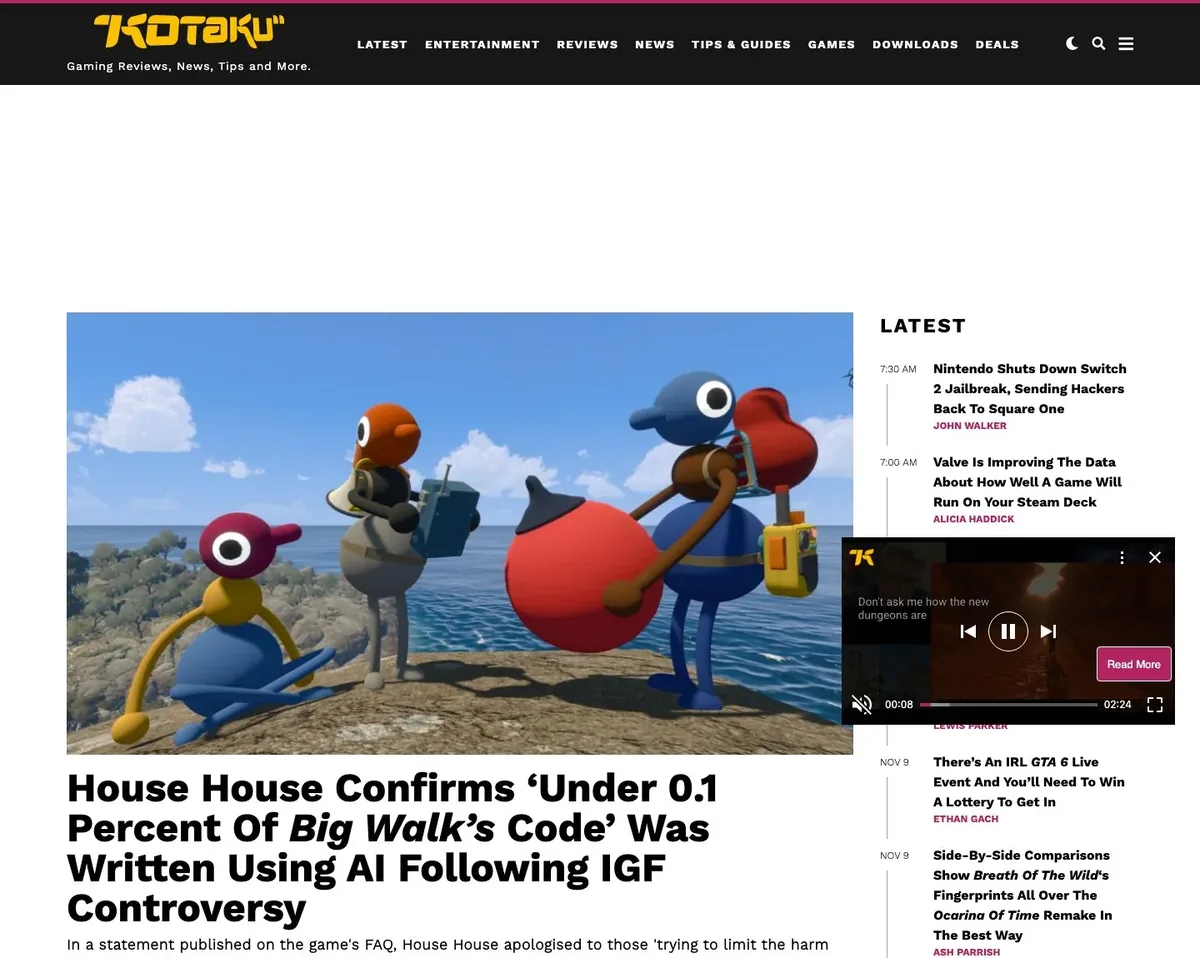 BeforeWith AI cleanup
Some pages still come out wrong after ad and popup blocking. Add aiCleanup: true to the request and the leftover popups, repeated sticky bars and empty ad boxes are removed. Below are six pages we captured both ways.
25 AI cleanup checks a month on the Free plan. No credit card.
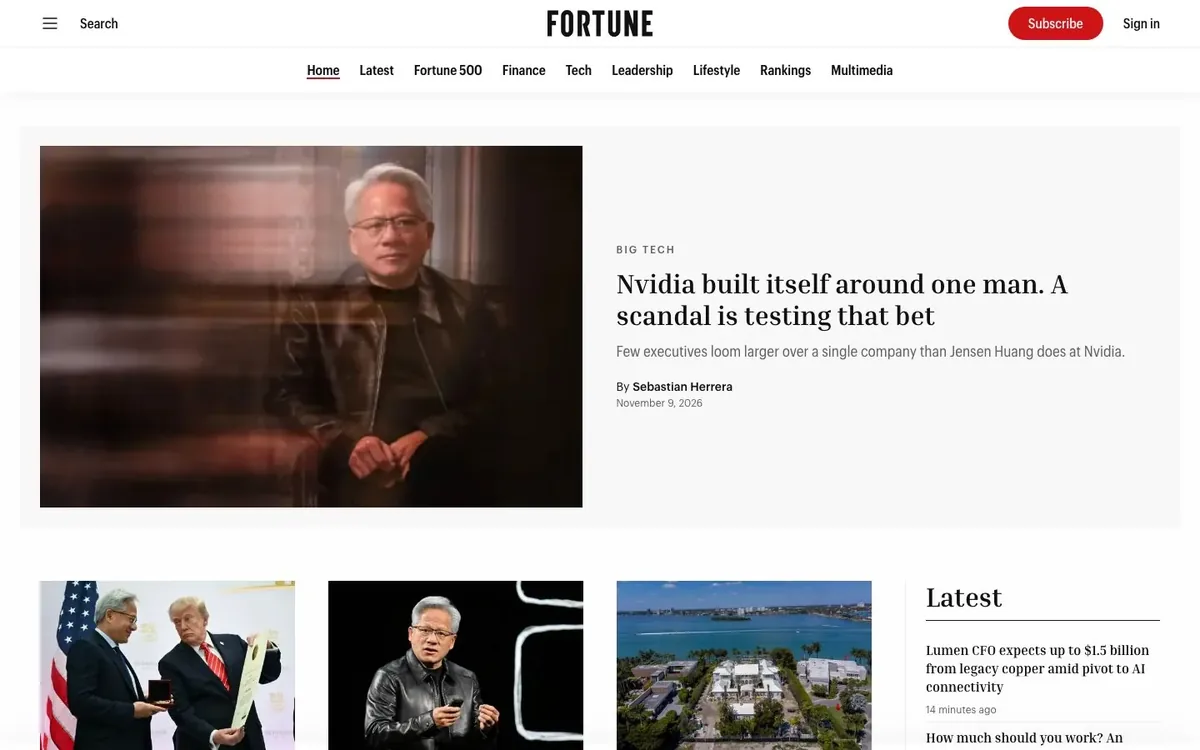
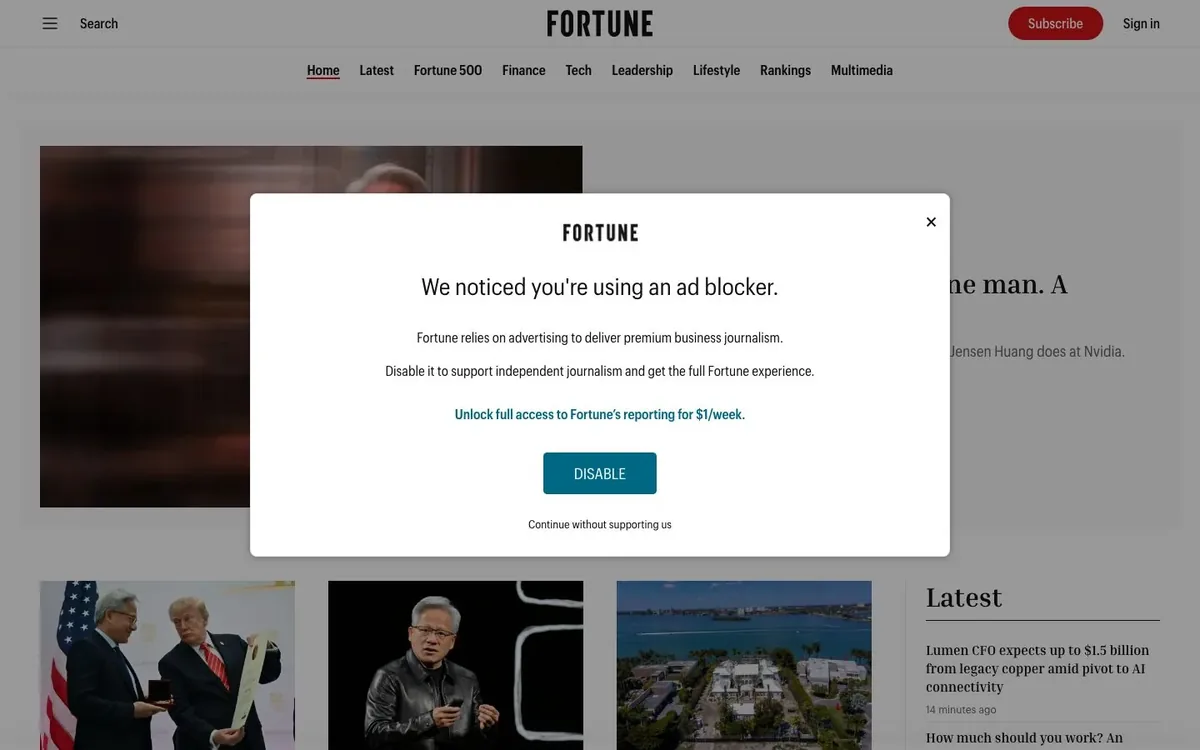 BeforeWith AI cleanup
Drag the handle. Same page, same request, with and without aiCleanup.
We captured each page twice with the same request, once with aiCleanup: true and once without.
Kotaku's video player floats over the Latest column and hides some of the headlines. On the right it's gone and you can read them.
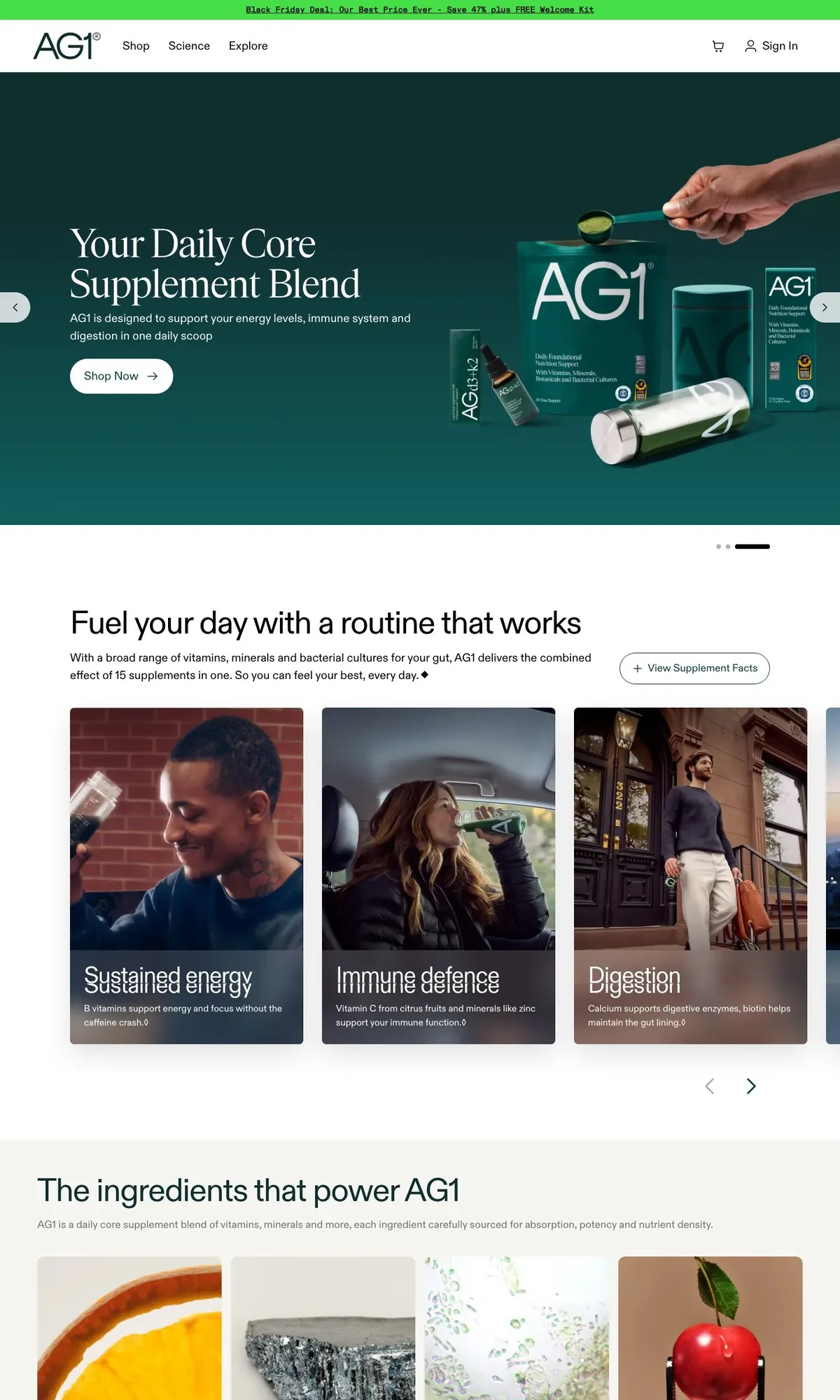
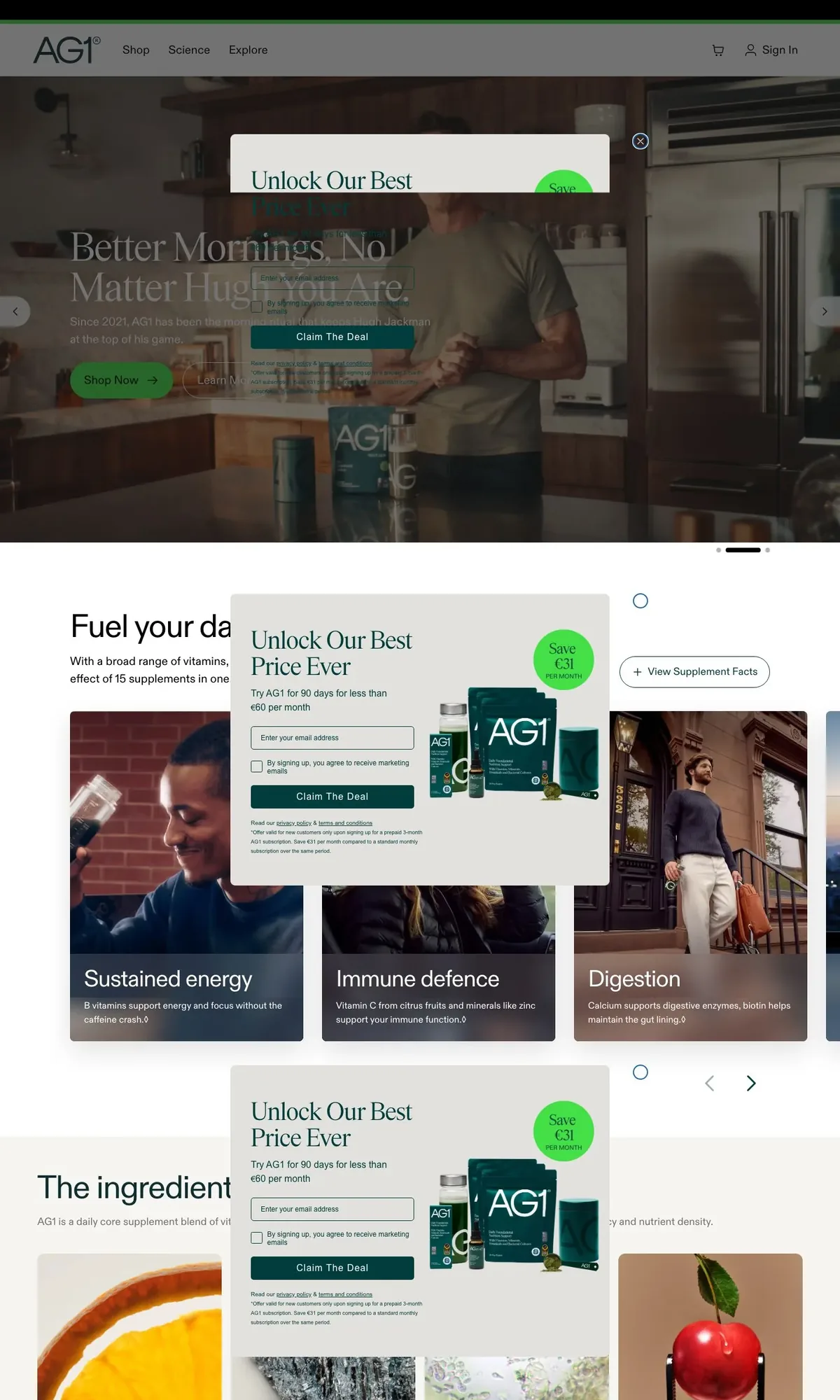
BeforeWith AI cleanupAG1's discount popup stays on screen while the page scrolls, so a full-page capture has a copy over every section. All of them are removed.
 BeforeWith AI cleanup
Sticky elements do the most damage on long pages. Each pair scrolls together.
The navigation bar follows the scroll and lands on top of the content again and again. We didn't want to delete a site's header, so it's kept once, at the top.


Reformation has a sticky search bar that leaves grey strips across the product photos. The photos on the right are whole.


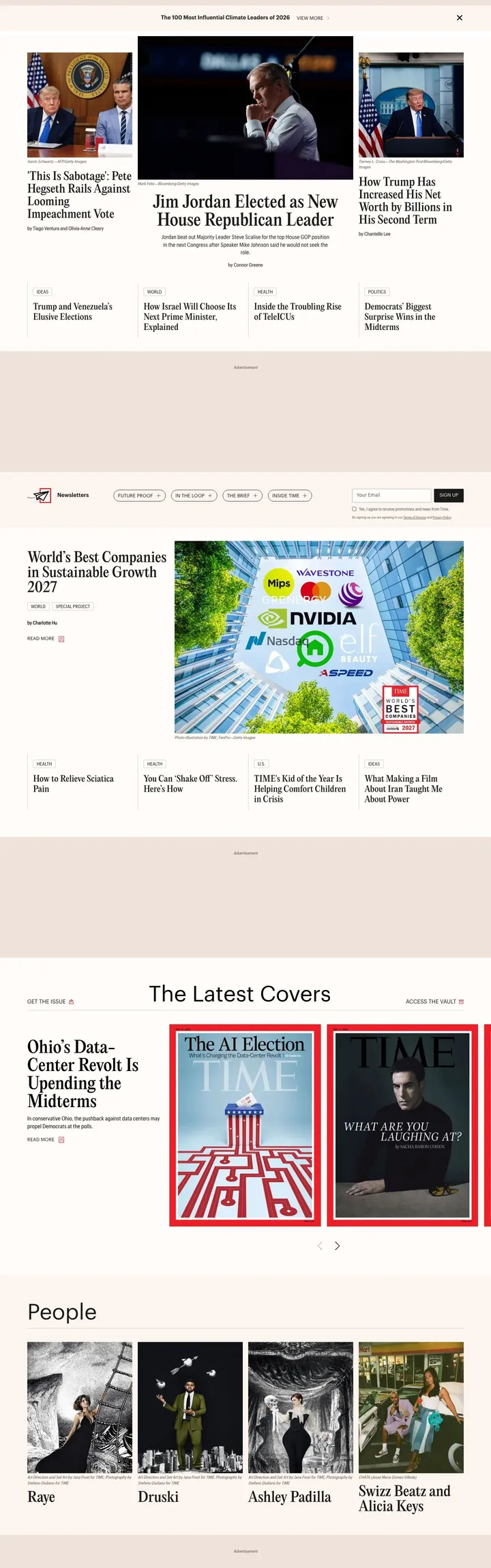
Time's homepage keeps a tall blank box wherever an ad was blocked. Once those close up, the same height of page shows a lot more of the homepage.

How AI cleanup compares with the default blocking and with writing your own hideSelectors.
| Comparison | Default blocking | Your own hideSelectors | AI cleanup |
|---|---|---|---|
| Setup | None. On by default | Find and maintain selectors for each site | One option: aiCleanup: true |
| Cookie banners and common ads | Handled | If you write a selector | Handled. Runs on top of blocking |
| Popups on sites you have never seen | Common patterns | Not until you add a selector | Usually handled |
| Sticky elements repeated down a full page | Common cases | If you write a selector | Usually handled. A header is kept once |
| Empty boxes left after ads are blocked | Can remain | If you write a selector | Removed |
| When a site redesigns | Nothing to update | Selectors break | Nothing to update |
| Added time | None | None | About 5 s on a clean page, 10–20 s when something is fixed |
| Usage | Every capture | Every capture | Monthly allowance on every plan |
It misses things sometimes. When it can't safely fix a page you get the normal capture back, and the response header says so.
It's one field on the screenshot request. There are no selectors to write.
curl -X POST https://api.allscreenshots.com/v1/screenshots \
  -H "X-API-Key: YOUR_API_KEY" \
  -H "Content-Type: application/json" \
  -d '{
    "url": "https://example.com/article",
    "fullPage": true,
    "aiCleanup": true
  }' \
--output capture.webpX-AI-Cleanup: repaired; issues=2; removed=3The X-AI-Cleanup header carries one of these outcomes. Turning the option on can't make a capture fail. If something goes wrong you get the normal capture back.
Blocking is on by default and runs on every capture. AI cleanup is something you switch on for the pages where blocking wasn't enough, like a popup on a site we've never seen or a sticky bar repeated down a full-page capture.
It can, though we've worked to make that rare. Article images, product photos, in-page videos and navigation that appears once are left in place. If a fix would damage the page, we return the original capture and report the outcome as rejected.
About 5 seconds on a page that turns out to be clean, and about 10–20 seconds when something is fixed. Raise the timeout if you capture very long pages.
Nothing extra. Every plan has a monthly number of checks: 25 on Free, 250 on Starter, 1,500 on Pro, 10,000 on Business, 25,000 on Scale and unlimited on Enterprise. You use a check when a capture has been looked at, even if nothing was removed. A check also counts as a normal screenshot, and cached results are free.
The response has an X-AI-Cleanup header, for example "repaired; issues=2; removed=3". Async jobs return the same value in metadata.aiCleanup.
On sync and async screenshots, viewport or full page, in the dashboard Playground and through the MCP server. You can't combine it with stealth mode, PDF output, element capture with a selector, or multiple outputs. Bulk, scheduled and composed captures don't have it yet.
No. If the page is a bot check or an error page, the outcome is blocked. Stealth mode is the tool for bot checks.
With aiCleanup on, the capture and basic page structure are sent to our AI provider, Anthropic. Nothing is sent when aiCleanup is off.
You probably have a URL that never comes out right. Switch on AI cleanup in the Playground and capture that one first. The Free plan has 25 checks a month.