PNG, JPEG, WebP, AVIF or JPEG XL: which format should a screenshot use?
Erik LindqvistOct 6, 20266 min read
Find out how easy it is to capture and share pixel-perfect screenshots at scale using Allscreenshots. Sign up for a free account and start integrating your first screenshot API call today.
A screenshot is an awkward image to compress. Half of it might be a photograph. The other half is tiny text, one-pixel borders, and a blue button that needs to stay blue.
That makes “use the newest format” a weak default. We captured five public pages and encoded each as PNG, JPEG, WebP, AVIF, and JPEG XL. The smallest file depended on the page and the settings. On two text-heavy captures, our JPEG was actually larger than our lossless PNG.
Here is how to make the choice without guessing.
One capture, five encodings
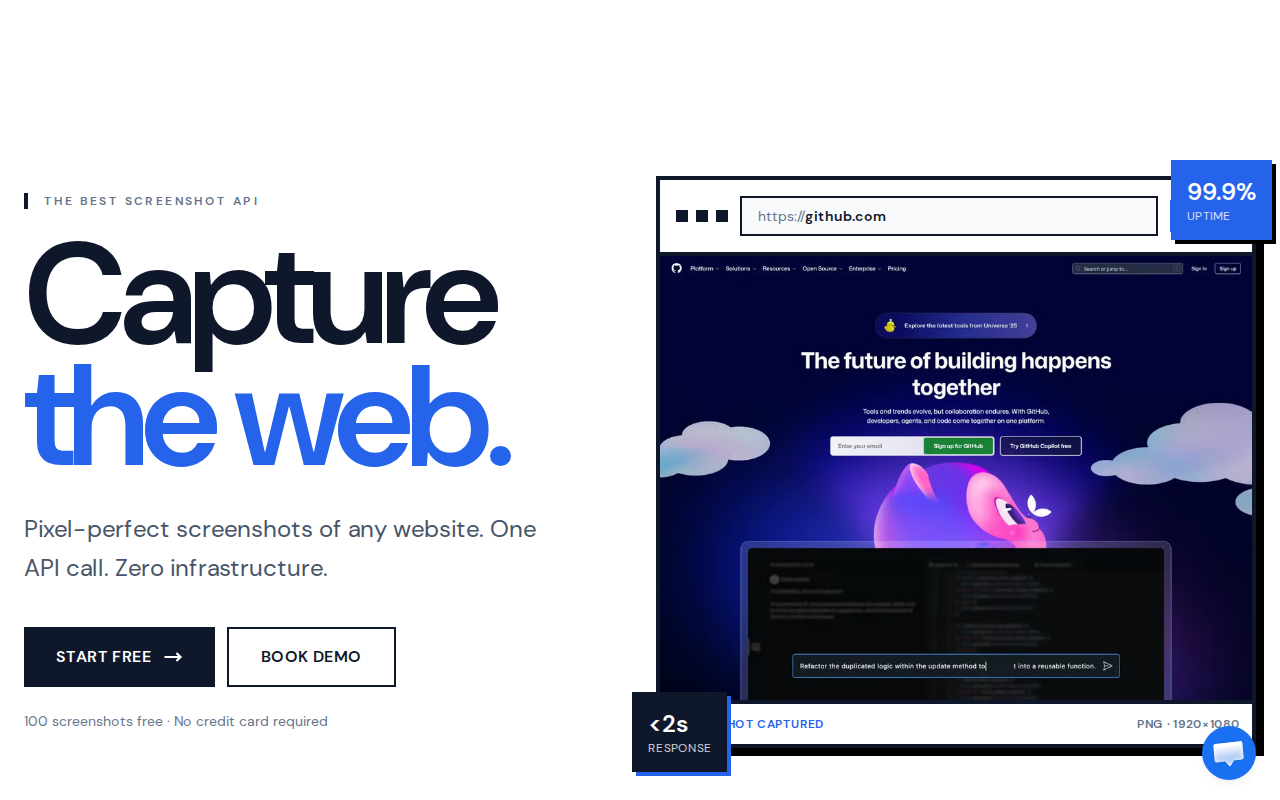
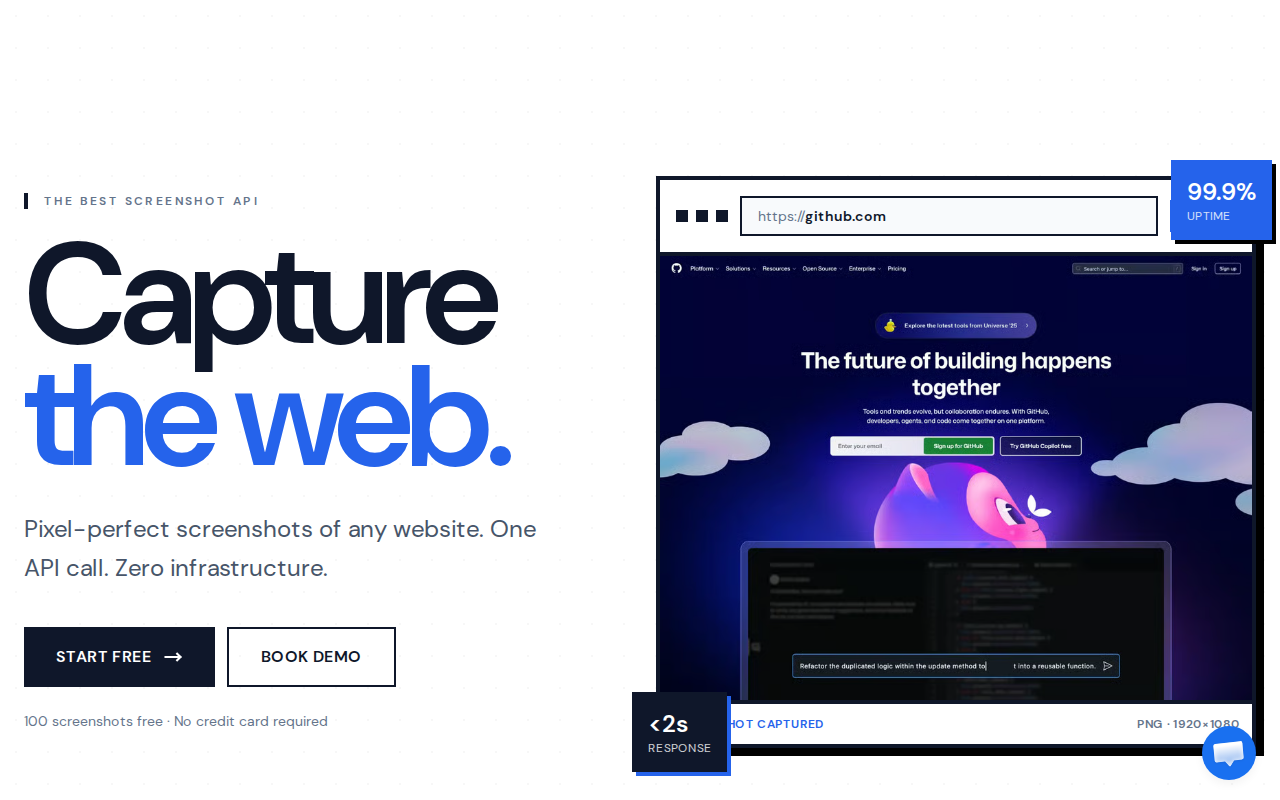
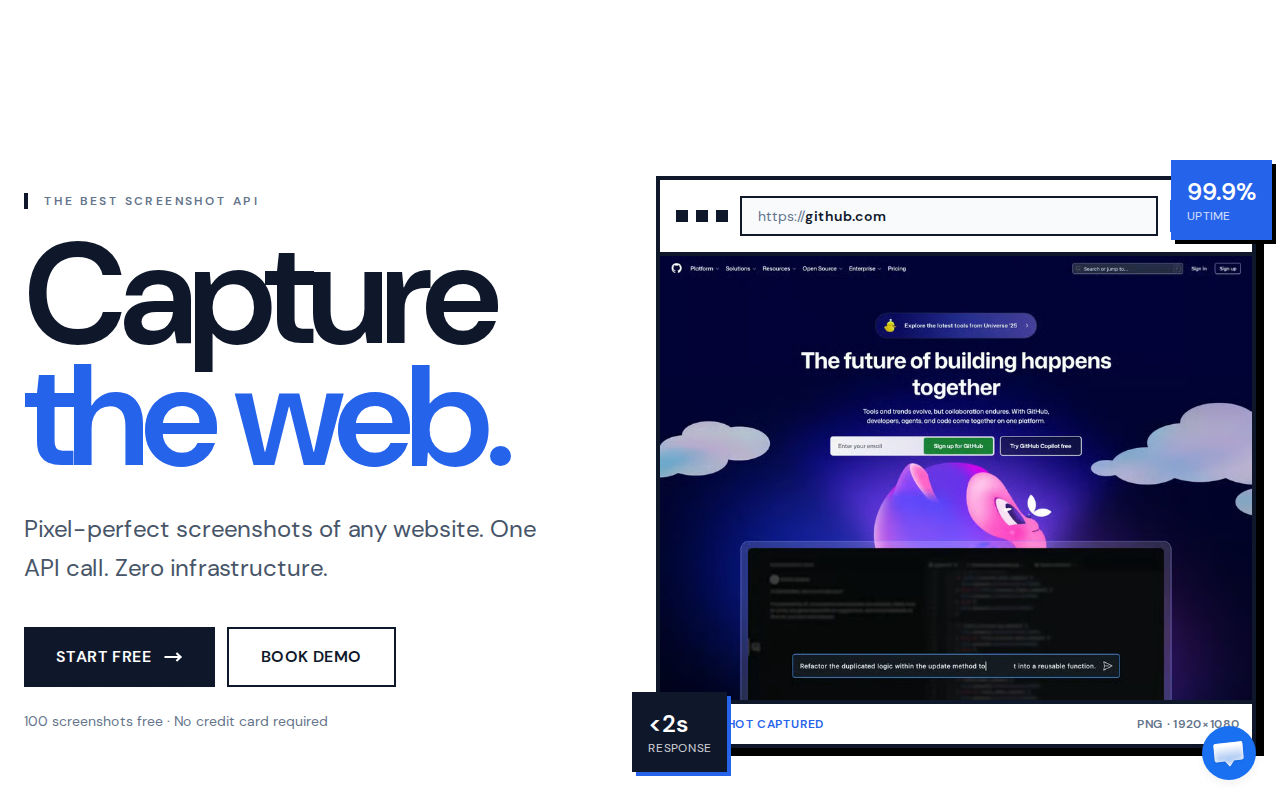
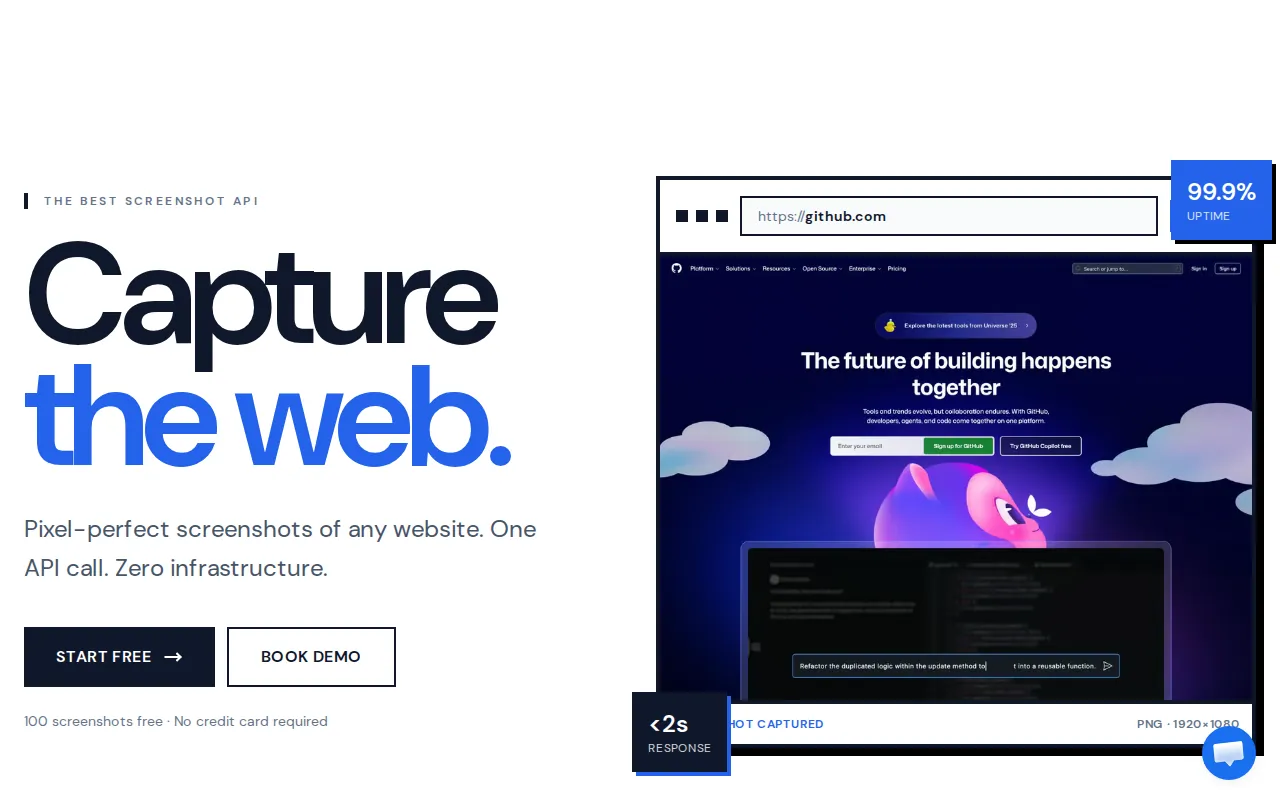
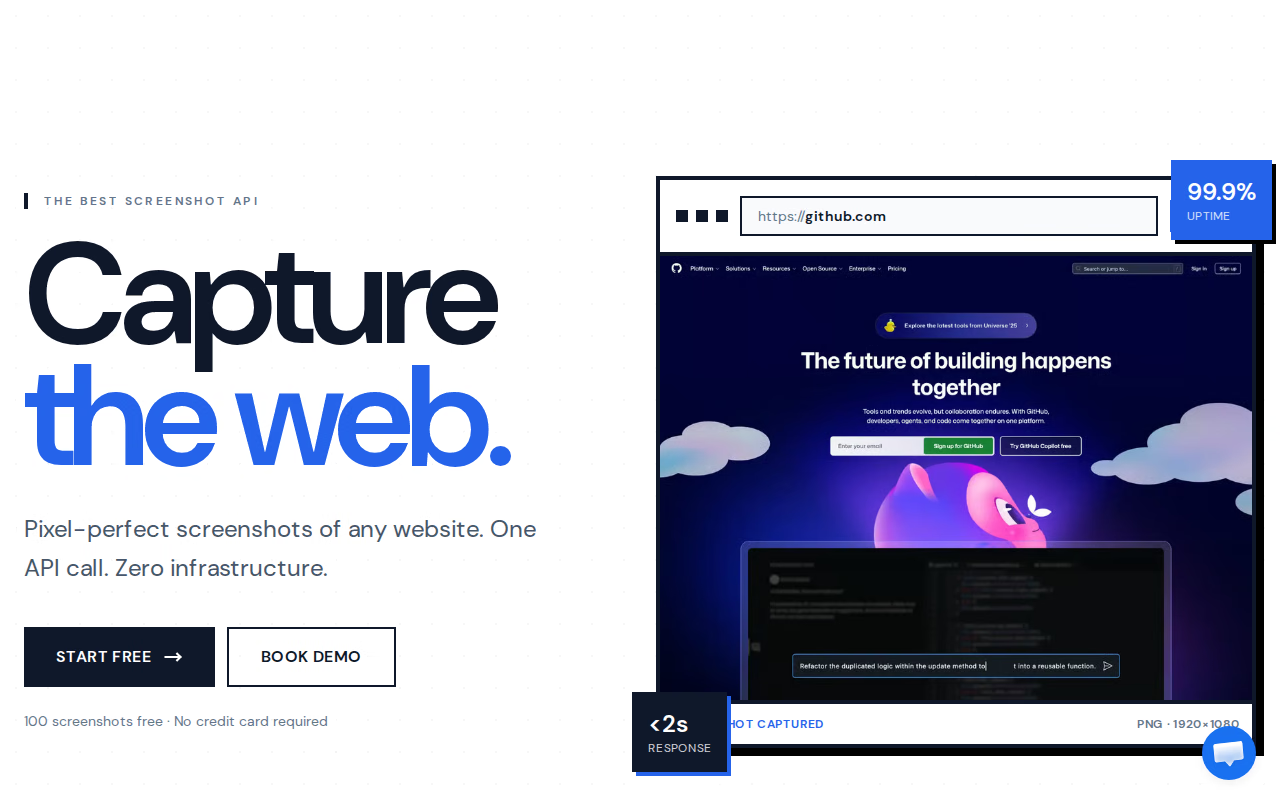
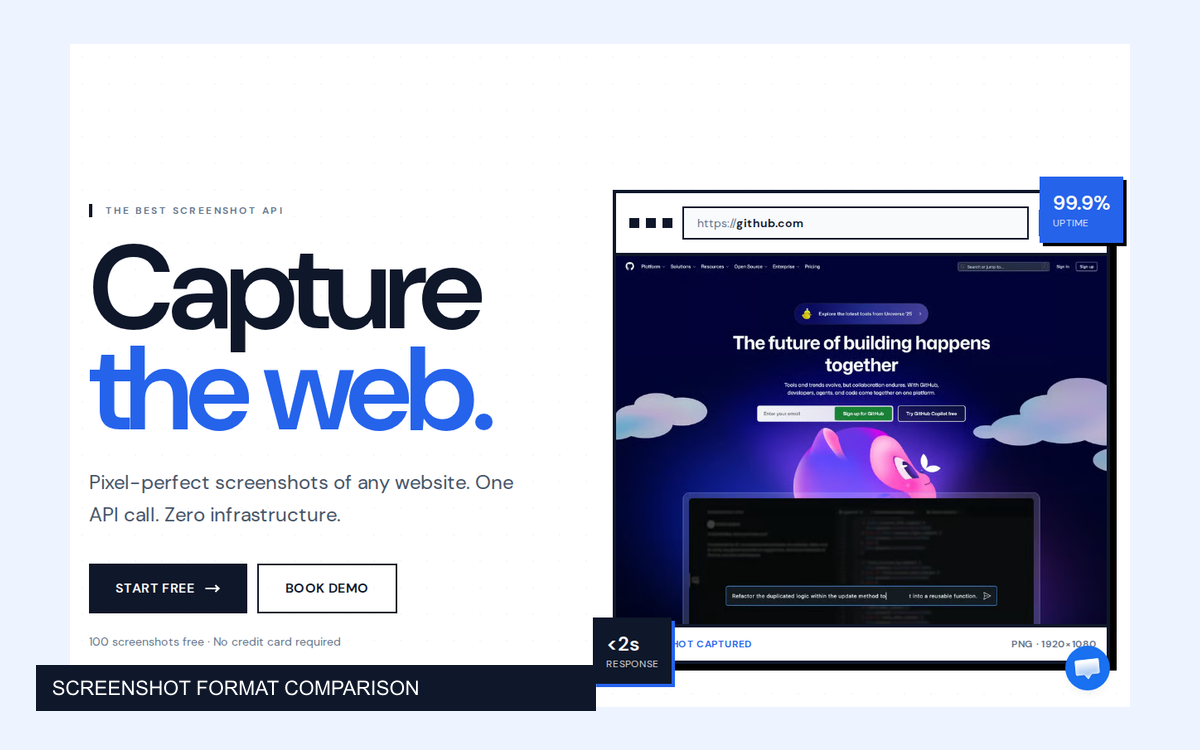
This is the AllScreenshots homepage, captured at 1280 × 800 on 29 September 2026. It mixes large lettering, fine text, flat backgrounds, and a detailed website preview.
AllScreenshots homepage, captured 29 September 2026. The example uses a single captured frame for every format. View source page.
We took a single PNG capture through AllScreenshots and converted it locally. Each encoder received the same opaque, 8-bit sRGB pixels. There was no resizing between formats. The AVIF and JPEG XL files below are local conversions, not claims about API output support.
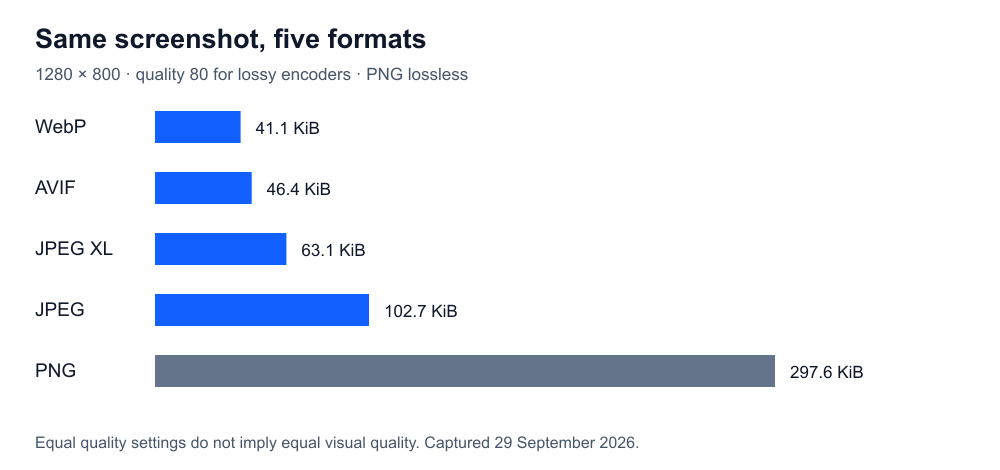
For the first comparison, the lossy encoders used quality 80. PNG used compression level 9 without palette reduction. JPEG and AVIF used 4:4:4 chroma. WebP used effort 6; AVIF effort 6; JPEG XL effort 7.
Encoding
Size
Encode time
SSIMULACRA 2
PNG, level 9
297.6 KiB
32.3 ms
100.0
JPEG, q80 / 4:4:4
102.7 KiB
7.8 ms
80.1
WebP, q80 / effort 6
41.1 KiB
68.5 ms
76.9
AVIF, q80 / effort 6
46.4 KiB
704.7 ms
89.6
JPEG XL, q80 / effort 7
63.1 KiB
198.2 ms
83.3
File size for this screenshot only. Equal quality numbers do not mean equal visual quality.
Quality 80 is not a shared visual standard. AVIF's score here was 89.6; WebP's was 76.9. The smaller WebP had also discarded more information according to this metric. A table of bytes alone would hide that difference.
SSIMULACRA 2 estimates perceptual similarity to a reference image; higher is better and 100 represents an exact match. It is useful supporting evidence, not a substitute for reading the text in the actual screenshot.
Look at the part your users need to read
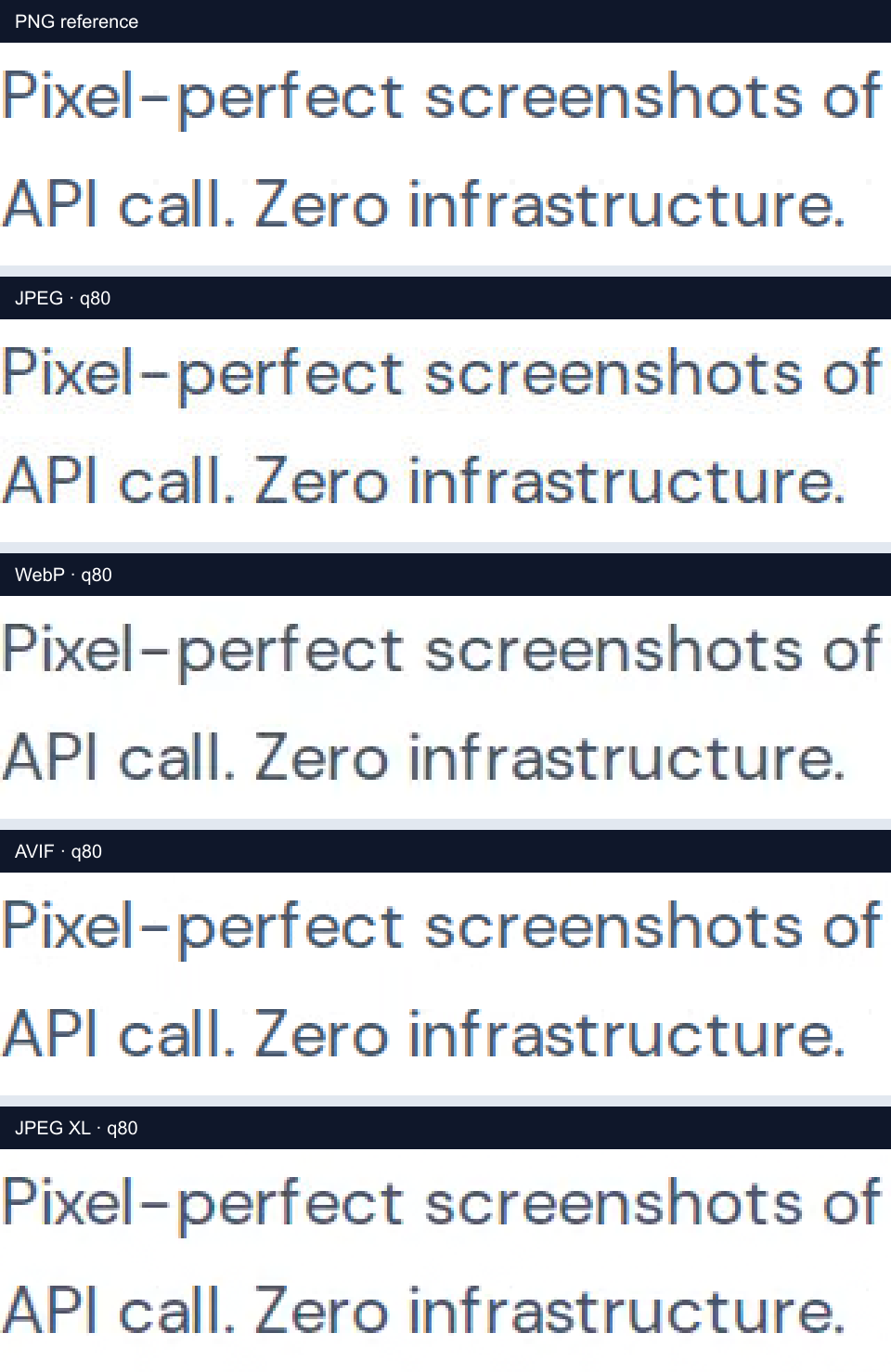
The following strips show the same text region after decoding each output. We enlarged them three times using nearest-neighbor scaling, then saved the comparison as PNG so another lossy export would not blur the evidence.
Decoded crops at 3× nearest-neighbor enlargement. Click to inspect the PNG comparison at full size.
The lossy versions remain readable here. Their edge pixels are not identical: JPEG introduces texture around the lettering, while WebP changes the fine strokes and their surroundings. The differences are more obvious in these enlarged strips than when the whole screenshot is displayed as a small card.
That distinction matters. A thumbnail needs to communicate “this is the right website.” A support article may need a reader to distinguish a colon from a semicolon. Those are different quality requirements.
We also captured documentation, a photo gallery, a browser announcement, and an encyclopedia article. These are five examples, not a representative sample of the entire web.
Captured page
PNG
JPEG q80
WebP q80
AVIF q80
JXL q80
AllScreenshots homepage
297.6 KiB
102.7 KiB
41.1 KiB
46.4 KiB
63.1 KiB
MDN CSS documentation
119.4 KiB
167.8 KiB
76.1 KiB
89.2 KiB
111.8 KiB
NASA image gallery
1285.2 KiB
167.0 KiB
81.5 KiB
125.0 KiB
102.5 KiB
WebKit release post
187.9 KiB
124.9 KiB
69.2 KiB
73.5 KiB
86.8 KiB
Wikipedia PNG article
217.7 KiB
224.8 KiB
111.9 KiB
148.6 KiB
140.2 KiB
The NASA gallery gives PNG much more photographic detail to preserve. MDN gives it repeated backgrounds and sharp text. On the MDN capture, JPEG at these settings grew beyond PNG while still changing the pixels.
Do not turn the winning cell in one row into a global image policy. Try several examples of the content your product actually stores.
What each format changes
Format
Compression used here
Transparency capability
Practical role
PNG
Lossless
Yes
A precise reference or a widely readable master
JPEG / JPG
Lossy
No
A broadly compatible photo-heavy preview
WebP
Lossy in this table; lossless is also available
Yes
A delivery candidate worth testing in both modes
AVIF
Lossy in this table; lossless is also available
Yes
A delivery candidate when encoding cost is acceptable
JPEG XL
Lossy in this table; lossless is also available
Yes
An additional delivery or storage candidate with decoder checks
JPG and JPEG are two extensions for the same format. Our normalization removed transparency for every output, so this experiment does not compare alpha quality, HDR, animation, or wide-gamut color. MDN's format guide documents the broader format capabilities.
Smaller is not the same as faster
On this homepage, JPEG took about 8 ms to encode and AVIF about 705 ms. Those are local encoder measurements, not screenshot API response times. Navigation, fonts, scripts, capture, upload, and network delivery happen elsewhere in the pipeline.
If you encode once and serve the image thousands of times, spending more time to reduce transfer bytes may be worthwhile. If a user is waiting for a fresh capture on every request, that extra work sits directly in their path.
The timings are medians of three sequential runs after one warm-up on an Apple Silicon Mac. They include file writing. JPEG XL additionally includes starting its command-line encoder and decoding its PNG input; the Sharp encoders receive in-memory RGB. This measures our conversion paths, not isolated codec speed. Exact hardware, versions, runs, and settings are in the measurement report.
Check the receiving browser
JPEG and PNG have longstanding support. WebP and AVIF work in current major browsers, but older browsers and embedded viewers still affect delivery choices. JPEG XL support is changing: Safari added it in 17; Chromium and Firefox published shipping plans in August 2026. Use a fallback rather than treating those plans as proof that every visitor can decode a JXL file. Sources checked 29 September 2026: WebKit, Chromium, and Mozilla.
Choose a policy your team can explain
For visual comparisons, keep a lossless reference. For a thumbnail grid, test WebP and AVIF at the dimensions people actually see. For attachments that must open in unfamiliar software, compatibility may justify JPEG or PNG even when another format is smaller.
Start with the screenshot's job, then set a quality requirement, then compare bytes and encoding cost. AllScreenshots can provide the source capture; your storage and delivery pipeline can keep the original and generate the versions each destination needs.
 Guide
Guide Guide
Guide Guide
Guide