When a smaller AVIF makes your screenshot pipeline slower
Erik Lindqvist6 min read
Find out how easy it is to capture and share pixel-perfect screenshots at scale using Allscreenshots. Sign up for a free account and start integrating your first screenshot API call today.
Your screenshot is ready, but the request is still running. The browser has finished its work. Now an encoder is spending hundreds of milliseconds making the output smaller.
That can be a sensible trade for an image you will serve all week. It can also be the wrong trade for a preview that one person opens once.
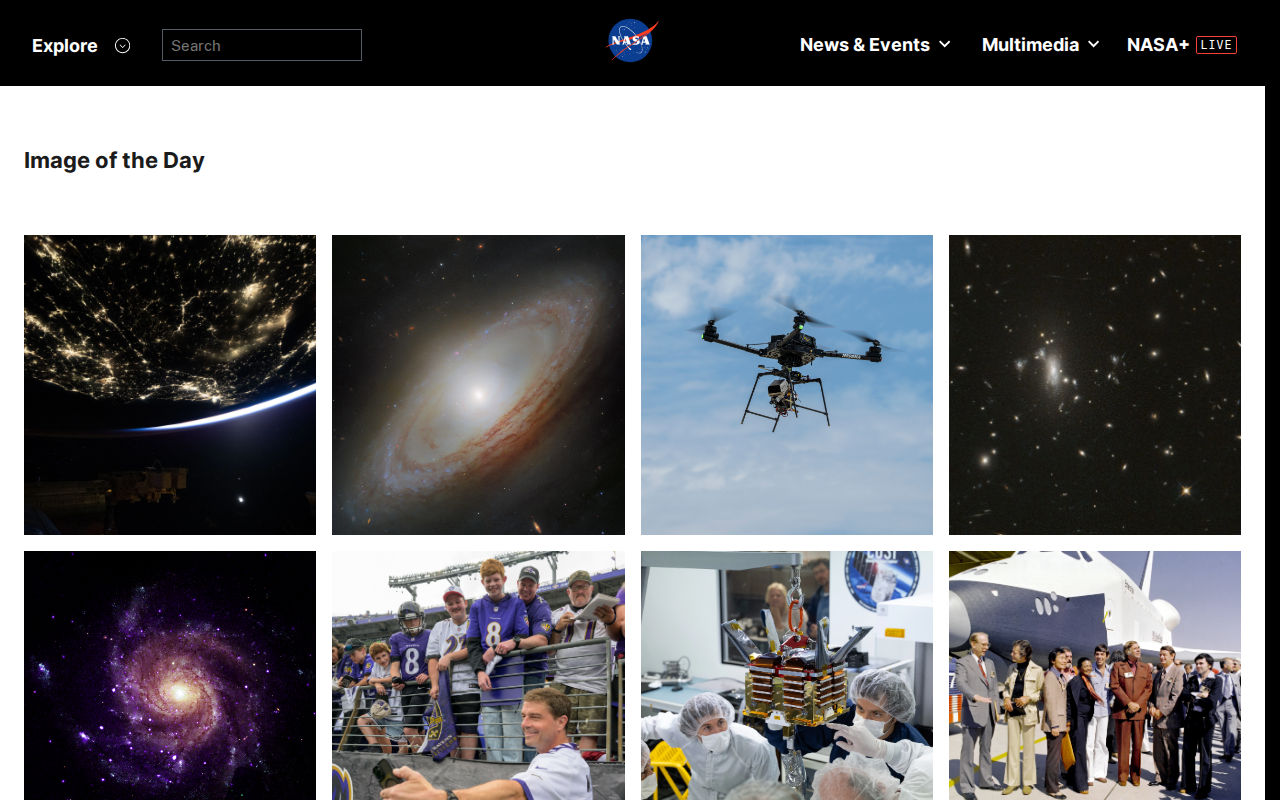
We measured both sides using a screenshot of NASA's Image of the Day gallery: output bytes and local encoding time. At similar measured quality, AVIF saved substantial space compared with JPEG. Turning up AVIF's encoding effort, however, bought much smaller additional savings.
The image we timed
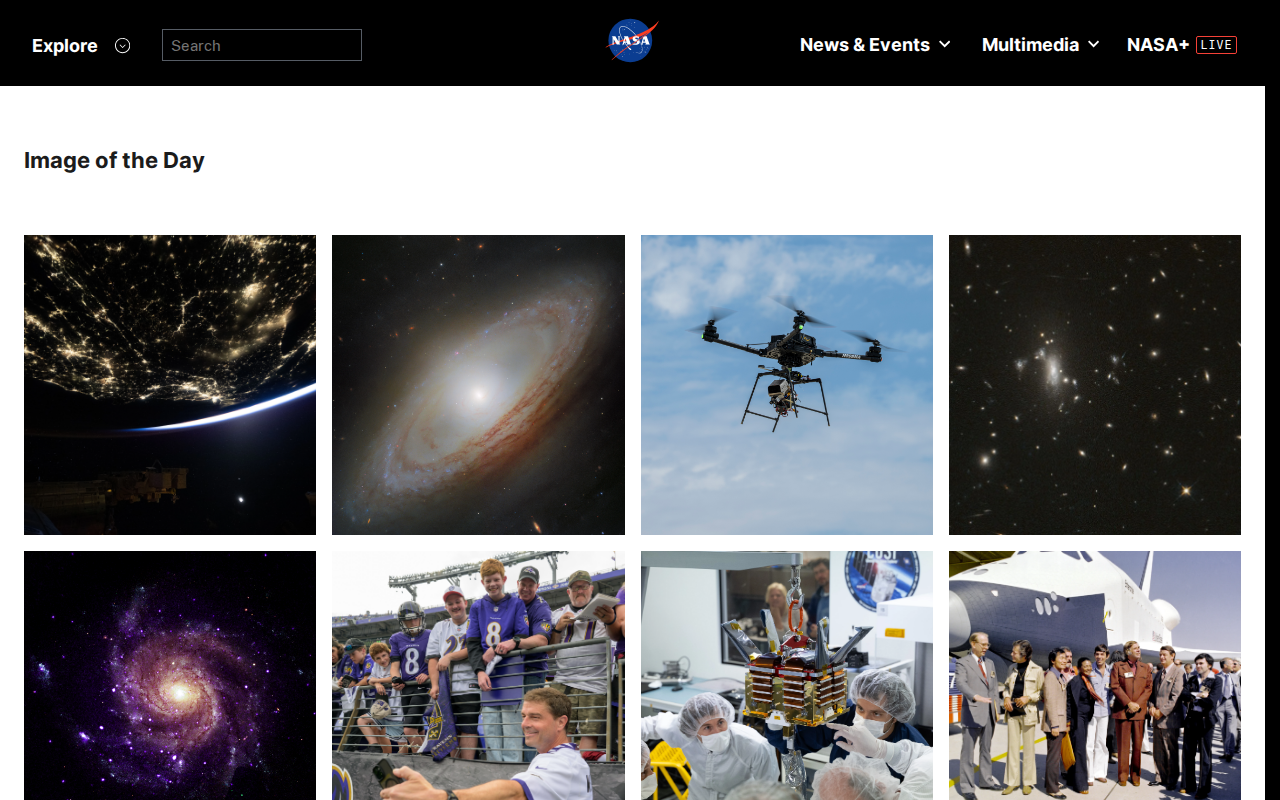
NASA Image of the Day gallery, captured 29 September 2026. Page and image credits: NASA and the contributors credited on the source gallery. View source page.
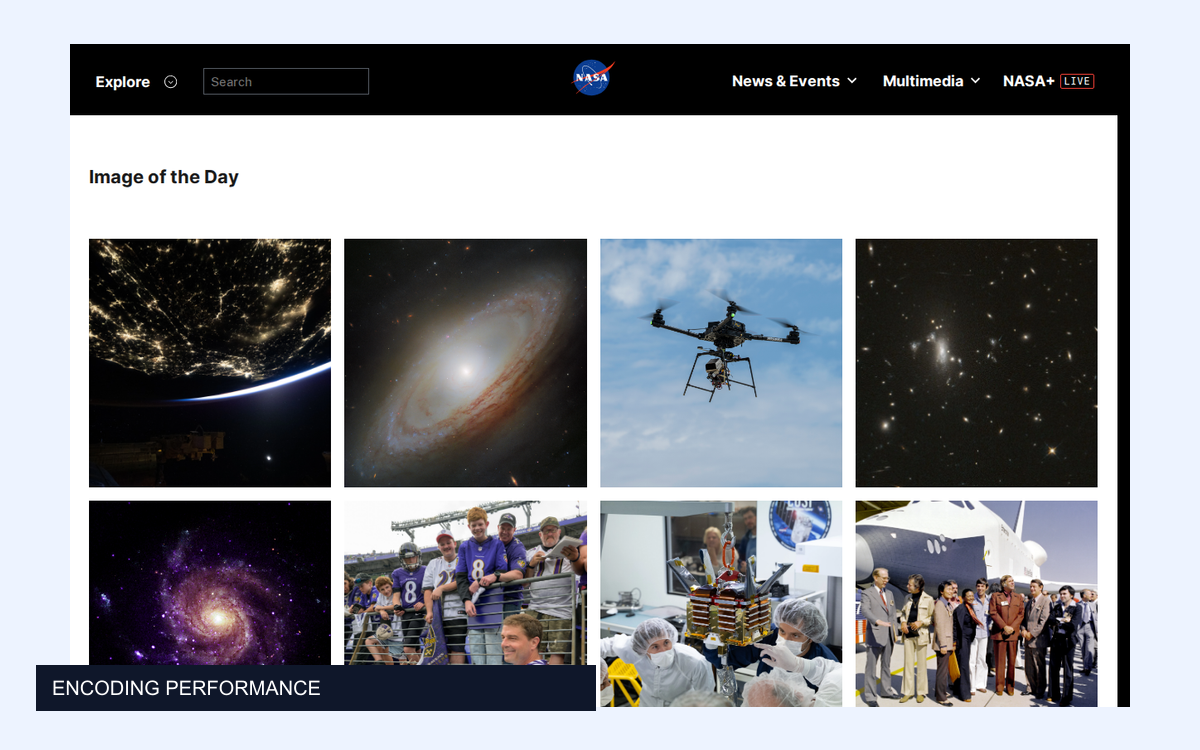
This is a 1280 × 800 viewport captured on 29 September 2026. It includes photographs, gradients, fine detail, text, and large areas of flat background. It is a screenshot of the gallery page, not a set of original camera files.
We captured one PNG through AllScreenshots, normalized it to opaque 8-bit sRGB, and reused those pixels for every export. Timings exclude navigation and capture. They also exclude normalization, quality scoring, and decoding for inspection.
Encoding
Size
Encode time
SSIMULACRA 2
PNG, level 9
1285.2 KiB
59.8 ms
100.0
JPEG, q80 / 4:4:4
167.0 KiB
9.2 ms
79.5
WebP, q80 / effort 6
81.5 KiB
107.1 ms
69.6
AVIF, q80 / effort 6
125.0 KiB
798.2 ms
87.2
JPEG XL, q80 / effort 7
102.5 KiB
213.0 ms
75.0
JPEG, q60 / 4:4:4
111.1 KiB
8.6 ms
70.3
WebP, q60 / effort 6
57.2 KiB
91.6 ms
64.0
AVIF, q60 / effort 6
70.1 KiB
669.9 ms
78.8
The figures are medians of three sequential runs after one untimed warm-up on an Apple Silicon Mac. They include writing the file. Sharp encoders read in-memory RGB; JPEG XL's command-line path also starts a process and decodes a PNG. That difference is part of this pipeline measurement and prevents treating the table as a pure codec speed ranking. The full report records hardware and library versions.
Compare similar quality, not matching slider values
JPEG at quality 80 scored 79.5. AVIF at quality 60, effort 6 scored 78.8. Those SSIMULACRA 2 scores are close enough to make a useful local comparison, though they are not a controlled subjective quality match.
The JPEG was 167.0 KiB; that AVIF was 70.1 KiB. AVIF used about 58% fewer bytes. It also took about 670 ms to encode, against roughly 9 ms for JPEG.
The quality-60 WebP was smaller still, at 57.2 KiB, but its score was 64.0. Calling it the winner without mentioning the quality difference would be misleading.
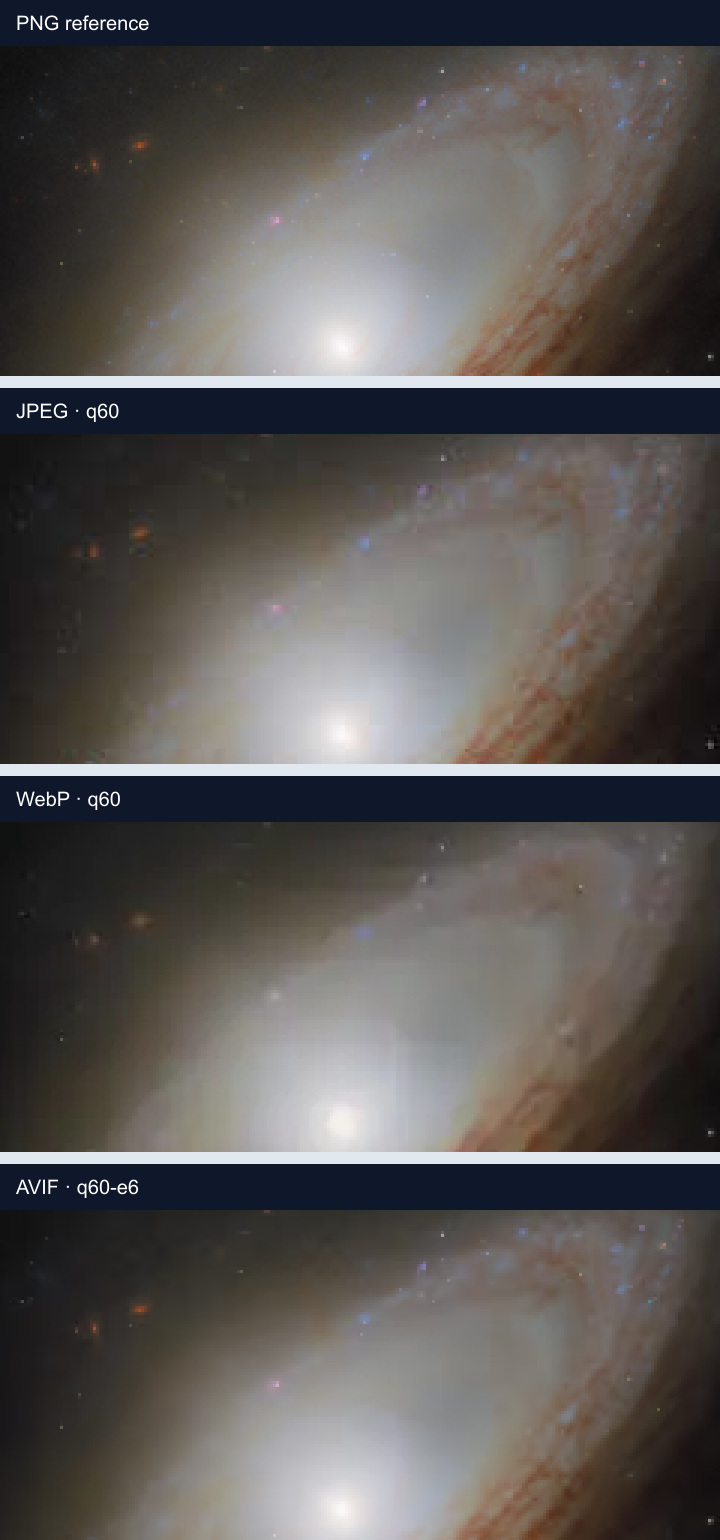
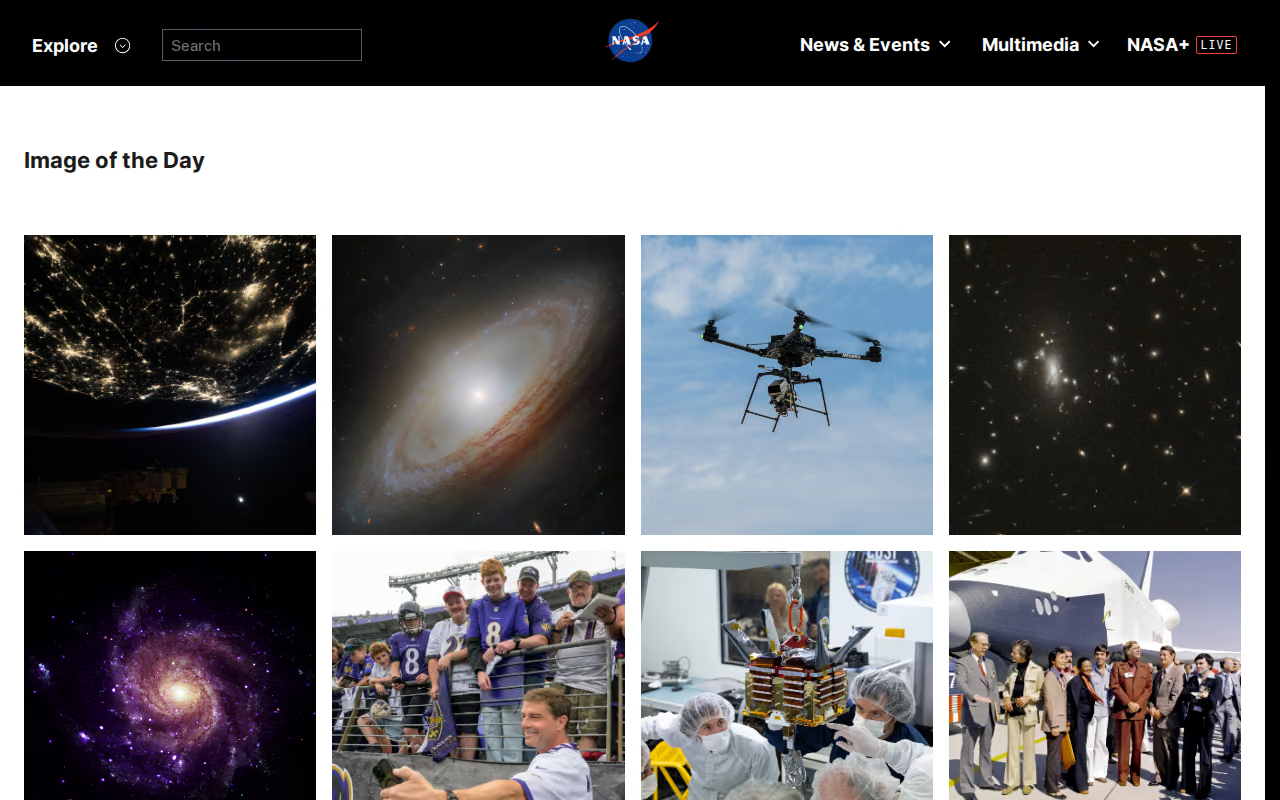
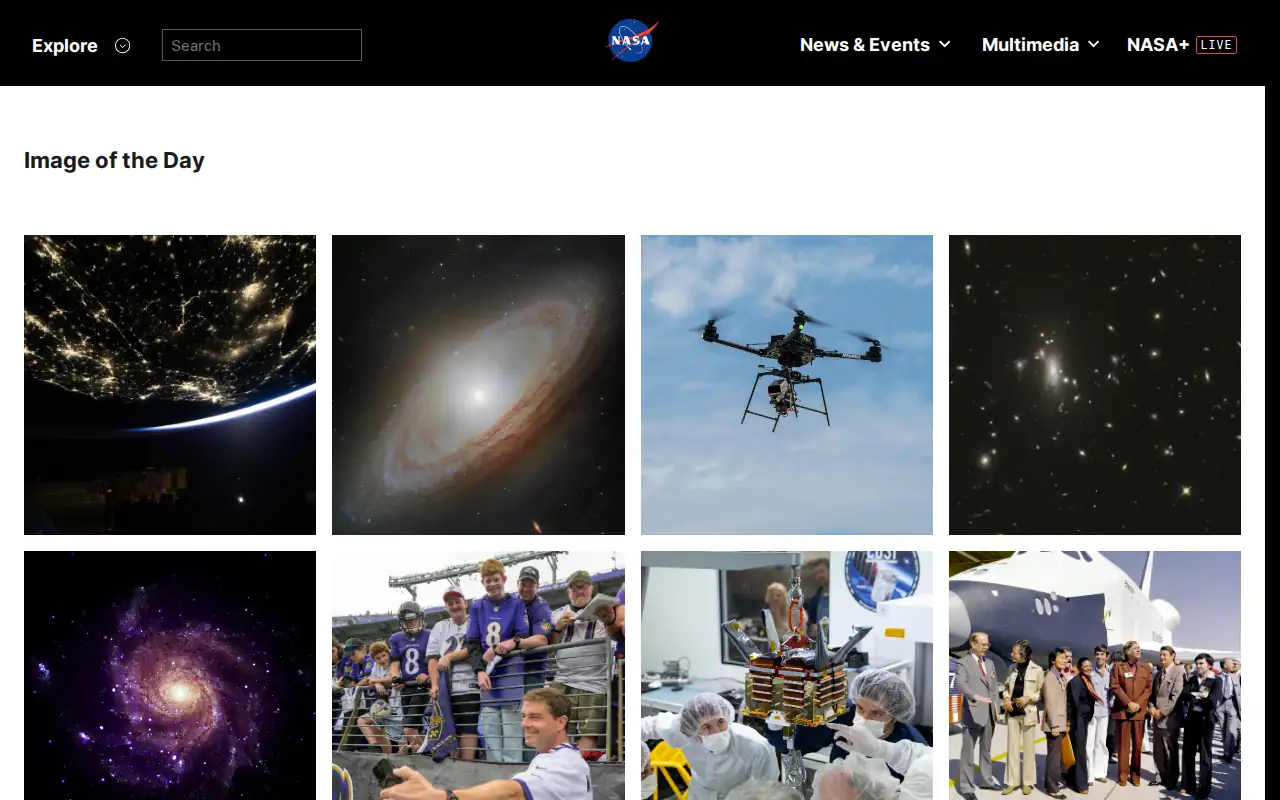
Decoded crops at 3× nearest-neighbor enlargement. Click to inspect the PNG comparison at full size.
Look at the galaxy's fine structure and the transitions around bright regions. These strips show decoded pixels, enlarged three times and preserved in PNG. At these settings, the lower-quality exports smooth some detail; the amount and character of that smoothing differ. The full screenshot may hide differences that matter in a large crop.
We encoded AVIF quality 60 at effort 4 and effort 6:
Encoding
Size
Encode time
SSIMULACRA 2
AVIF, q60 / effort 4
71.0 KiB
250.9 ms
78.2
AVIF, q60 / effort 6
70.1 KiB
669.9 ms
78.8
Effort 6 saved 934 bytes in this sample and took about 419 ms longer. Its quality score improved slightly, too. The result is not “never use effort 6.” It is a reason to benchmark effort independently of quality.
At 10 Mbit/s, transferring 934 bytes takes roughly 0.75 ms in an idealized calculation. That excludes latency, protocol overhead, contention, and decoding. It is a bandwidth illustration, not a measured improvement in page load time.
If the image is encoded once and downloaded a million times, those bytes add up. If you re-encode on every request, the processing work adds up as well. The right setting depends on which event repeats.
Split the pipeline into things you can measure
Stage
Useful measurement
What this experiment measured
Navigate and render
Time until the page is ready
Not included
Capture
Time to produce the source pixels
Not included
Encode
Wall time for a selected conversion path
Included
Store and transfer
Stored bytes, request overhead, throughput
Output file bytes only
Decode and paint
Time until the viewer sees the image
Not included
A smaller image does not establish a faster Largest Contentful Paint. Browser decoding, source selection, network conditions, image priority, and the surrounding page still need testing. A command-line encoder benchmark cannot settle that question.
For an interactive capture endpoint, return or store an acceptable first result and generate slower derivatives in a background job where the product permits it. For a static article or cached gallery, encode once and reuse the derivative.
Put dimensions before expensive encoder settings
This experiment deliberately held dimensions constant to isolate conversion settings. A real pipeline should also compare the dimensions it needs to serve.
Do not deliver a full-size screenshot to a tiny card solely because AVIF made the file tolerable. Create an appropriately sized derivative, keep a larger source for zooming, and include dimensions in the cache key. Otherwise, an image captured for a 320-pixel card may accidentally be reused in a 1200-pixel detail view.
Delivery needs a fallback
AVIF has support in current major browsers. A JPEG or WebP fallback still covers older clients and integrations. The browser can select a supported source through the standard picture element:
<picture><sourcesrcset="/captures/gallery.avif"type="image/avif"><sourcesrcset="/captures/gallery.webp"type="image/webp"><imgsrc="/captures/gallery.jpg"width="1280"height="800"alt="A gallery of space and science photographs"></picture>
Those files must already exist. This markup does not run the encoders or compare quality for you. Store the derivatives under distinct URLs and send the matching content types.
A useful default comes from the workload
For this capture, AVIF offered a useful size reduction at a quality score close to JPEG's. The higher AVIF effort setting offered a much smaller marginal reduction. That gives us two separate decisions: whether to use AVIF, and how much time to spend encoding it.
Measure both on your own pages. Keep capture latency, conversion time, and delivery performance separate, then optimize the stage your users actually wait for. AllScreenshots handles the source capture; local or background conversion lets you choose the delivery tradeoff.