Find out how easy it is to capture and share pixel-perfect screenshots at scale using Allscreenshots. Sign up for a free account and start integrating your first screenshot API call today.
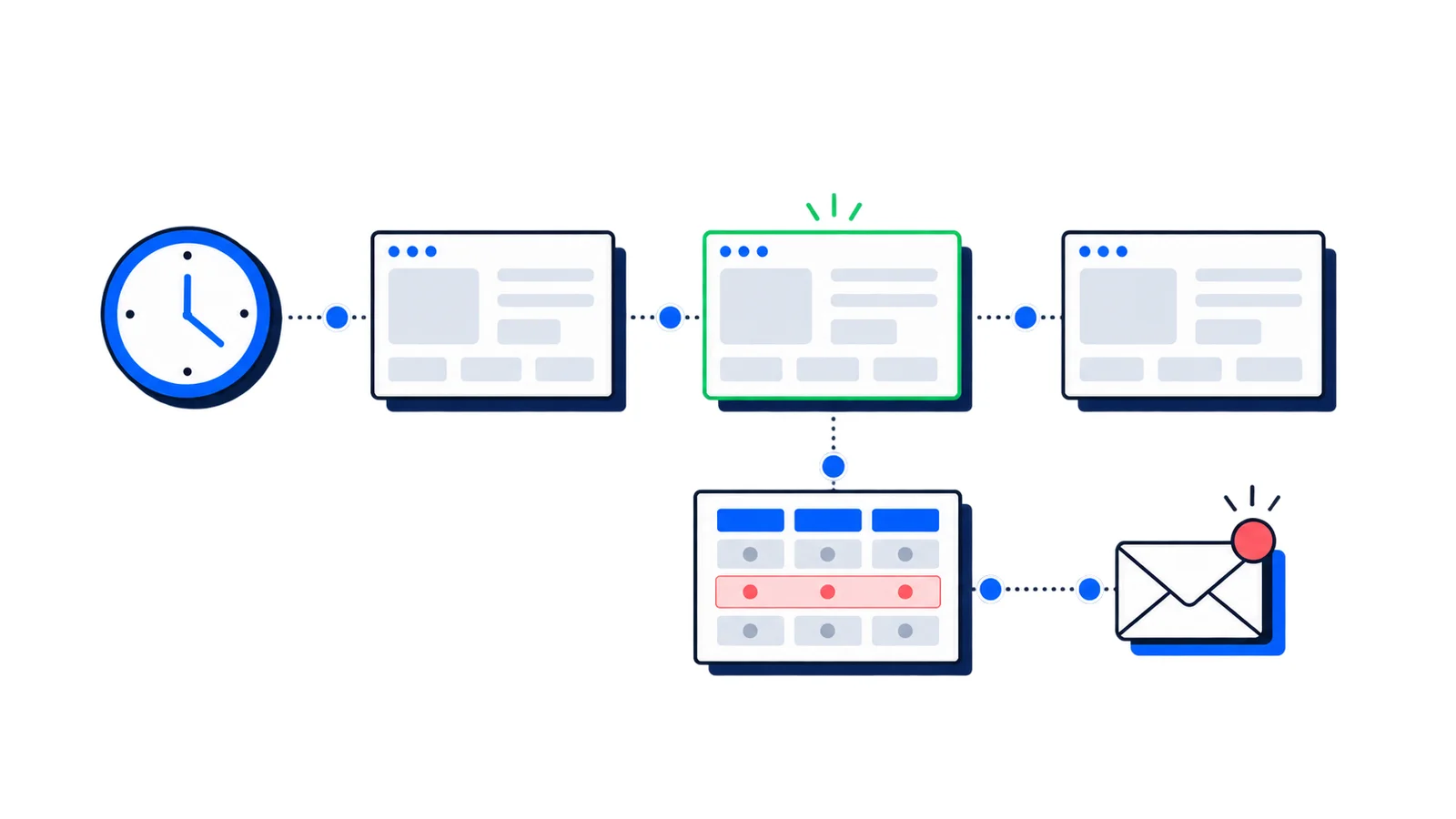
Plenty of people were already taking the same screenshot on a loop. They'd write a cron job, call our API, save the file to S3, load yesterday's copy, run a pixel diff, and fire a Slack message if enough changed. It works, but it's a small pile of glue code that someone has to own and that breaks quietly when the box it runs on reboots.
Scheduled screenshots replace that pile. You describe what to capture and how often, and we run it, store the results, and notify you. It's available on every plan, including Free — each run uses screenshot credits (the Free allowance is 100 lifetime credits; paid plan quotas renew each billing cycle).
The before and after
Here's the kind of setup people were maintaining by hand:
A cron entry on a server somewhere.
A script that calls the screenshot API and uploads the result.
Storage and cleanup so old captures don't pile up.
A diff step to decide whether anything actually changed.
A notifier that emails or posts to Slack.
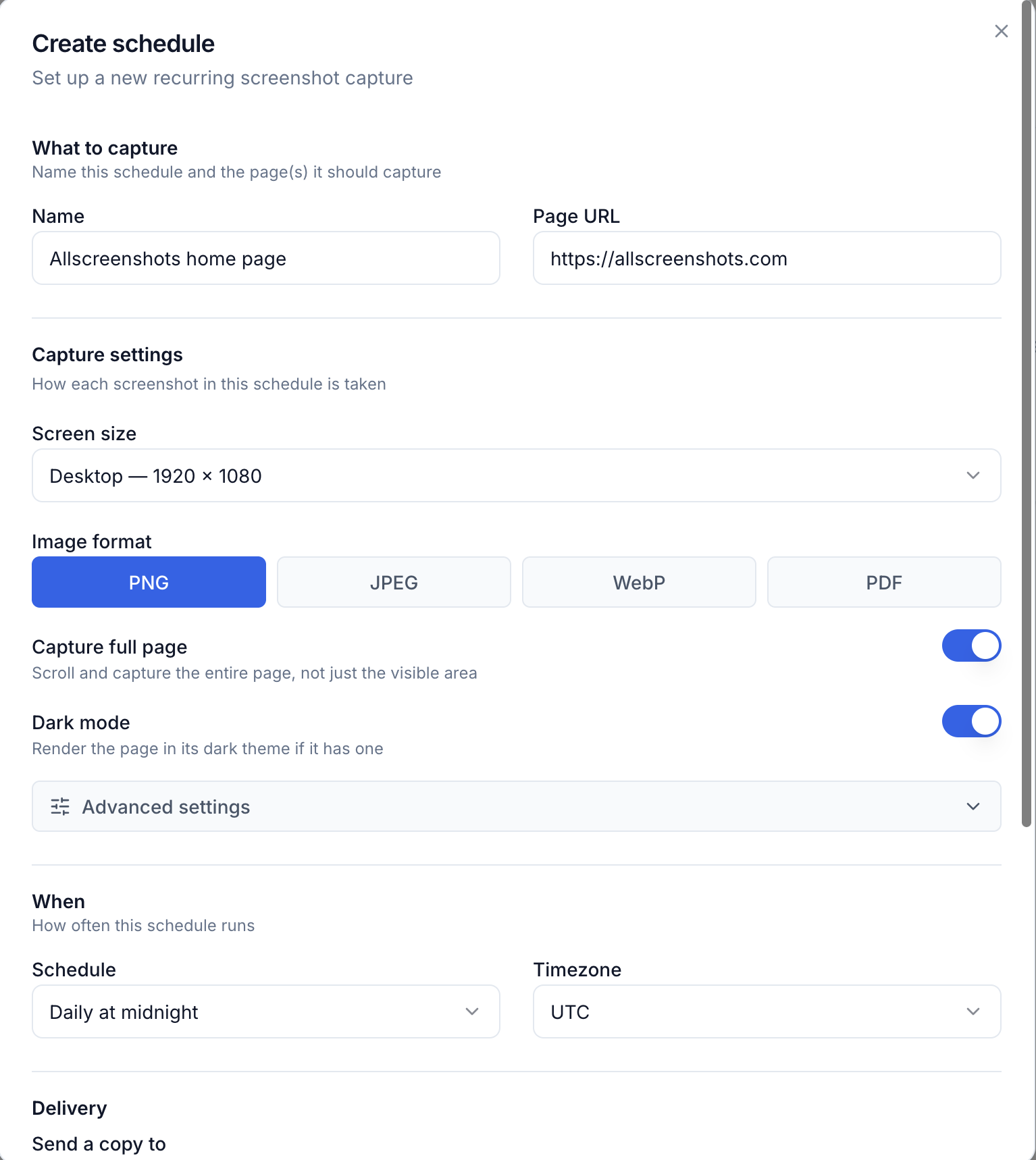
Here's the same thing now. Open Schedules in the dashboard, hit Create, and fill in a short form: name it, paste the URL, pick a format and how often to capture, and say where to send it.
Creating a schedule in the dashboard.
Save it and it shows up on your Schedules page with its next run, last run, and how many screenshots it's taken. No cron, no storage, no diffing code.
What a schedule does
Runs on your cadence. Pick hourly, daily, weekly, or monthly from the dropdown, or set a custom schedule with a timezone for something specific like weekday mornings.
Delivers where you want. Send each capture to email, to a signed webhook on your own server, or both. A schedule can have up to 10 destinations, so you can archive every run to a webhook and email a person only on changes.
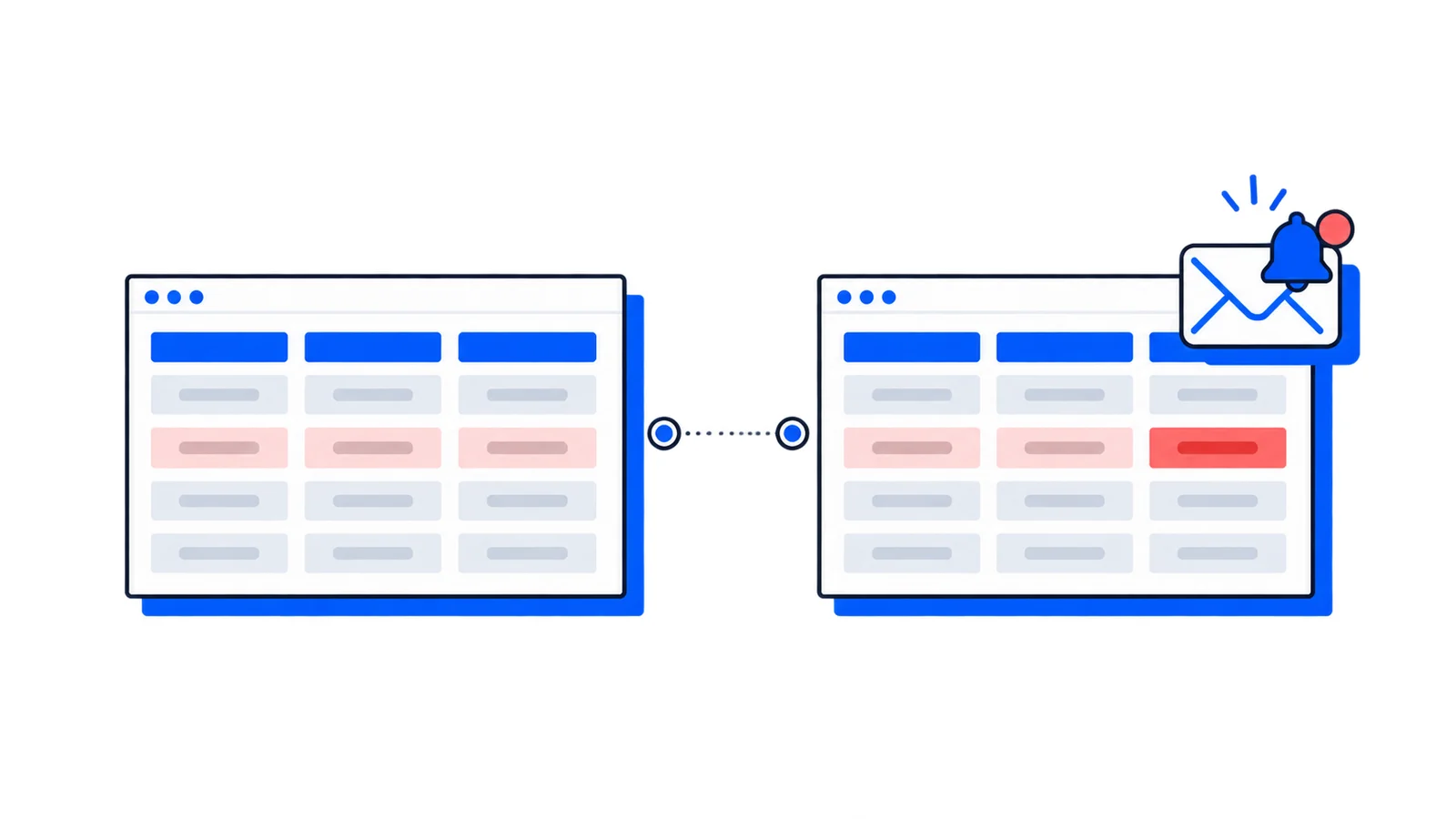
Notifies only on changes. Turn on change detection and we compare each run to the last one. If the page is the same, the capture is still saved but nobody gets pinged. A sensitivity setting decides how much has to change to count, so you can ignore a rotating banner or catch a one-word edit.
Recovers from flaky targets. Get alerted when a run fails, and have a schedule auto-pause if its URL has been broken for a while instead of burning quota on it.
Keeps a history. Every run is recorded with its status, the stored image, render time, and the diff score, all visible on the schedule's page.
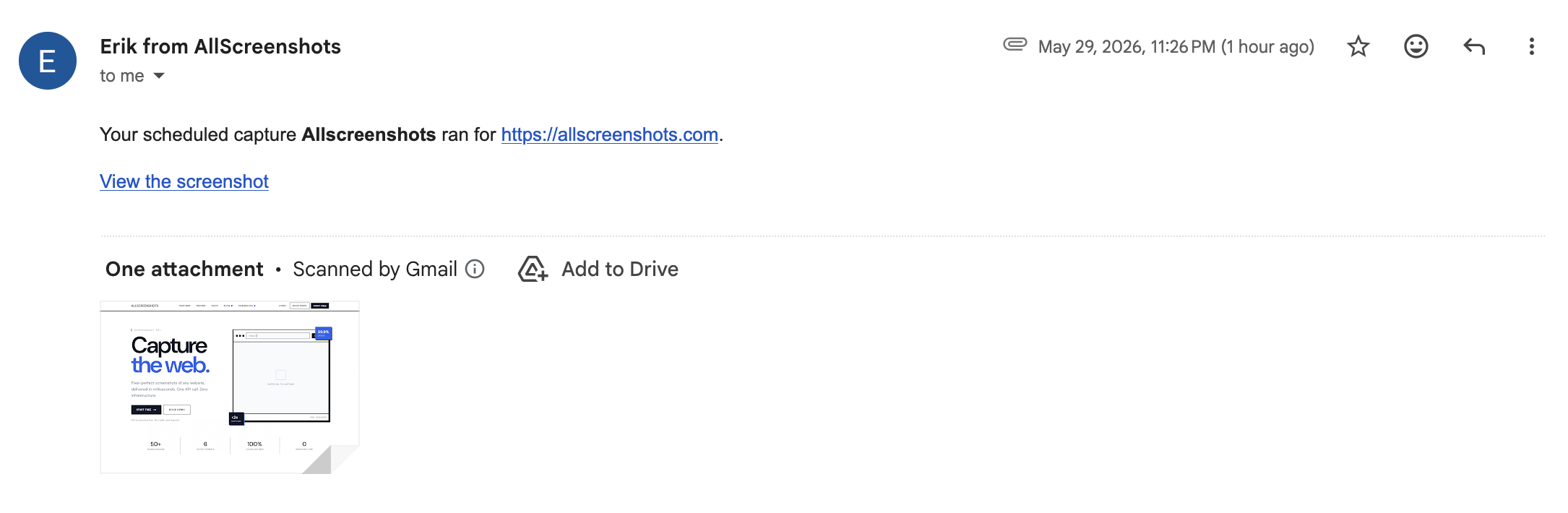
When a run does deliver, the email arrives with the capture attached and a link back to view it:
The change detection is a pixel diff, not a semantic one. A page with an ad slot or a "14 people are viewing this" widget can read as changed every run. Hide those elements in the capture settings or lower the sensitivity to keep the noise down.
Where it fits
The pattern shows up more than you'd think: watching a competitor's pricing page, snapshotting a status page for an audit trail, keeping a visual record of a landing page through a campaign, or confirming a partner site still shows your logo. Anything you'd otherwise check by loading in a browser every morning.
For automation
Most schedules get set up once in the dashboard and left alone. If you're managing a lot of them, or want them created from your own code or kept in version control, the same thing is available over the API:
Open the Schedules page in the dashboard and create your first one. The how-to guide walks through cadence, delivery, and change detection.
Scheduled captures are on every plan, including Free — each run uses screenshot credits from your free lifetime allowance or paid plan. Webhook delivery is free too; emailing captures to your team is a paid feature.
If you are replacing an existing provider, review the ScreenshotOne comparison or Urlbox comparison for current pricing sources, capture settings and a migration checklist. API authentication explains how to keep your key on the server.
 Tutorial
 Best Practices
 Guide
Guide