 Product Update
Introducing screenshot batch management
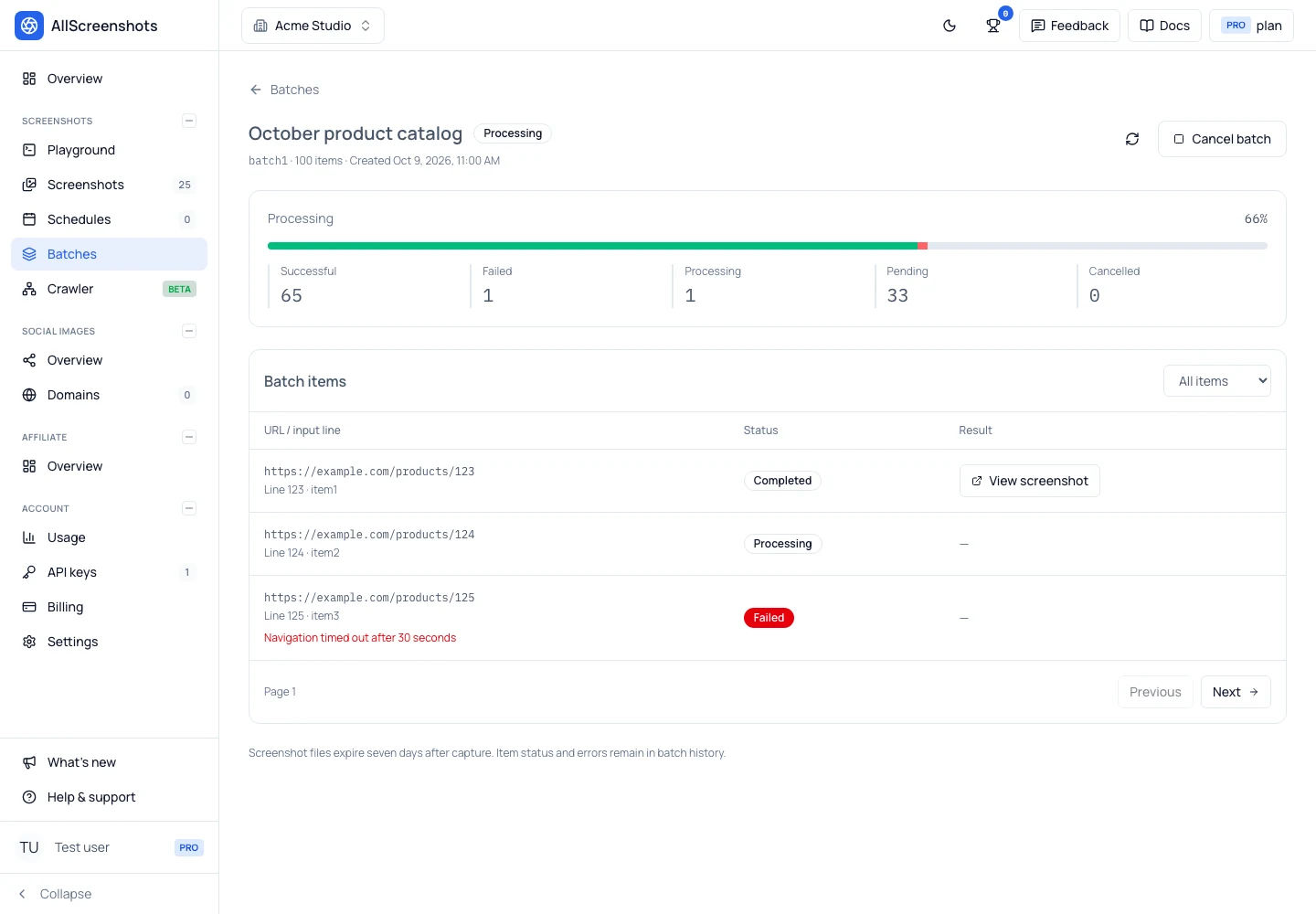
Upload a CSV of URLs, follow screenshot progress, inspect failures, and cancel pending work from the new Batches page in the Allscreenshots dashboard.
Oct 10, 20265 min read
The best screenshot API
Pixel-perfect screenshots of any website. One API call. Zero infrastructure.
100 screenshots free · No credit card required
Enter URL to capture
<2s
Response
99.9%
Uptime
50+
Global regions
6
Output formats
100%
Clean captures
0
Infrastructure
"AllScreenshots powers our featured-image pipeline when a story has no good source image. Per-domain CSS selectors crop straight to the content, with cookie banners and nav chrome stripped out — reliable enough to run completely unattended. It just works."

Hana Kobzová
PPC Specialist & Founder, PPC News Feed
"I tried a few screenshot services before landing on AllScreenshots. The others all wanted half a day. This one had me running in minutes."
Serge Herkül
Founder, Roast
Enter any URL below and see the screenshot API in action
Enter a URL above to capture a screenshot
Cookie consent popups, ad banners, and chat widgets ruin screenshots. We automatically remove them so you get clean, professional captures every time.
Modern sites load content dynamically. We automatically scroll through pages and wait for lazy-loaded images, infinite scroll content, and async elements.
Page loaded
0.0sImages loaded
0.8sLazy content
1.4sCaptured
DoneContent varies by region. Capture screenshots from multiple geographic locations to verify your CDN, test geo-targeted content, or check regional compliance.
More users prefer dark mode than ever. Capture screenshots in either theme to match your documentation, marketing materials, or user preferences.
Don't just capture—integrate. Send screenshots directly to your cloud storage, trigger webhooks, or plug into your CI/CD pipeline for automated workflows.
Different use cases need different formats. Export in PNG for quality, JPEG for size, WebP for web, or PDF for documents—all from the same API.
Point a schedule at any URL and we capture it on your cadence, keep the results, and email you or hit a webhook. Turn on change detection and you only get pinged when the page is actually different.
Blog
Product UpdateUpload a CSV of URLs, follow screenshot progress, inspect failures, and cancel pending work from the new Batches page in the Allscreenshots dashboard.
 Guide
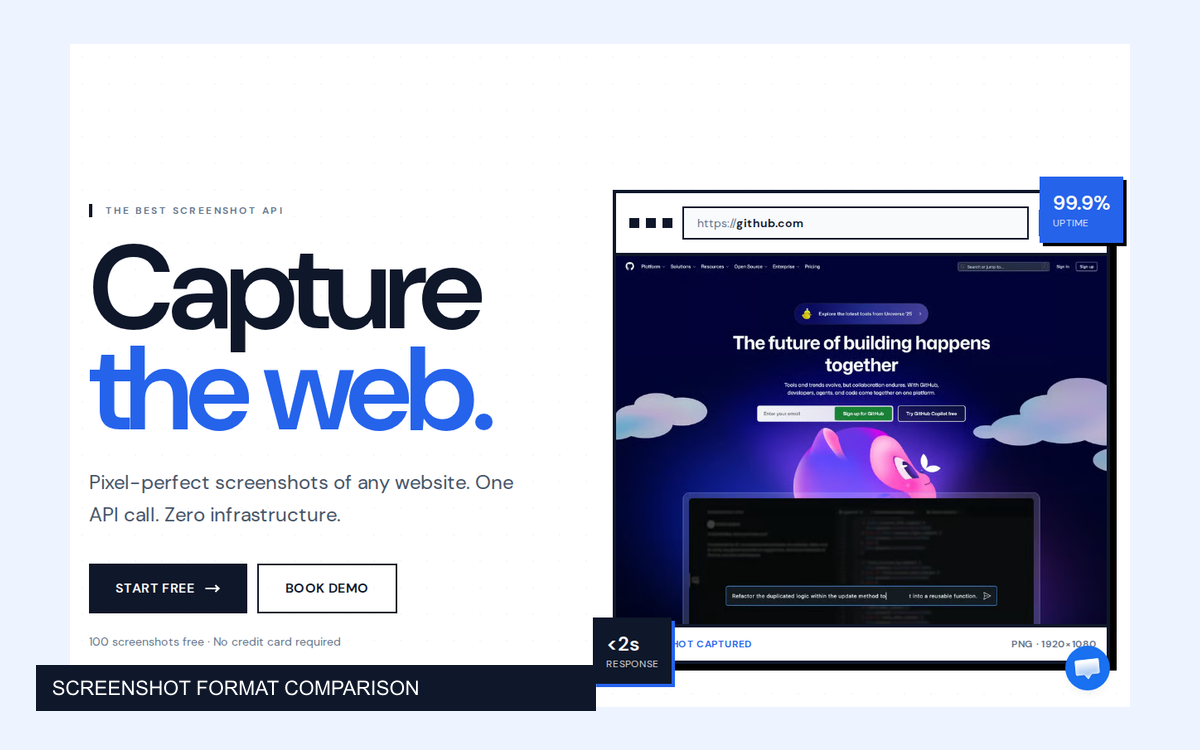
GuideFive real website captures, five image formats, and measured file sizes and quality scores. Choose a screenshot format based on what the image needs to do.
 Best Practices
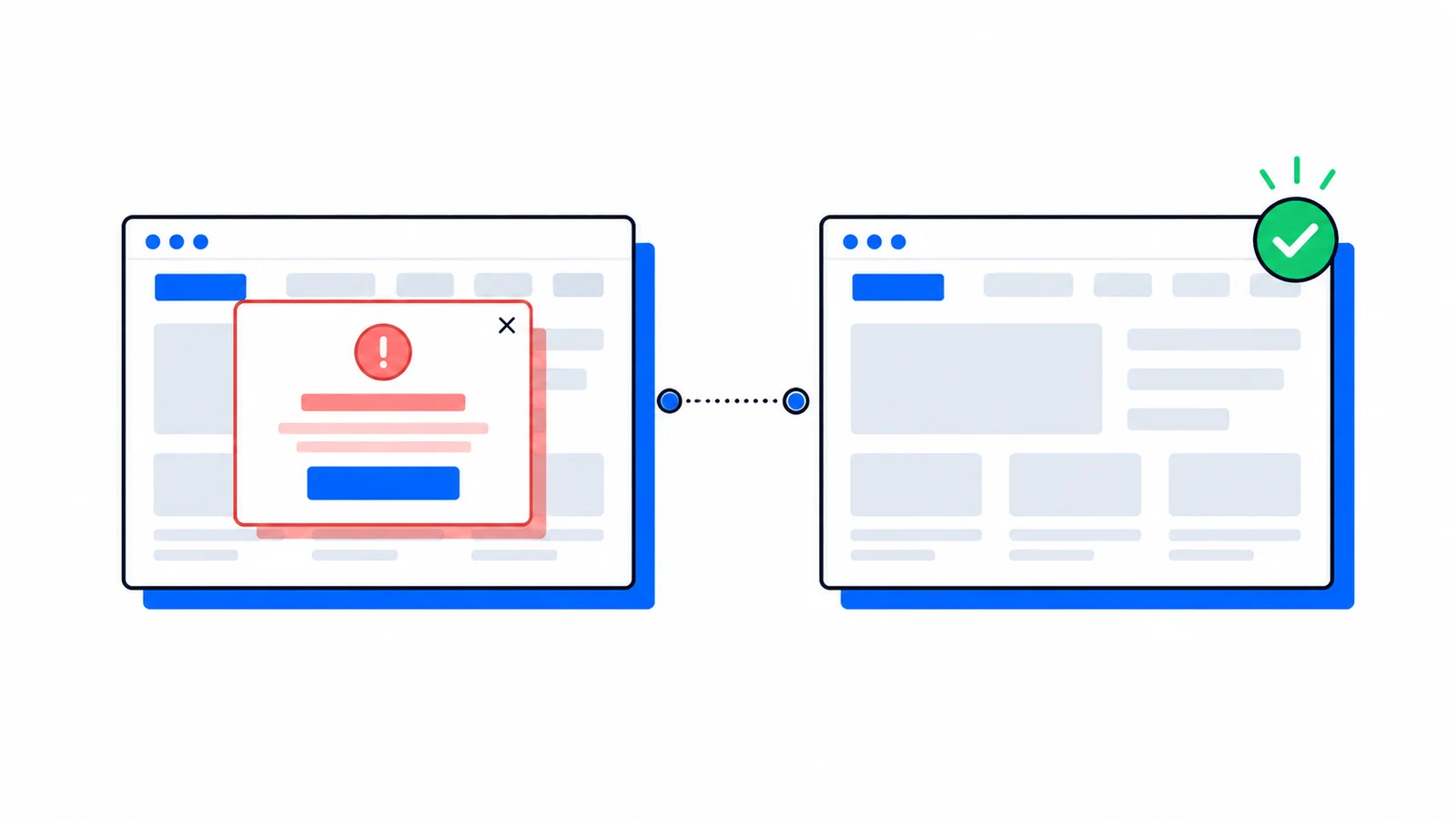
Newsletter modals, country selectors, surveys, and promotional overlays can ruin an automated capture. Learn how the new blockPopups API option produces cleaner screenshots by default.
US West
~45ms
EU Frankfurt
~90ms
Asia Tokyo
~120ms