Turn any URL into a screenshot, markdown, and structured data — in one call
Marcin Sobolewski · Updated 8 min read
Find out how easy it is to capture and share pixel-perfect screenshots at scale using Allscreenshots. Sign up for a free account and start integrating your first screenshot API call today.
You want a screenshot of a page, the page's main content as Markdown for an LLM, and a handful of meta tags for the product card. The usual route looks something like this:
Spin up a headless browser and capture the screenshot.
fetch() the same URL again, parse the HTML, grab <title>, OG tags, and favicons.
Pipe the body through a Readability + Markdown converter.
Ship all three to an LLM for the parts you couldn't extract with selectors.
Four hops. Two browsers, sometimes three. The screenshot and the scrape don't always see the same DOM. Cookie banners get dismissed between calls, modals appear, A/B tests reshuffle results. And every hop is its own line on someone's bill.
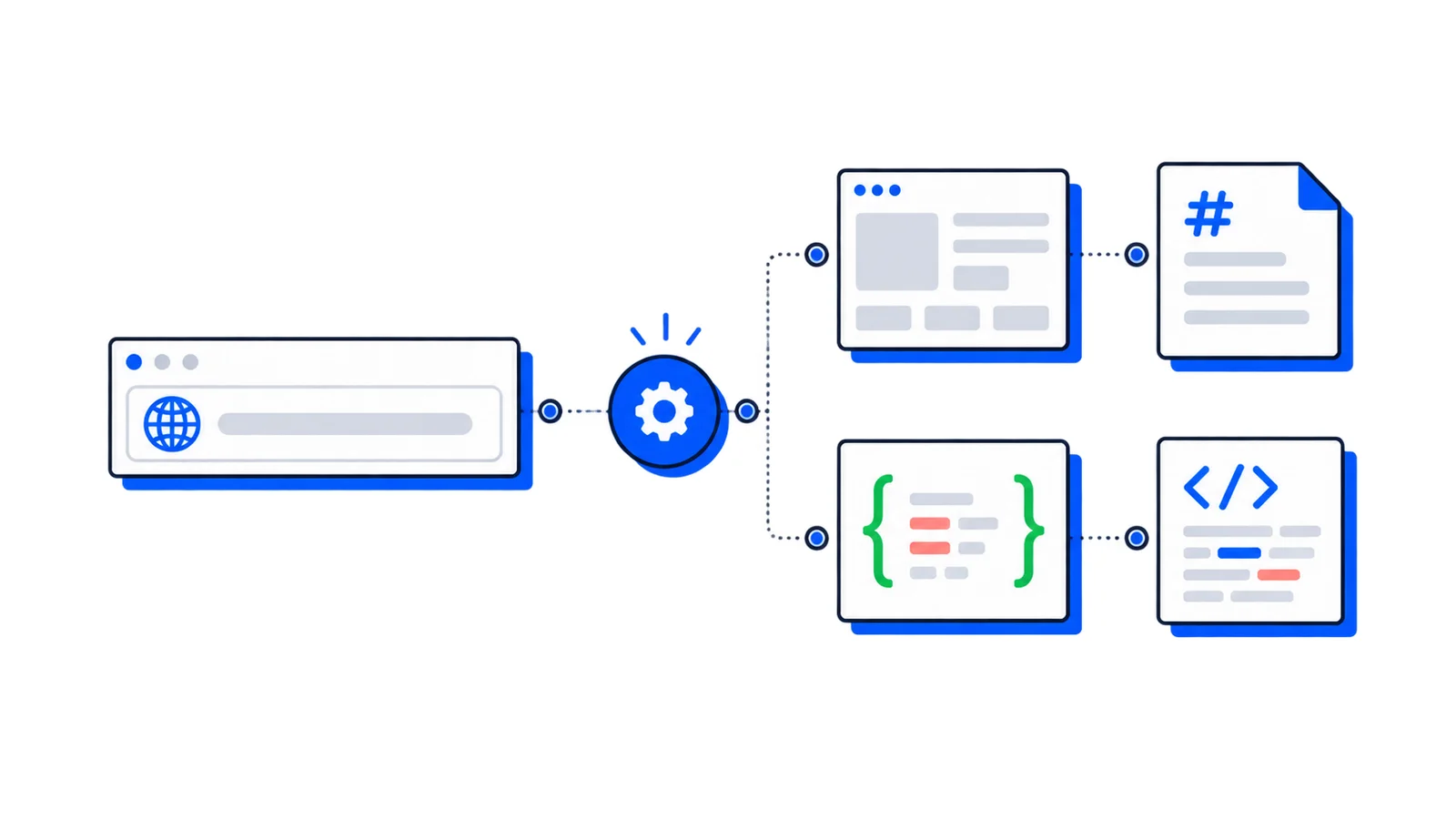
AllScreenshots' multi-output feature collapses the whole pipeline into one request. You list the formats you want; they come back from one browser session, billed as one screenshot.
The one-call alternative
Drop an outputs array onto a regular POST /v1/screenshots request and list the formats you need.
What comes back, in under three seconds on real-world pages:
{"url":"https://linear.app","outputs":{"screenshot":{"storageUrl":"https://storage.allscreenshots.com/.../screenshot.png"},"markdown":{"storageUrl":"https://storage.allscreenshots.com/.../markdown.md","size":15276},"json":{"data":{"title":"Linear – The system for product development","description":"Purpose-built for planning and building products with AI agents.","ogImage":"https://linear.app/static/og/homepage.jpg","themeColor":"#08090a","favicon":"/favicon.ico"}}},"renderTimeMs":2267}
That's the whole "fetch + screenshot + parse + Markdown" pipeline, in one response, billed as one screenshot. The five output types you can ask for are screenshot, pdf, html, markdown, and json (the last one driven by your own CSS-selector schema).
Four things you can build with it
The shape of the response stays the same across all of these; only the schema changes.
1. Brand profile / onboarding auto-fill
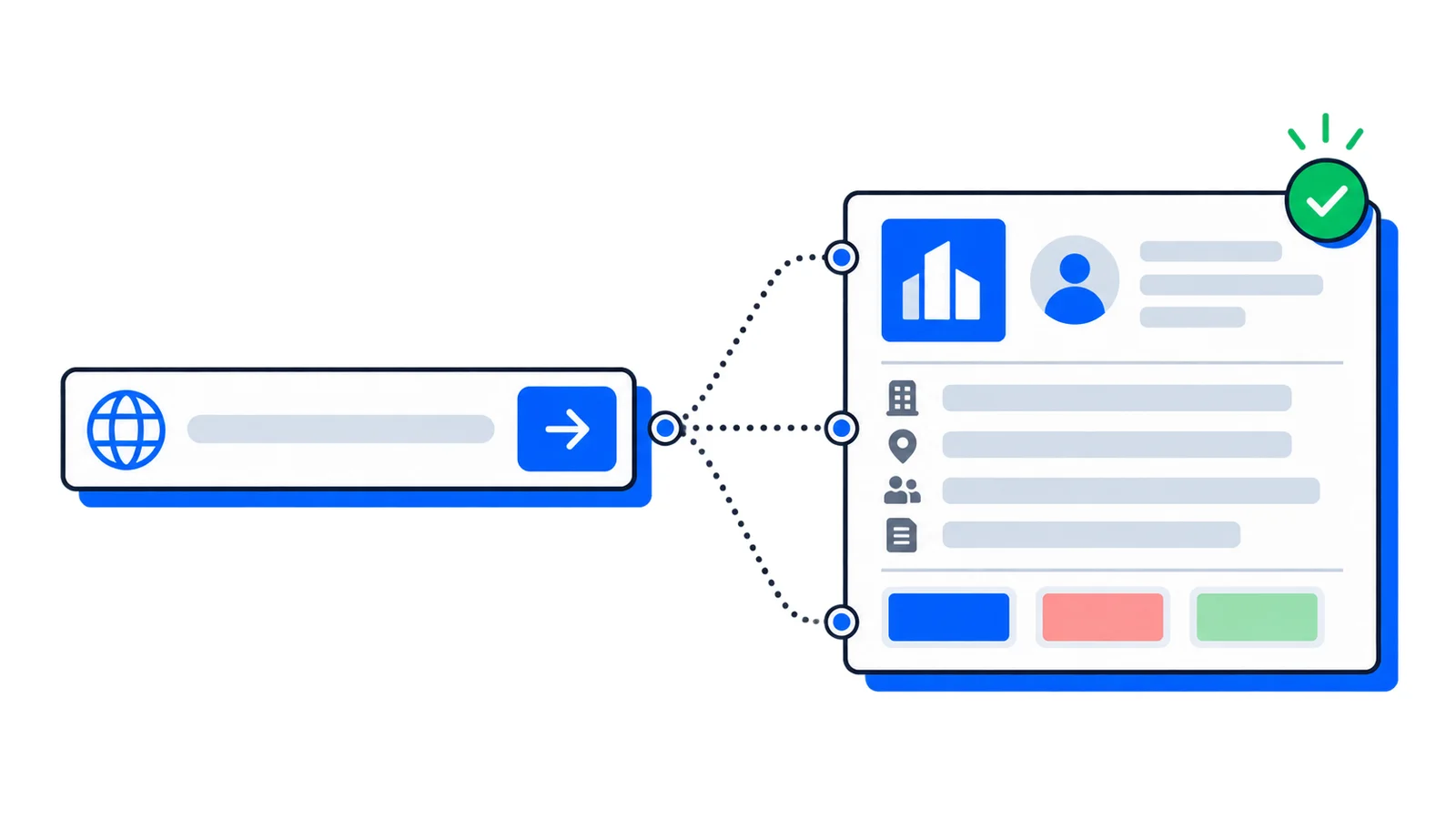
Users paste their company URL at signup. You return with the company name, a short description, a logo image, the brand color, and the favicon — already in the form.
What selectors can't get (industry, a non-clichéd one-liner, audience) comes from sending the screenshot and the markdown to an LLM. The URL-first onboarding post covers the UX side: how to wire this into a signup form without it feeling like spooky autofill.
2. Link previews
A rich card for any URL someone pastes into your app. Title, description, image (or a generated screenshot when there's no OG image), favicon for the source.
The screenshot is your fallback when the page has no OG image. One request returns both the meta tags and that fallback image, so there's no second call to make.
3. Competitor / SEO snapshots
Every Monday, capture titles, meta descriptions, headings, and canonicals across a list of competitor URLs. Diff against last week. Alert when something changes.
Pair it with scheduled jobs and you have a competitor-tracking pipeline without a scraping cluster.
4. Lead enrichment from a company URL
A sales-tool workflow: paste a prospect URL into the CRM, get back the company name, what they do, the hero copy, and a screenshot you can put on the deal card. The markdown is the LLM's input for industry classification and a one-line summary.
The markdown comes through with mainContentOnly: true, so navigation, footer, and cookie banners are stripped before it ever hits the LLM. You're not paying tokens to teach a model about someone's site footer.
A note on billing
A multi-output request counts as one screenshot against your monthly quota, no matter how many outputs you ask for. The browser session is the expensive part. Once the page is loaded, the markdown and the selectors come for free.
Where to go from here
The multi-output extraction guide — the full step-by-step build, including async + webhook batching for bigger lists.
URL-first onboarding patterns — the design side: how to actually wire this into a signup or CRM form without making it feel like spooky autofill.
If you are replacing an existing provider, review the ScreenshotOne comparison or Urlbox comparison for current pricing sources, capture settings and a migration checklist. API authentication explains how to keep your key on the server.
 Guide
Guide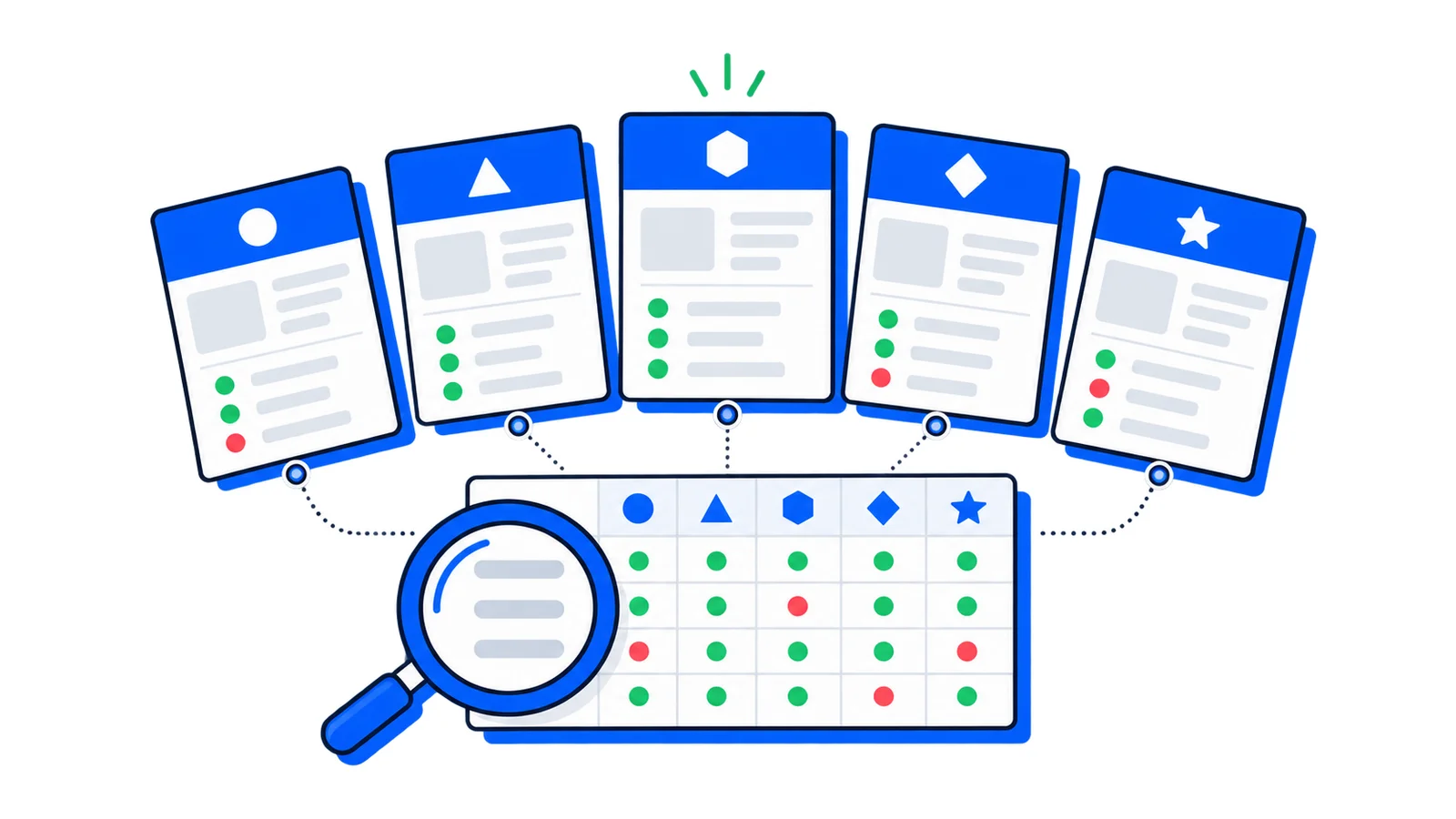 Guide
Guide