Find out how easy it is to capture and share pixel-perfect screenshots at scale using Allscreenshots. Sign up for a free account and start integrating your first screenshot API call today.
RT
Riley Thompson
Developer advocate focused on web tooling, screenshot APIs, and helping teams ship better visual experiences.
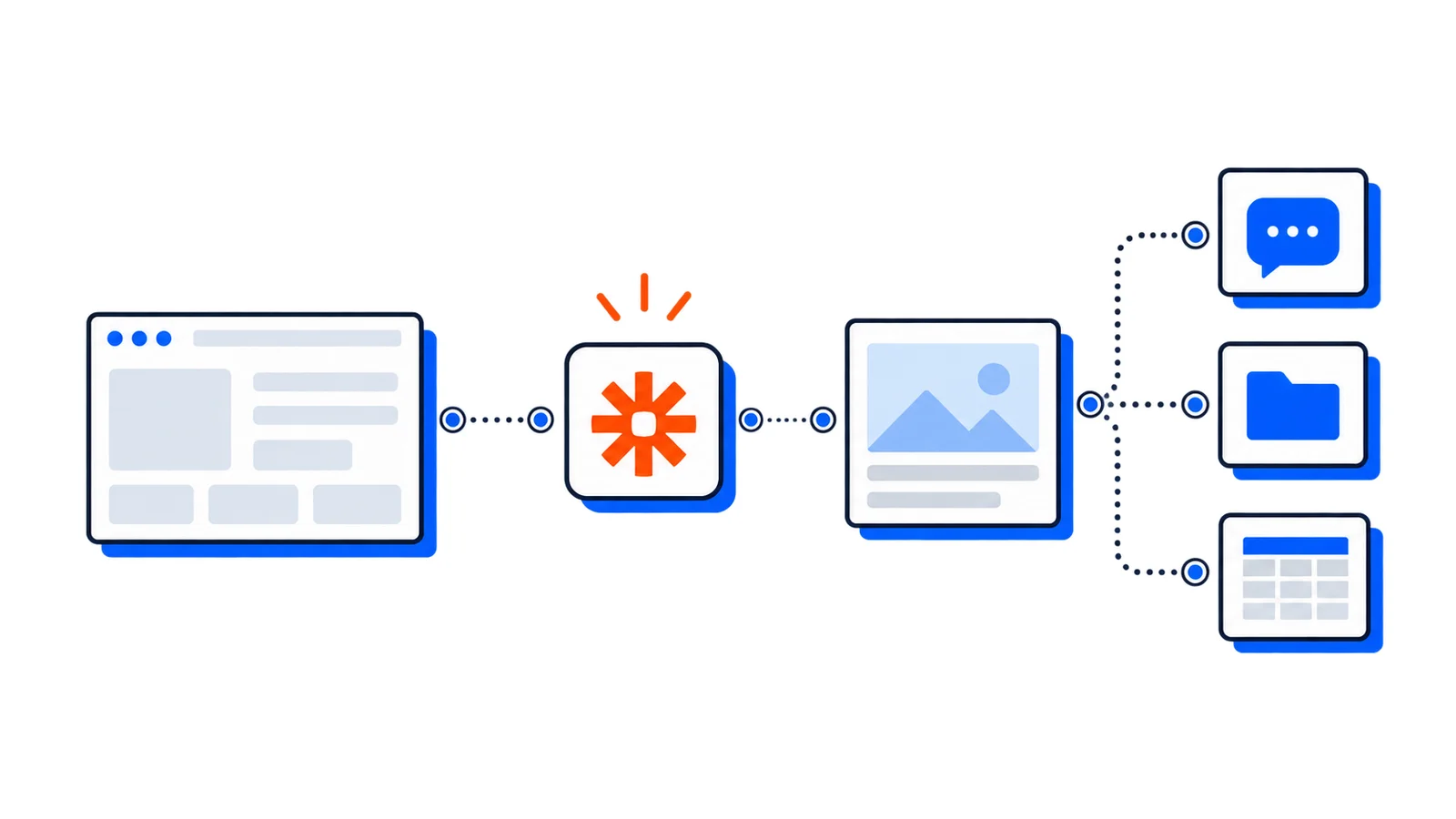
Zapier connects 6,000+ apps with no code. By adding the Allscreenshots API as a Webhooks action, you can trigger website screenshots from any event — new leads, form submissions, page publishes — and route the result anywhere.
What you'll build
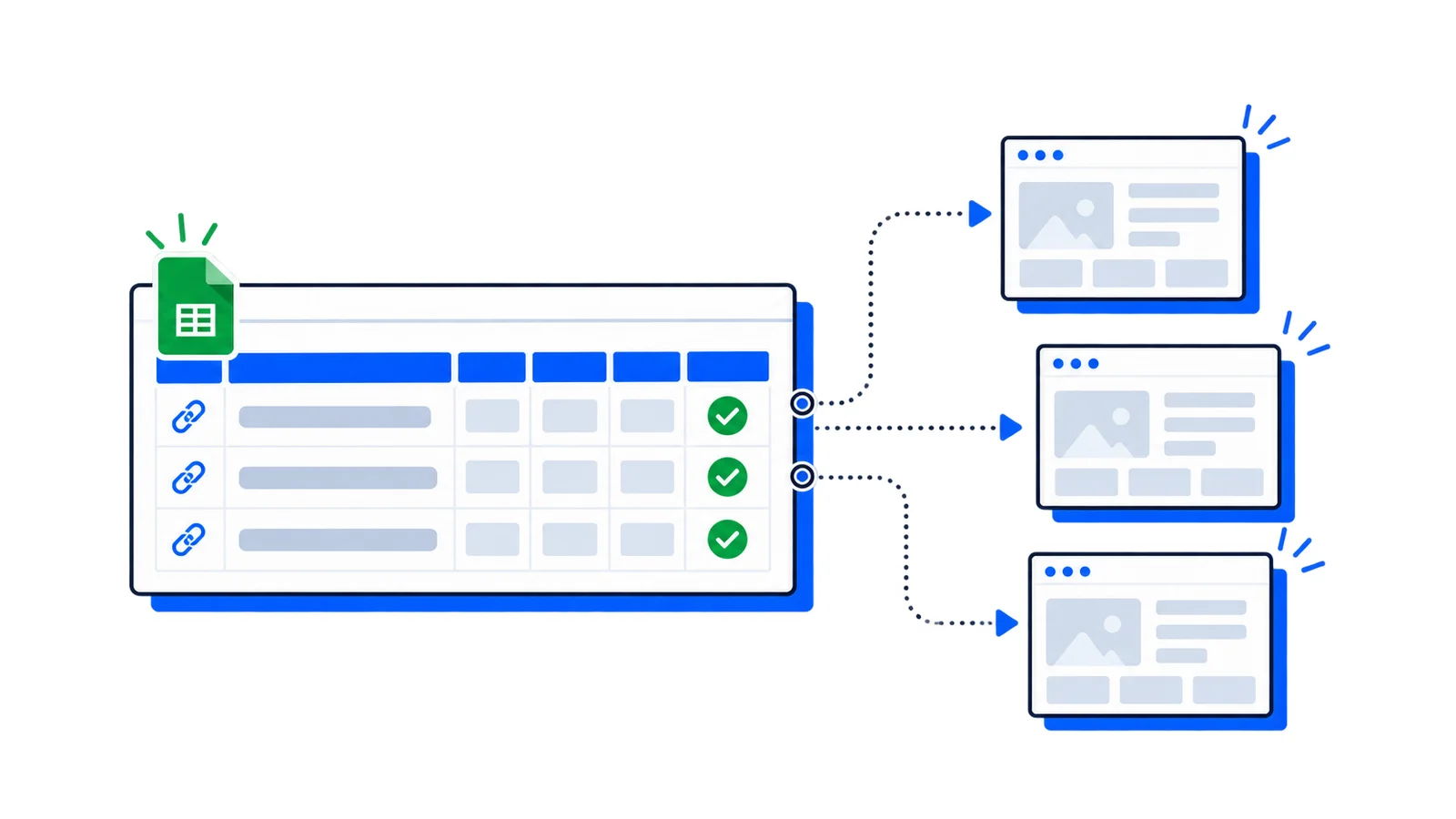
A Zap that captures a website screenshot whenever a new row is added to Google Sheets, then saves the screenshot URL back to the sheet. You can swap Google Sheets for any trigger app.
Connect your Google account and select your spreadsheet
Map the sheet and confirm the URL column
Test the trigger to make sure Zapier picks up a sample row.
Step 2: Add the Webhooks action
Add an action step:
Search for Webhooks by Zapier
Select Custom Request as the action event
Configure the request:
Field
Value
Method
POST
URL
https://api.allscreenshots.com/v1/screenshots
Payload Type
json
Add headers:
Key
Value
X-API-Key
YOUR_API_KEY
Content-Type
application/json
Set the request body data:
Key
Value
url
(map from the trigger's URL column)
fullPage
true
responseType
url
format
png
Hosted URLs expire; download the image to your own storage if you need a permanent archive.
Step 3: Save the screenshot URL
The Webhooks action returns a storageUrl field. Add another action to use it:
Option A: Update Google Sheets
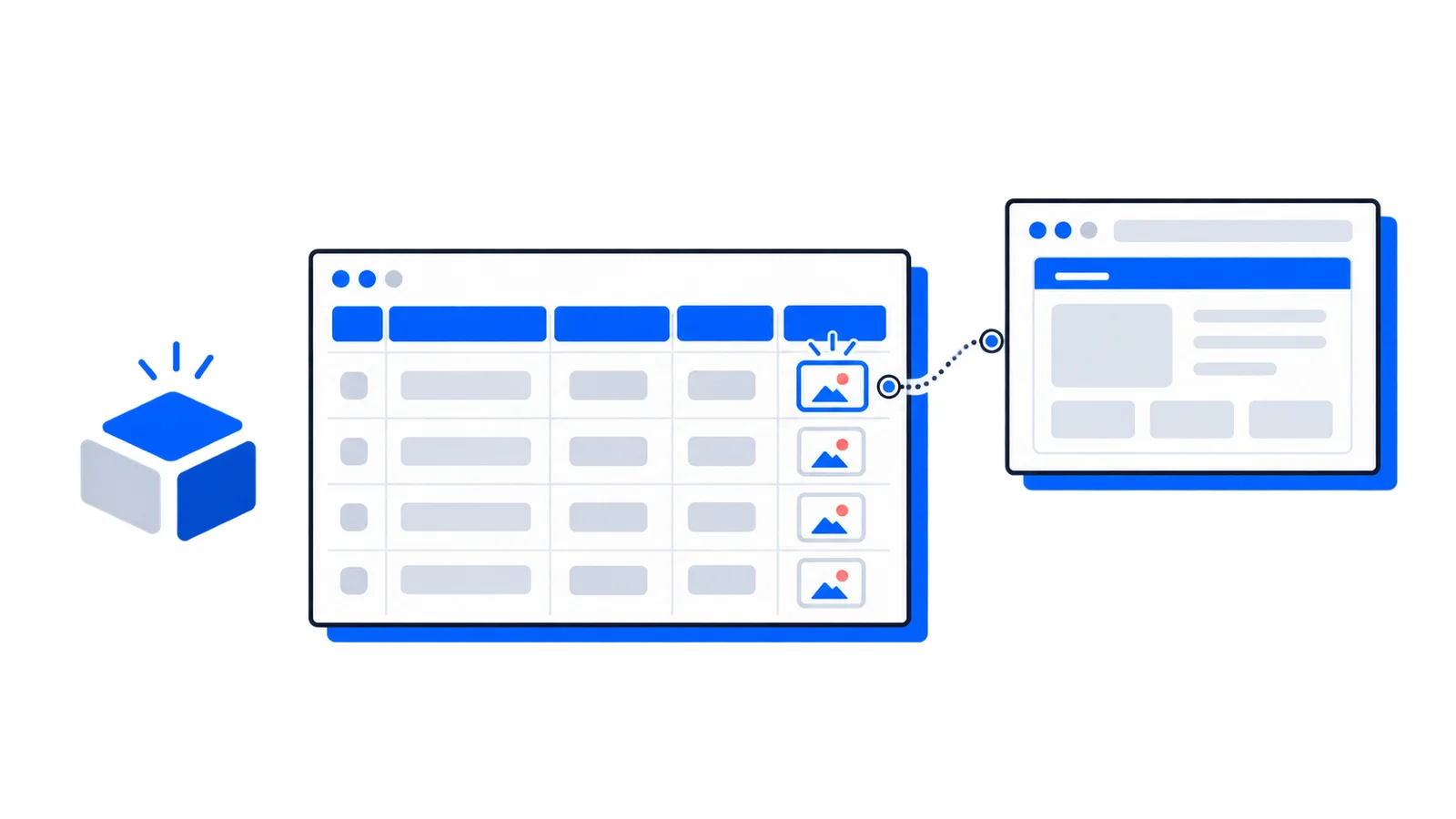
Add a Google Sheets "Update Spreadsheet Row" action. Map the storageUrl from the Webhooks step to a "Screenshot" column in your sheet.
Option B: Post to Slack
Add a Slack "Send Channel Message" action. Use the storageUrl in the message body — Slack will automatically unfurl it as an image.
Option C: Save to Google Drive
Add a Google Drive "Upload File" action. Use the screenshot URL as the file URL.
Step 4: Turn it on
Test the complete Zap, then turn it on. Every new row in your sheet will now automatically get a screenshot captured and saved.
Advanced options
Capture specific viewports
Add additional data fields to your webhook body for mobile or tablet captures:
Add "blockAds": true to the request body for cleaner screenshots without popup clutter.
Capture as PDF
Change "format": "png" to "format": "pdf" to get a PDF instead of an image. Useful for archiving full-page content.
Common use cases with Zapier
New HubSpot lead → capture their website → save to CRM
New Shopify product → capture product page → send to Slack for review
Form submission → capture submitted URL → store in Airtable
Scheduled trigger → capture competitor pages daily → save to Google Drive
Wrapping up
With Zapier and Allscreenshots, you can automate screenshot capture across your entire toolstack without writing a single line of code. The Webhooks action gives you full control over the API parameters.
If you are replacing an existing provider, review the ScreenshotOne comparison or Urlbox comparison for current pricing sources, capture settings and a migration checklist. API authentication explains how to keep your key on the server.