Can you shrink a screenshot archive without changing a single pixel?
Erik Lindqvist5 min read
Find out how easy it is to capture and share pixel-perfect screenshots at scale using Allscreenshots. Sign up for a free account and start integrating your first screenshot API call today.
A screenshot archive has a different requirement from a thumbnail gallery. You may need to compare an old interface with a new one, inspect a small label, or generate another derivative later. Throwing away pixels to save space can work against that job.
But keeping every pixel does not mean keeping the largest encoding. We tested four lossless exports of the same screenshot, decoded them again, and compared their RGB bytes.
In this sample, lossless WebP was smaller than PNG. Lossless AVIF and JPEG XL were both larger. That is a useful reminder to measure the actual archive rather than choose a format by reputation.
The source and the boundary of the test
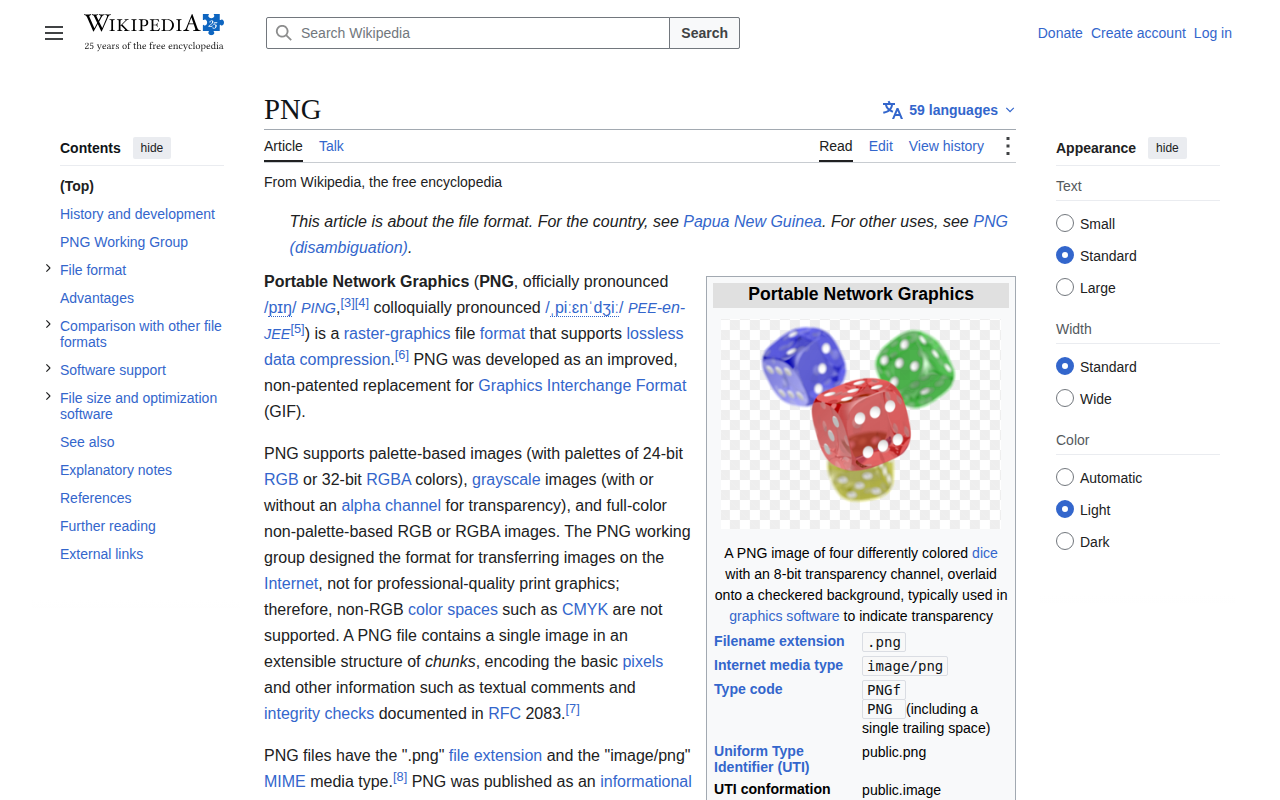
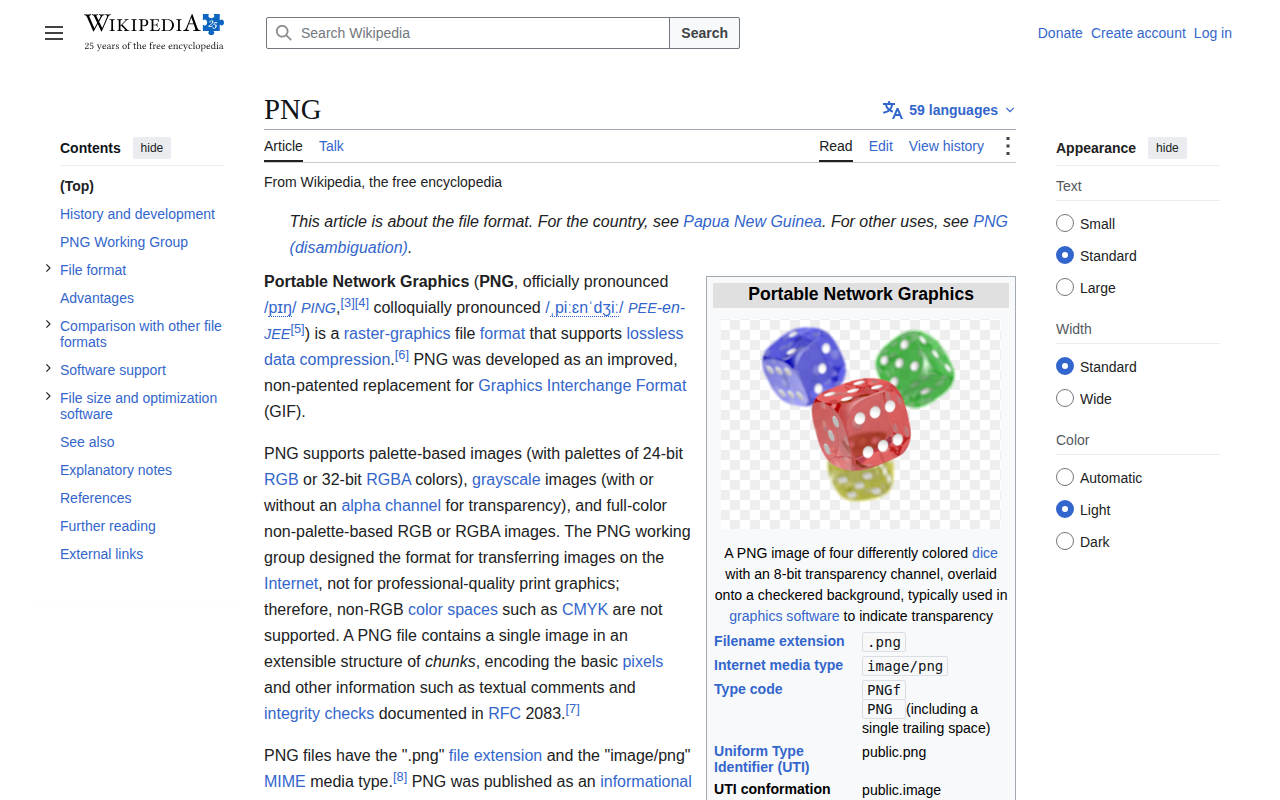
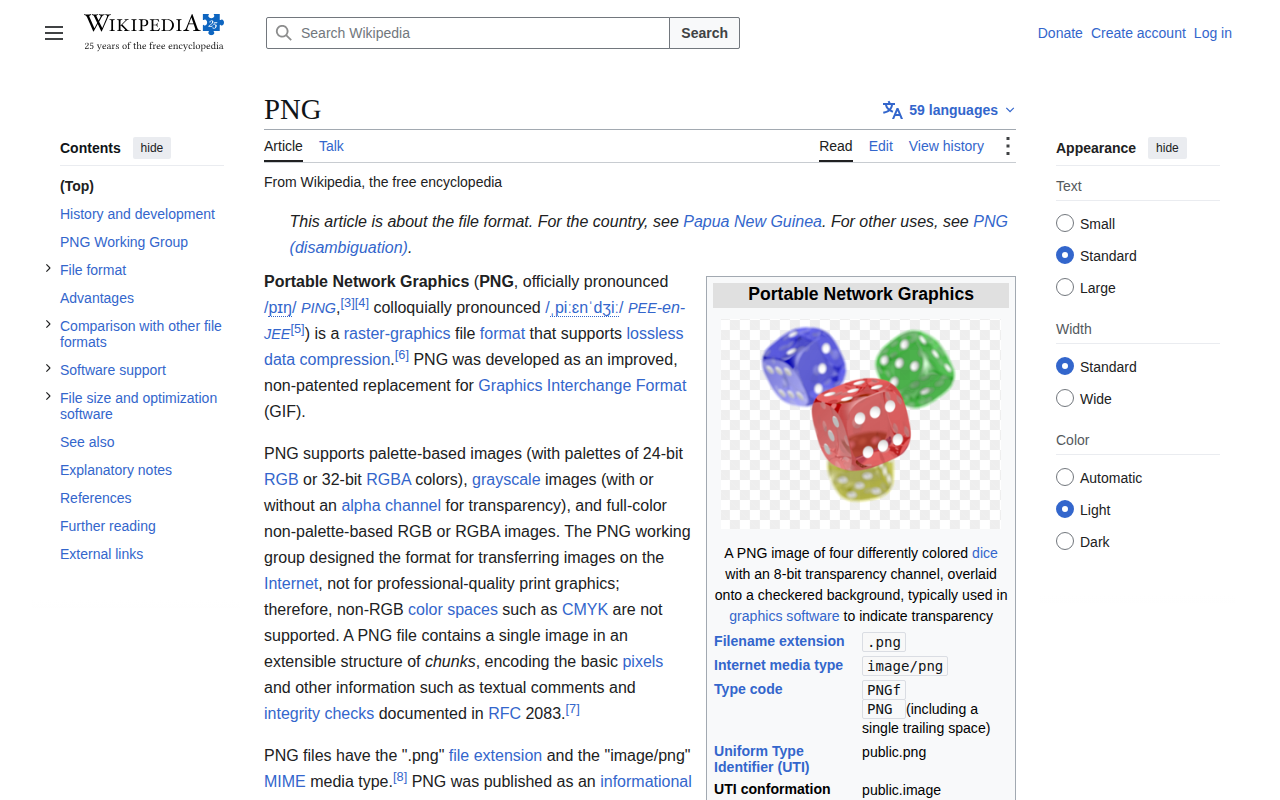
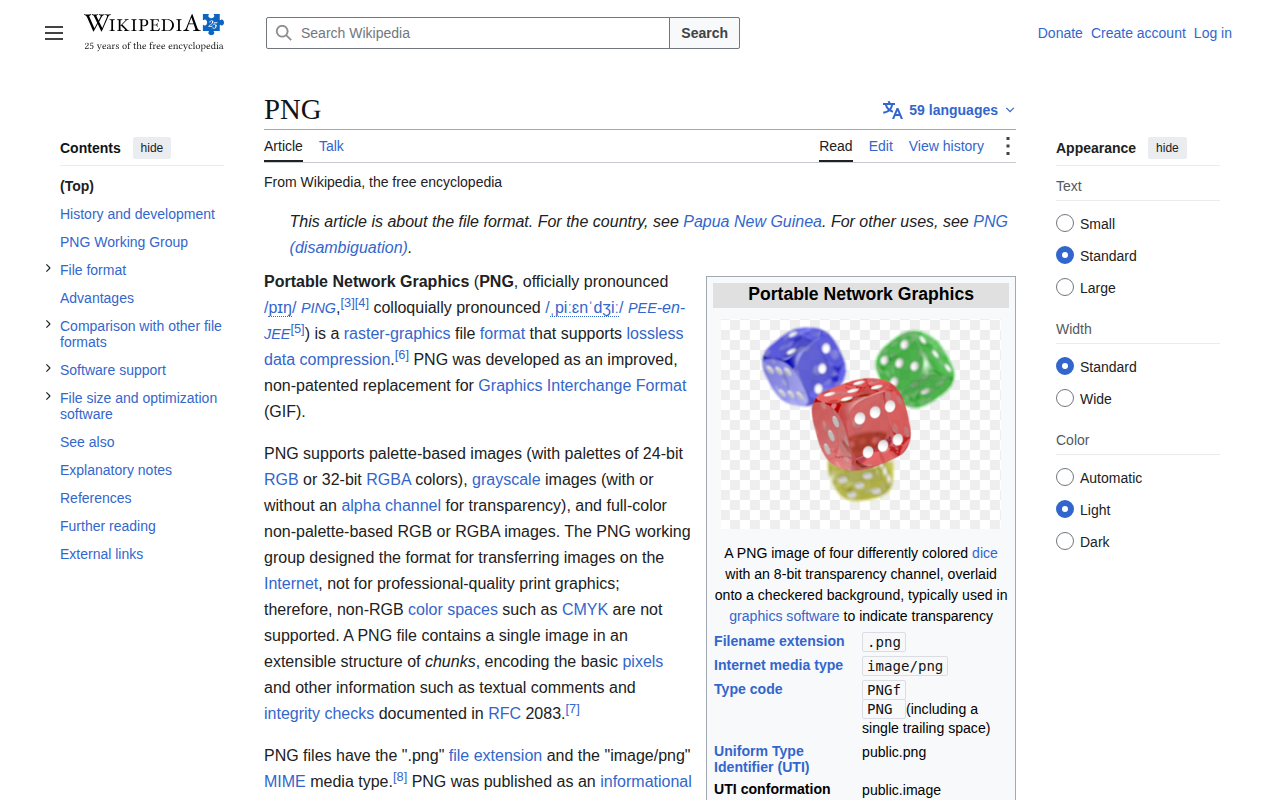
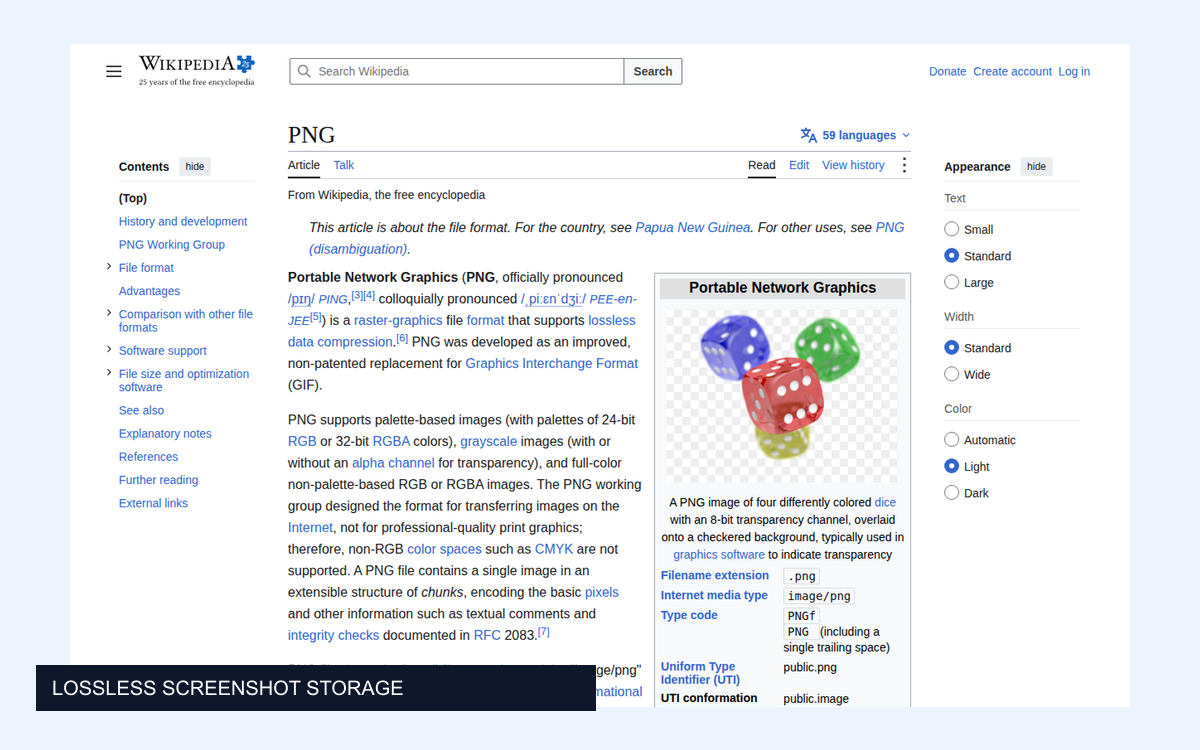
We captured Wikipedia's PNG article at 1280 × 800 on 29 September 2026. It combines dense text, blue links, flat surfaces, and a small illustration.
Wikipedia PNG article, captured 29 September 2026. Text: Wikipedia contributors, CC BY-SA 4.0; reused text in the re-encoded and cropped examples retains that license; illustration credits are on the source page. View source page.
The capture was normalized to opaque 8-bit sRGB, with no resizing. This normalized image is the reference for every pixel comparison below. We removed metadata and flattened transparency before the test.
That boundary matters. “Lossless” here means the decoder reproduces these normalized RGB pixels. It does not mean the conversion preserves the original capture file byte-for-byte, its metadata, an alpha channel, HDR information, or a wide-gamut profile.
Four encodings, four exact matches
Encoding
Size
Encode time
Pixels identical?
PNG, level 9
217.7 KiB
36.1 ms
Yes
WebP, lossless / effort 6
136.0 KiB
74.4 ms
Yes
AVIF, lossless / effort 6
462.9 KiB
1266.3 ms
Yes
JPEG XL, lossless / effort 7
268.1 KiB
236.2 ms
Yes
Each file was decoded back to RGB and compared with the reference. All four had zero differing pixels. We also recorded a SSIMULACRA 2 score of 100 for each, but direct pixel equality is the decisive check for this question.
Lossless WebP used 139,312 bytes versus PNG's 222,889 bytes: 37.5% less space. Our lossless AVIF used 474,038 bytes; JPEG XL used 274,579 bytes. The PNG used compression level 9, WebP and AVIF effort 6, and JPEG XL effort 7 with quality 100. Different effort settings or a different image can change the ranking.
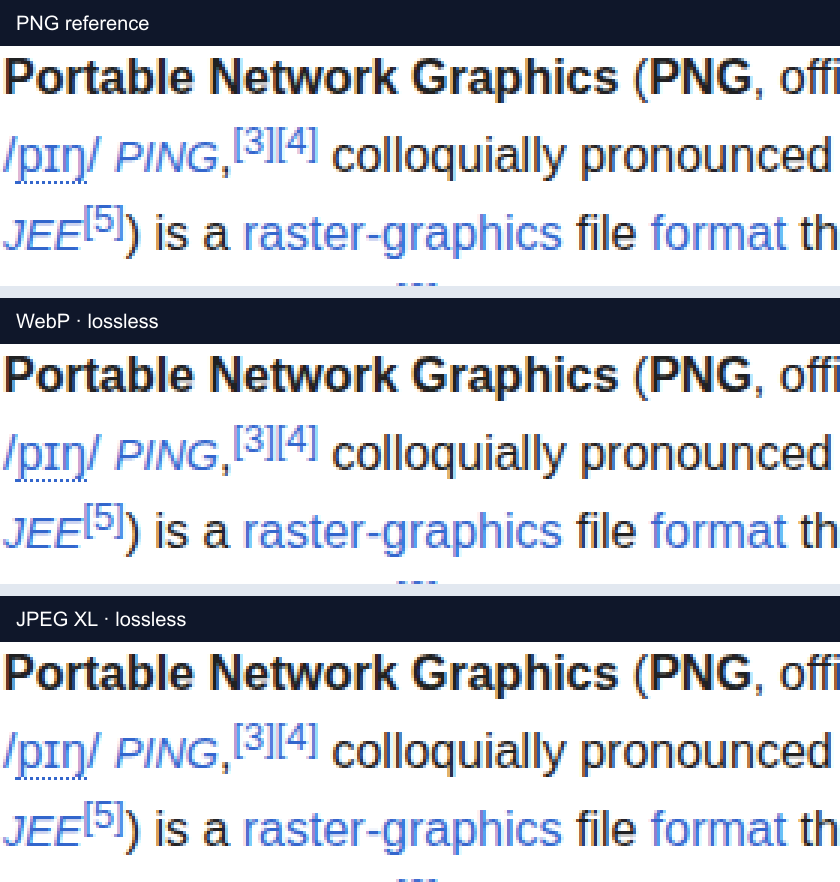
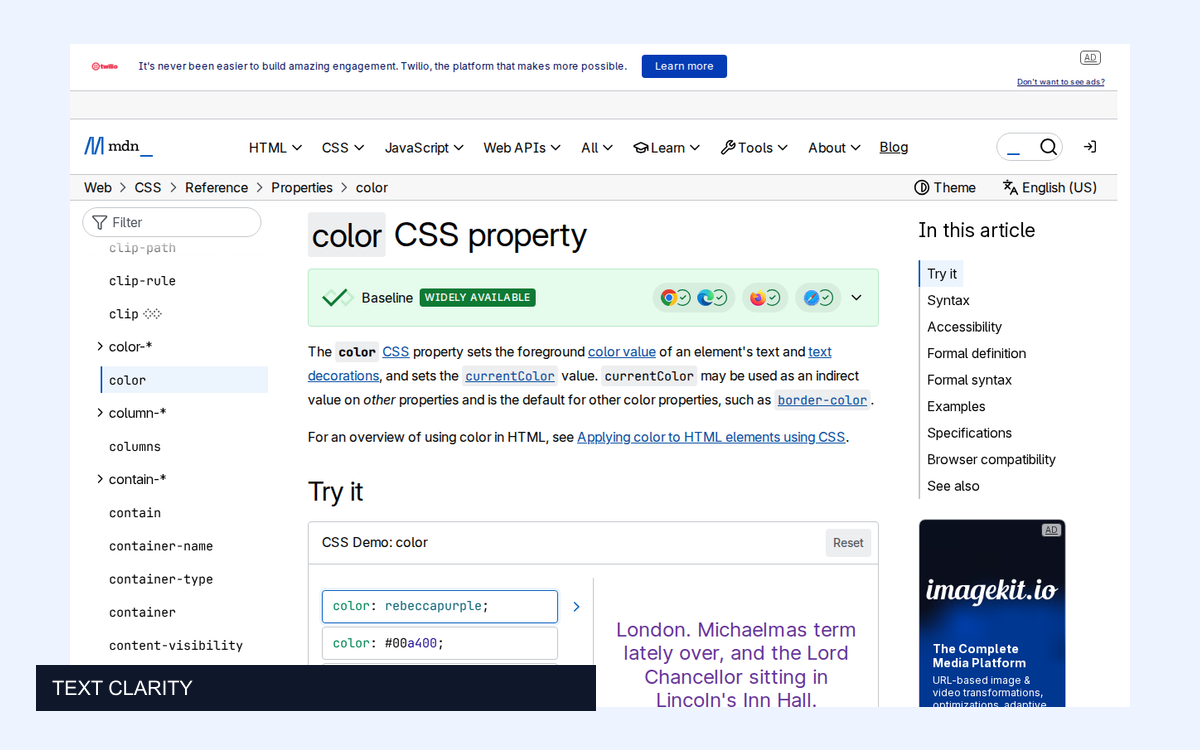
Decoded crops at 3× nearest-neighbor enlargement. Click to inspect the PNG comparison at full size.
These strips are supposed to look identical. They show decoded PNG, WebP, and JPEG XL pixels, enlarged three times without smoothing and saved in PNG. There is no hidden “slightly softer but close enough” condition in this result.
A high quality number is not a general promise of exact pixels. In the same sample, JPEG quality 80 was larger than PNG and still changed the image. WebP and AVIF need their explicit lossless modes for this test. In cjxl, quality 100 selects mathematically lossless encoding, as documented by the JPEG XL encoder.
With Sharp, a lossless WebP candidate is straightforward:
Still decode and verify it in your own workflow. Color conversion, orientation, depth changes, and alpha handling can happen outside the encoder's lossless compression step. An exact check should include dimensions, channels, sample depth, and the color interpretation relevant to your archive.
Google's lossless WebP specification describes the format's pixel-preserving compression. It does not imply that every surrounding image-processing operation is lossless.
What the savings would mean at scale
For a hypothetical million files identical in size to this sample:
Encoding
Decimal storage for one million files
PNG
222.9 GB
Lossless WebP
139.3 GB
Lossless AVIF
474.0 GB
Lossless JPEG XL
274.6 GB
This multiplication illustrates capacity, not a forecast for a real collection. Photo-heavy captures, dark interfaces, full-page captures, and pages with few colors can compress very differently. It also excludes replication, backups, metadata, and any delivery derivatives you keep alongside the master.
Before migrating, draw a sample from each important page type and dimension. Compare total bytes across that sample, rather than averaging percentage savings in a way that gives a tiny icon the same weight as a huge capture.
Encoding cost matters during a migration
PNG took about 36 ms to encode here, lossless WebP 74 ms, lossless JPEG XL 236 ms, and lossless AVIF 1,266 ms. These are medians of three sequential runs after a warm-up on an Apple Silicon Mac.
The test includes file writing. JPEG XL's path includes process startup and decoding the PNG input, while Sharp reads normalized RGB from memory. The numbers describe these conversion paths, not universal codec performance. The raw report includes the exact runs and versions.
A one-time migration may tolerate a slow encoder. A pipeline receiving thousands of new captures per minute may care much more. Decoding throughput is another budget; we verified correctness but did not benchmark browser or archive-retrieval decode speed.
Keep the master policy separate from the delivery policy
An internal archive can use a format every controlled decoder understands, while a public download button serves PNG. Those are different audiences.
PNG has longstanding browser support and WebP is broadly supported in current browsers. AVIF works in current major browsers too. JPEG XL browser support is evolving, so test the exact clients that need access and keep a compatible download or preview. A storage migration should not make a support agent install a new tool just to open an old screenshot.
If you need the original bytes for provenance or repeatable processing, retain the original capture as well. A converted lossless image is a faithful pixel representation under the tested conditions, not the same original file. Keeping both also changes the storage arithmetic above.
Migrate in a way you can verify
Keep the source while generating a candidate encoding.
Decode the candidate and validate the properties you intend to preserve.
Compare the resulting pixel data with the reference.
Record hashes, encoder versions, settings, and source identifiers.
Exercise the actual retrieval and preview tools before replacing anything.
For this screenshot, lossless WebP passed the exact-pixel check and saved space. That makes it a candidate worth testing against a broader archive, not a reason to bulk-convert everything without verification. AllScreenshots can supply the source captures; the archive policy decides which representation you keep and how readers retrieve it.
 Engineering
 Best Practices
 Best Practices