Find out how easy it is to capture and share pixel-perfect screenshots at scale using Allscreenshots. Sign up for a free account and start integrating your first screenshot API call today.
AC
Alex Chen
Full-stack developer and technical writer who loves browser automation and making complex tools accessible.
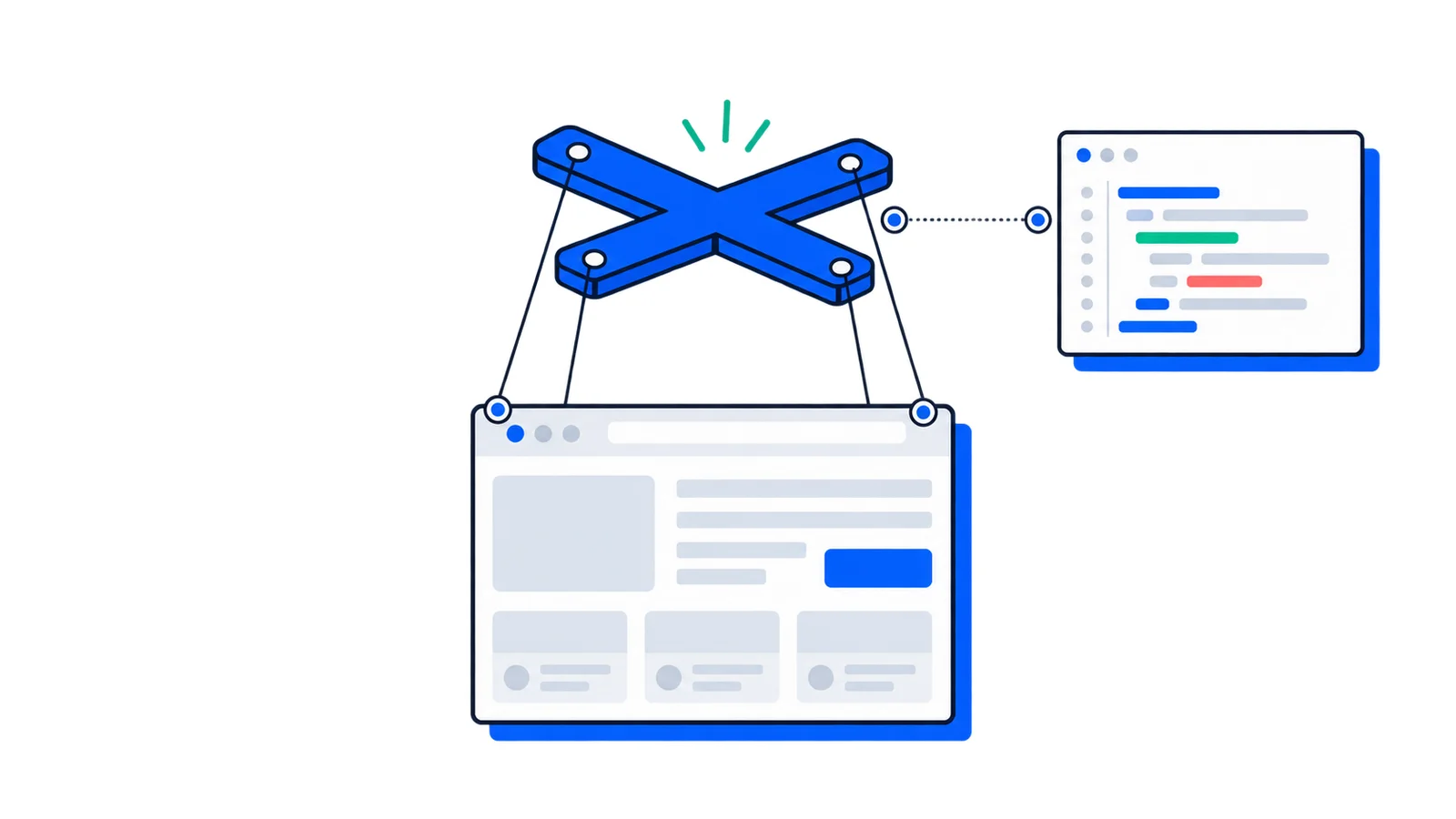
Puppeteer is a JavaScript library for controlling real browsers from code. Instead of opening Chrome, clicking buttons, typing into forms, waiting for pages to load, and saving screenshots manually, you describe those actions in Node.js and Puppeteer performs them through an automated browser.
At a beginner level, Puppeteer is useful because it makes browser automation approachable. You can install one package, write a short script, and capture a screenshot or scrape rendered content from a JavaScript-heavy page.
At an advanced level, Puppeteer is useful because it exposes browser internals that normal HTTP clients cannot reach: network requests, cookies, frames, execution contexts, browser profiles, console messages, performance traces, PDF rendering, and DevTools-level debugging hooks.
What Puppeteer is
Puppeteer is a high-level API over browser automation protocols. It runs in Node.js, launches or connects to a browser, opens pages, and sends commands to those pages.
You can use Puppeteer for:
Website screenshots and full-page captures
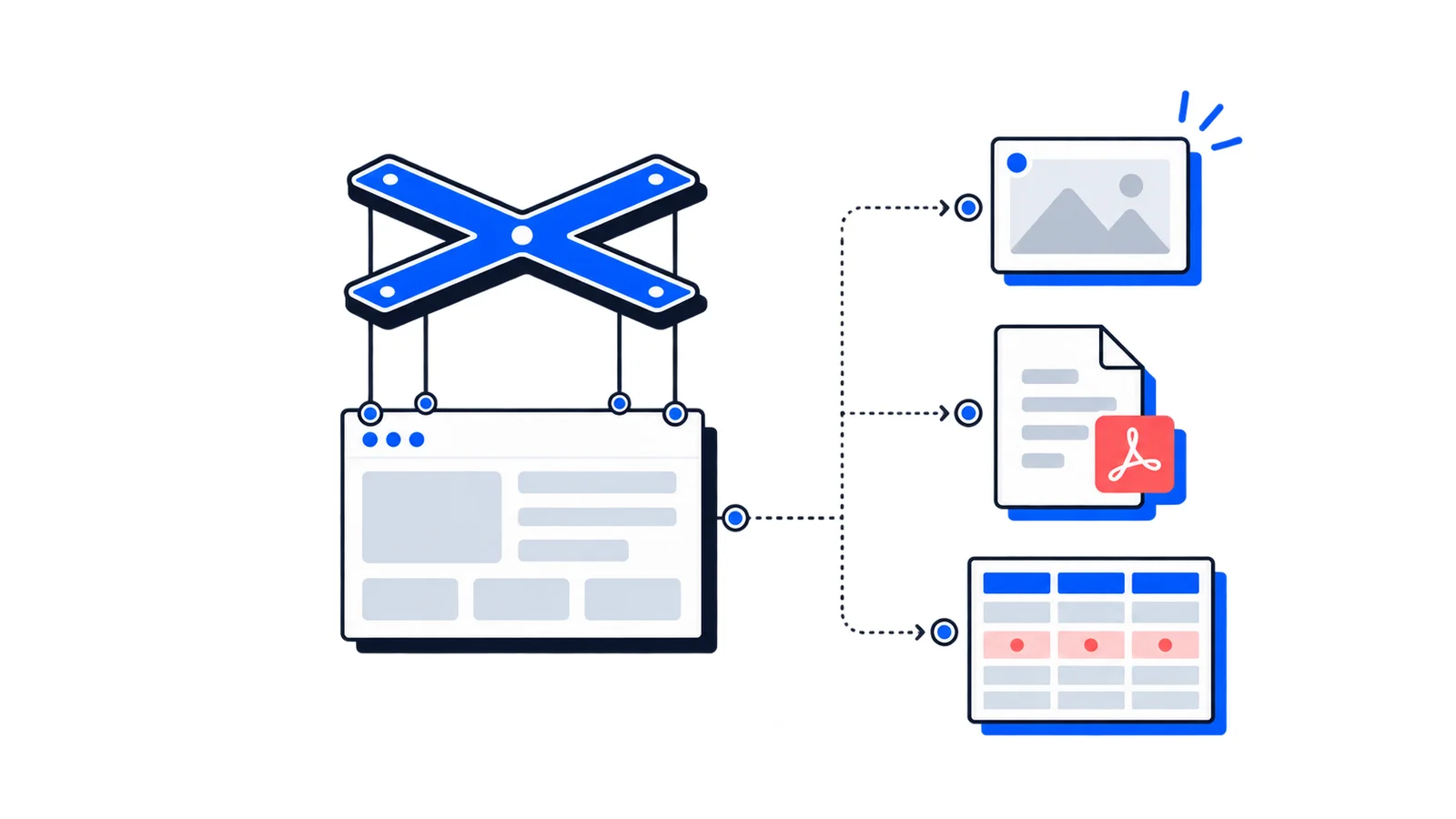
PDF generation from rendered HTML
End-to-end smoke tests
Web scraping pages that require JavaScript
Form automation and repetitive browser workflows
Network inspection, mocking, and request blocking
Performance analysis and debugging
Visual regression test capture
The key phrase is rendered browser automation. Puppeteer is not just downloading HTML. It is controlling a real browser engine, so the page can run JavaScript, load CSS, execute client-side routing, render canvas, apply fonts, and behave much closer to what a user sees.
Puppeteer is most commonly associated with Chrome, but current Puppeteer releases can automate Chrome and Firefox. Chrome uses the Chrome DevTools Protocol by default, while Firefox uses WebDriver BiDi by default.
What Puppeteer is not
Puppeteer is powerful, but it is easy to overuse if you treat it as the default answer for every web automation problem.
Puppeteer is not a general HTTP scraping library. If a site returns all the data you need in static HTML or JSON, fetch, axios, or a dedicated API client will usually be faster, cheaper, and simpler.
Puppeteer is not a complete test runner by itself. It can drive the browser, but it does not provide the full structure of a testing framework: assertions, retries, reporters, parallel test orchestration, fixtures, and project configuration. You can pair it with Jest, Mocha, or Vitest, but tools like Playwright Test include more testing infrastructure out of the box.
Puppeteer is not a magic way around bot detection. It controls a browser, but websites can still rate-limit requests, require authentication, fingerprint automation, or block suspicious behavior. Use it for legitimate automation, respect site terms, and avoid collecting data you do not have permission to access.
How Puppeteer works
The simplest mental model looks like this:
Your Node.js script
  -> Puppeteer API
  -> Browser automation protocol
  -> Chrome or Firefox
  -> Web page
You call methods such as page.goto(), page.click(), and page.screenshot(). Puppeteer converts those method calls into protocol messages. The browser receives those messages, performs the action, and sends results or events back to Puppeteer.
With Chrome, Puppeteer uses the Chrome DevTools Protocol by default. This is the same family of browser capabilities behind Chrome DevTools. That is why Puppeteer can inspect network traffic, listen to console logs, generate PDFs, access performance data, and create DevTools protocol sessions.
With Firefox, Puppeteer uses WebDriver BiDi by default. WebDriver BiDi is a newer browser automation protocol designed for bidirectional communication between automation clients and browsers. Puppeteer can also use WebDriver BiDi with Chrome, although Chrome still defaults to CDP because some Puppeteer features remain CDP-specific.
headless: false shows the browser window. slowMo adds a small delay between operations, which makes it easier to see what your script is doing.
Start new scripts with headless: false while developing. Once the flow works reliably, switch back to headless mode for CI, scheduled jobs, or production automation.
The core objects
Puppeteer code becomes much easier to understand once you know the main objects.
Object
What it represents
Common use
Browser
A running browser process
Launching pages, creating contexts, closing the browser
BrowserContext
An isolated browser session
Separate cookies, local storage, permissions, and cache
Browser contexts are useful when you need isolation. For example, a test suite can create a fresh context per test so cookies and local storage do not leak between runs.
Navigation and waiting
Browser automation fails most often because the script acts before the page is ready. Puppeteer gives you explicit waiting tools, but you still need to choose the right condition.
Wait until there are no network connections for a short period
Pages that finish loading cleanly
networkidle2
Wait until there are no more than two network connections
SPAs with some background requests
Do not blindly use networkidle0 everywhere. Some apps keep analytics, live updates, or long-polling requests open. In those cases, a selector or app-specific condition is more reliable.
That pattern avoids arbitrary sleeps. The script continues when the real dependency has completed.
Avoid fixed waits such as await new Promise(resolve => setTimeout(resolve, 5000)) as your main synchronization strategy. They make scripts both slower and less reliable because they guess instead of observing the page.
Selecting and interacting with elements
Puppeteer can interact with elements using CSS selectors, XPath-style selectors, and richer selector syntax. CSS selectors are the most common:
The function passed to $eval() runs inside the browser, not in Node.js. That means it can access DOM APIs such as document, window, getComputedStyle, and element properties. It cannot directly access Node.js variables unless you pass them as arguments.
For production screenshots, consistency matters. Set the viewport, device scale factor, color scheme, authentication state, and wait conditions deliberately. Small environment differences can create different visual results.
Network control
Puppeteer can observe and modify network activity. This is one of the biggest differences between browser automation and simple page fetching.
Network interception is useful for test determinism, performance, scraping optimization, and reproducing edge cases. It can also make scripts fragile if you intercept too broadly, so keep matching rules specific.
Headless, headful, and browser binaries
Puppeteer can run without a visible browser window. That is headless mode, and it is the default choice for CI and server automation.
By default, the full puppeteer package downloads a compatible browser during installation. Current releases download Chrome for Testing for Chrome automation and can download stable Firefox for Firefox automation. This avoids the old Selenium-style problem of manually matching a driver version to a browser version.
If you do not want Puppeteer to download a browser, use puppeteer-core and provide your own executable path:
Use puppeteer when you want the package to manage browser downloads. Use puppeteer-core when you are deploying into an environment that already has a browser installed or you are connecting to a remote browser service.
Chrome, Firefox, CDP, and WebDriver BiDi
Puppeteer's browser support has changed over time, so older articles can be misleading.
Browser
Current Puppeteer support
Default protocol
Chrome
Supported
Chrome DevTools Protocol
Firefox
Supported
WebDriver BiDi
Safari
Not a Puppeteer target
Not applicable
Chrome remains Puppeteer's strongest fit because CDP gives deep access to Chrome internals. Some features, such as CDP sessions, tracing, coverage, and certain emulation APIs, are tied to CDP.
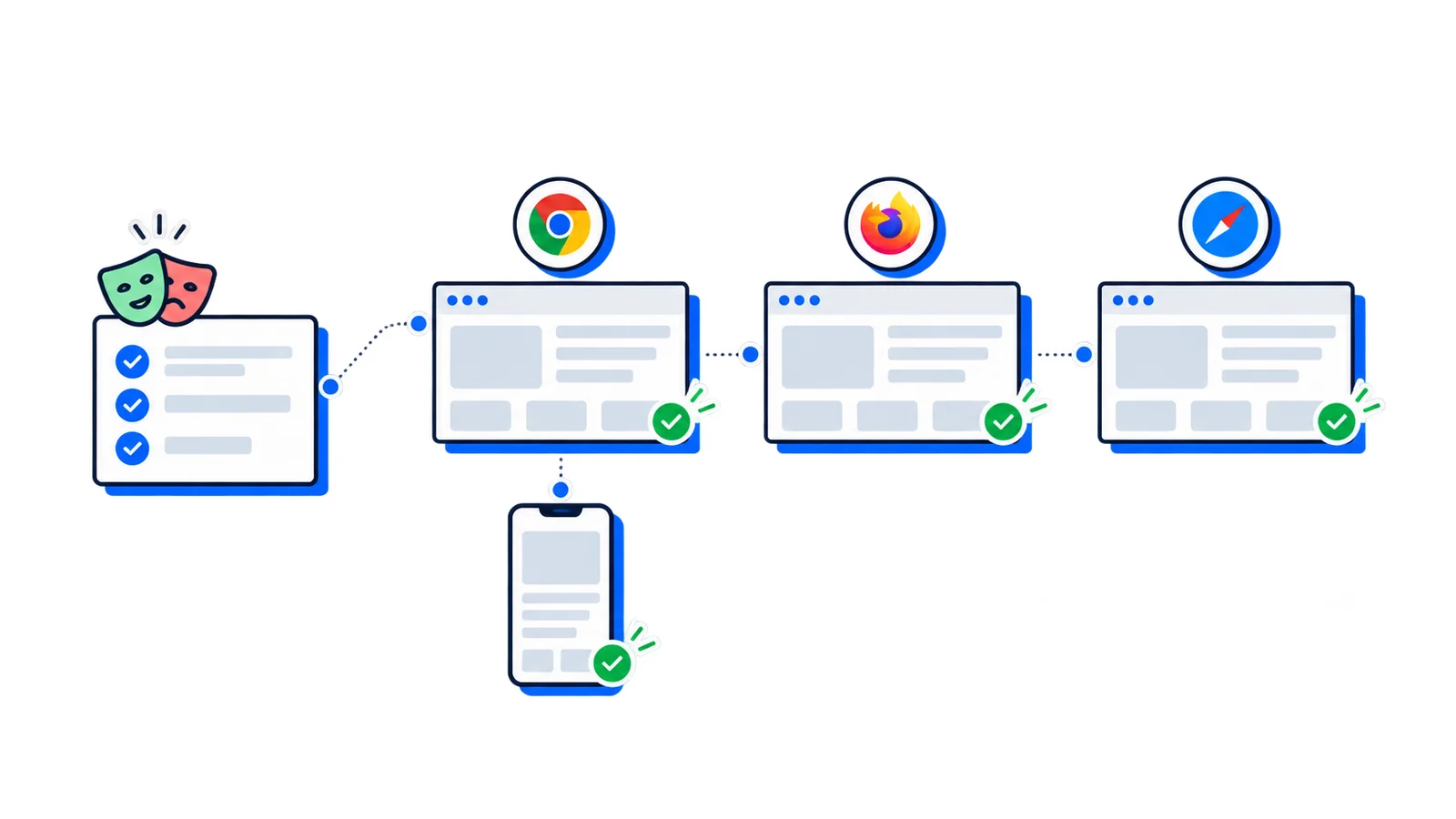
Firefox support is important when you need browser coverage beyond Chrome, but WebDriver BiDi support does not mean every Puppeteer feature behaves identically across browsers. If you need broad cross-browser end-to-end testing, compare Puppeteer with Playwright before committing to a test architecture.
Long-running jobs should periodically create fresh pages or contexts. Browsers accumulate memory, event listeners, cache, and application state. For batch automation, isolate each unit of work:
for(const url of urls){const page =await browser.newPage();try{await page.goto(url,{waitUntil:'domcontentloaded'});await page.screenshot({path:createFilename(url)});}finally{await page.close();}}
Advanced patterns
Reusing authentication state
Logging in through the UI for every script run is slow and brittle. One approach is to save cookies after login and reuse them.
importfsfrom'node:fs/promises';const browser =await puppeteer.launch({headless:false});const page =await browser.newPage();await page.goto('https://app.example.com/login');// Complete login manually or through automation.await page.waitForSelector('[data-testid="dashboard"]');const cookies =await page.cookies();await fs.writeFile('cookies.json',JSON.stringify(cookies,null,2));await browser.close();
For more complete isolation, use a persistent user data directory, but be careful not to share it across concurrent jobs.
Parallelizing work
Launching a new browser for every URL is expensive. Opening too many pages in one browser can exhaust memory. A practical pattern is one browser with a small concurrency limit.
This is useful for responsive screenshots, visual regression testing, print styles, and checking dark mode.
Connecting to a remote browser
In production, many teams avoid launching browsers inside every application process. Instead, they connect to a browser running in a separate container or managed service.
Remote browsers can simplify scaling, but they introduce network latency and operational concerns. Make sure you handle timeouts, authentication, and session cleanup.
Running Puppeteer in CI and production
Headless browsers are heavier than normal server-side code. A single browser can consume hundreds of megabytes depending on the page. Production Puppeteer systems need resource limits, retries, and cleanup.
For Linux containers, you may need system dependencies for Chrome. Some projects install Chrome directly and point Puppeteer at the system binary:
Only use those flags when your environment requires them and you understand the security trade-off. The browser sandbox exists for a reason.
Production checklist:
Set navigation and operation timeouts
Close pages in finally blocks
Limit concurrency
Capture debug screenshots on failure
Track browser memory usage
Restart long-lived browser processes periodically
Use stable browser versions
Avoid running untrusted pages with unnecessary permissions
Puppeteer vs Playwright vs Selenium
Puppeteer is one of several browser automation tools. The right choice depends on the job.
Tool
Best fit
Trade-off
Puppeteer
Chrome-first automation, screenshots, PDFs, scraping, DevTools-level control
Less complete as a test platform; Safari is not supported
Playwright
Modern cross-browser end-to-end testing
Larger test framework and slightly more abstraction
Selenium
Broad language and browser ecosystem, legacy enterprise environments
More driver and infrastructure complexity
Choose Puppeteer when you want a focused Node.js API, deep Chrome integration, and direct control over browser behavior.
Choose Playwright when your main goal is reliable end-to-end testing across Chromium, Firefox, and WebKit with built-in assertions, tracing, and test orchestration.
Choose Selenium when your organization already depends on WebDriver infrastructure, needs broad language support, or must support older browser environments.
When Puppeteer is the right tool
Puppeteer is a strong fit when:
You need rendered output, not just raw HTML
You are automating Chrome-first workflows
You need screenshots or PDFs
You need network interception or browser console visibility
You need to run JavaScript in the page context
You need DevTools-level access for performance or diagnostics
Your team is comfortable with Node.js
It is a weaker fit when:
You only need static HTML
You need Safari automation
You need a complete test runner with minimal setup
You need large-scale scraping without browser-like behavior
Your workload cannot afford browser memory overhead
Skip the browser infrastructure for screenshots
Puppeteer is excellent when you need custom browser automation. But screenshot systems become operationally expensive quickly: browser dependencies, memory pressure, queueing, timeouts, retries, lazy-loaded content, device emulation, and noisy page elements all need attention.
For screenshot-specific workflows, AllScreenshots handles the browser infrastructure for you:
curl-X POST 'https://api.allscreenshots.com/v1/screenshots'\-H'X-API-Key: your-api-key'\-H'Content-Type: application/json'\-d'{"url": "https://example.com", "fullPage": true}'
Use Puppeteer when the browser behavior is part of your application logic. Use a screenshot API when you mainly need consistent captures without maintaining headless browser infrastructure.
Conclusion
Puppeteer works by turning Node.js code into browser protocol commands. That simple idea unlocks a lot: real page rendering, user-like interactions, screenshots, PDFs, network control, JavaScript execution, and access to browser internals.
For beginners, the best way to learn Puppeteer is to start with one page, one action, and one visible output. Navigate to a site, wait for a selector, capture a screenshot, then close the browser.
For advanced users, the value is in the edges: browser contexts for isolation, request interception for control, CDP sessions for deep Chrome instrumentation, remote browsers for scale, and careful concurrency management for production reliability.
Puppeteer is not the right tool for every web task. But when you need to automate what a real browser sees and does, it remains one of the most direct and capable options available.