How to screenshot a website protected by Cloudflare
Erik Lindqvist6 min read
Find out how easy it is to capture and share pixel-perfect screenshots at scale using Allscreenshots. Sign up for a free account and start integrating your first screenshot API call today.
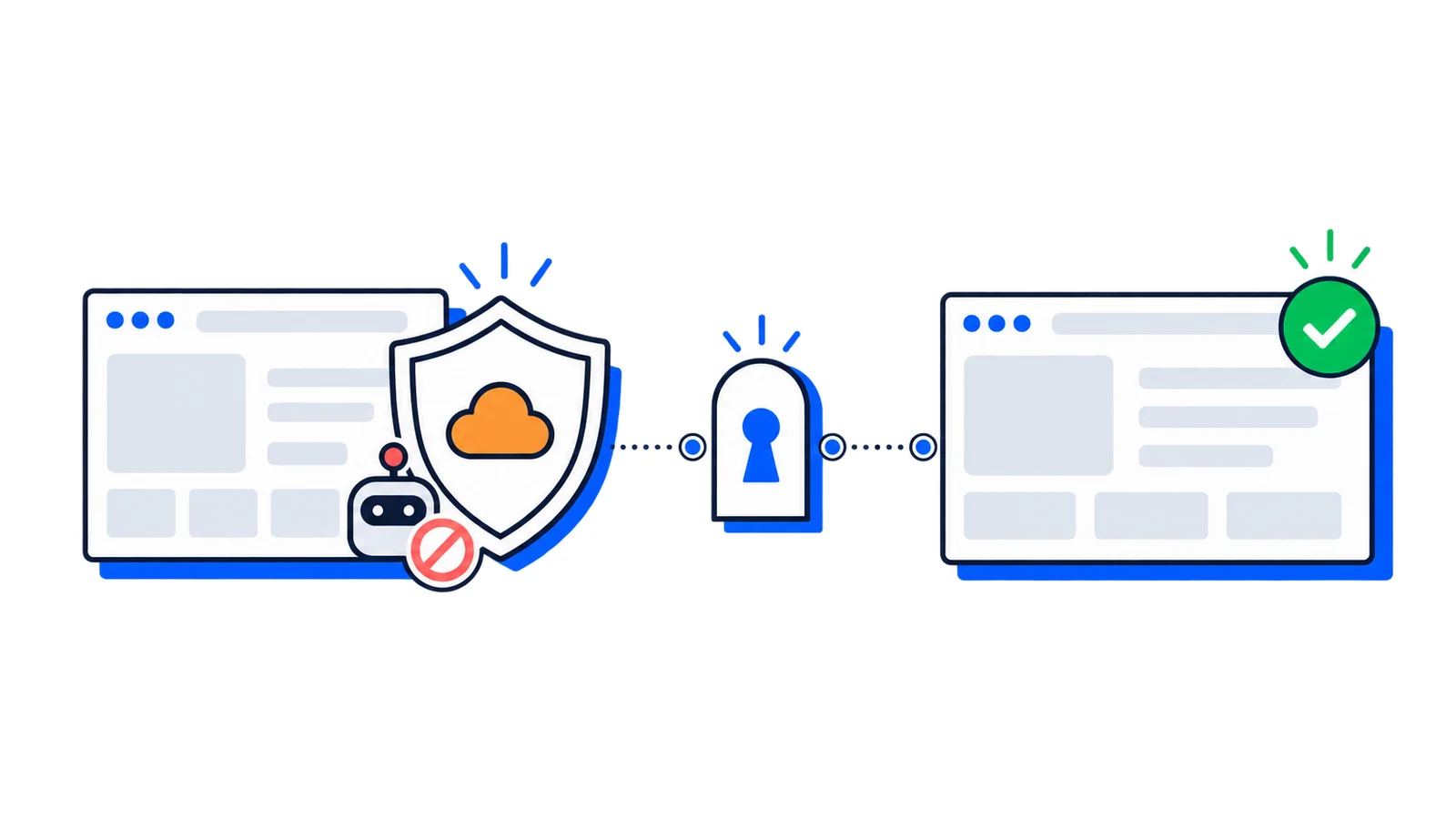
You point a screenshot API at a URL, and instead of the page you get a gray interstitial that says "Checking your browser before you continue" or a flat "Access denied." The same URL loads instantly in your own browser. Nothing is wrong with your request. The site is behind Cloudflare (or DataDome, or PerimeterX), and it flagged the request as a bot.
Here's why it happens, and how to get the page anyway.
Why Cloudflare blocks your screenshots
Bot-protection services sit in front of a site and score every request before it reaches the real page. Two signals tend to get an automated browser flagged:
The IP address. Most screenshot infrastructure runs in a datacenter: AWS, GCP, Hetzner. Those ranges are public knowledge, so a request from one is easy to challenge. The IP that loads the site fine for you is a residential one from your ISP, which looks nothing like that.
The browser fingerprint. A headless or automated browser leaves traces: missing or odd properties, no real rendering stack, none of the small signals a human session has. Detection services check for these and challenge anything that looks synthetic.
When either one trips, you don't get the page. You get an interstitial, a captcha, or a block, and your screenshot is a picture of that wall.
The fix: stealth mode
AllScreenshots has a stealth mode built for exactly this. Add stealthMode: true to your request:
That single flag is the whole API change. Behind it, the capture runs through a path designed to look like a real person on a real browser instead of an automated one. At a high level, stealth mode:
Routes the request through residential IP addresses, so it doesn't arrive from a flagged datacenter range.
Presents a hardened, realistic browser fingerprint.
Interacts with the page the way a person would before the capture.
Detects bot-protection challenge pages and retries on a fresh connection, instead of handing you a screenshot of the challenge.
The same flag works behind Cloudflare, DataDome, PerimeterX, and the rest. You don't configure anything per-vendor.
What to expect
Stealth mode clears most of these blocks, but a few things are worth knowing:
It's slower. A stealth capture does more work and may retry, so give it a generous timeout. For a heavily protected site, 45 seconds is a reasonable starting point.
It's not a guarantee. A site sitting behind an unsolved interactive captcha can still refuse the capture. When that happens you get a clear TARGET_BLOCKED error rather than a misleading screenshot, so you can decide whether to retry or skip the URL.
Treat blocks as retryable. Protected sites are inconsistent. A 422 or 503 often clears on a second attempt with a short backoff:
asyncfunctioncapture(url, attempts =3){for(let i =0; i < attempts; i++){const res =awaitfetch('https://api.allscreenshots.com/v1/screenshots',{method:'POST',headers:{'X-API-Key': process.env.API_KEY,'Content-Type':'application/json'},body:JSON.stringify({ url,stealthMode:true,timeout:45000}),});if(res.ok)returnBuffer.from(await res.arrayBuffer());if(res.status===422|| res.status===503){awaitnewPromise((r)=>setTimeout(r,2000*(i +1)));continue;}thrownewError(`Capture failed: ${res.status}`);}thrownewError('Site stayed blocked after retries');}
Use it only where you need it
Stealth mode is a Pro feature, and it's slower than a standard capture, so it isn't the right default for every request. The pattern that works: capture normally first, and switch on stealthMode only for the specific URLs that come back as a challenge or block. Most of the web doesn't need it, and sending everything through stealth mode just makes your captures slower for no benefit.
Getting started
Stealth mode is available on the Pro plan and up. The stealth mode docs cover when to reach for it and how to handle the errors it can return.
If you already have an account, add stealthMode: true to your next request against that stubborn URL and see what comes back.
 Tutorial
 Tutorial
 Tutorial