New FeatureMay 30, 2026
Scheduled screenshots
Set up recurring captures without running your own cron, storage, or diffing. Open Schedules in the dashboard, name a schedule, paste a URL, pick a cadence, and choose where to send it. We capture the page on that cadence, keep the results, and notify you on email or a webhook.
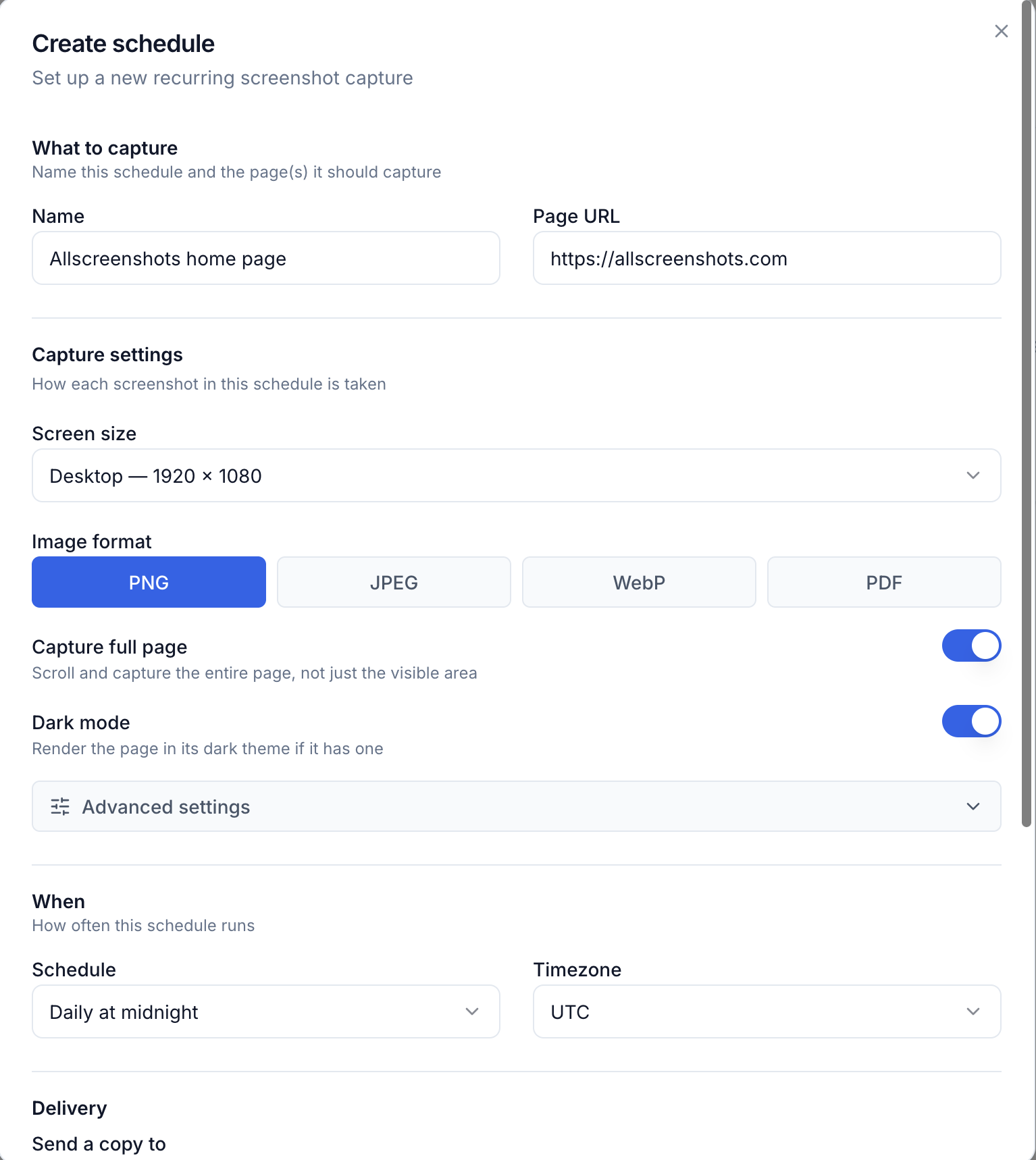
Create a schedule from the dashboard — no code required.
What you can do
- Pick a cadence — hourly, daily, weekly, monthly, or a custom schedule with a timezone.
- Deliver anywhere — email recipients and signed webhooks, up to 10 per schedule.
- Notify only on change — each run is compared to the previous one, and you can have it skip delivery when nothing changed. A sensitivity setting decides how much counts.
- Survive flaky targets — alert on failed runs and auto-pause a broken URL so it stops wasting quota.
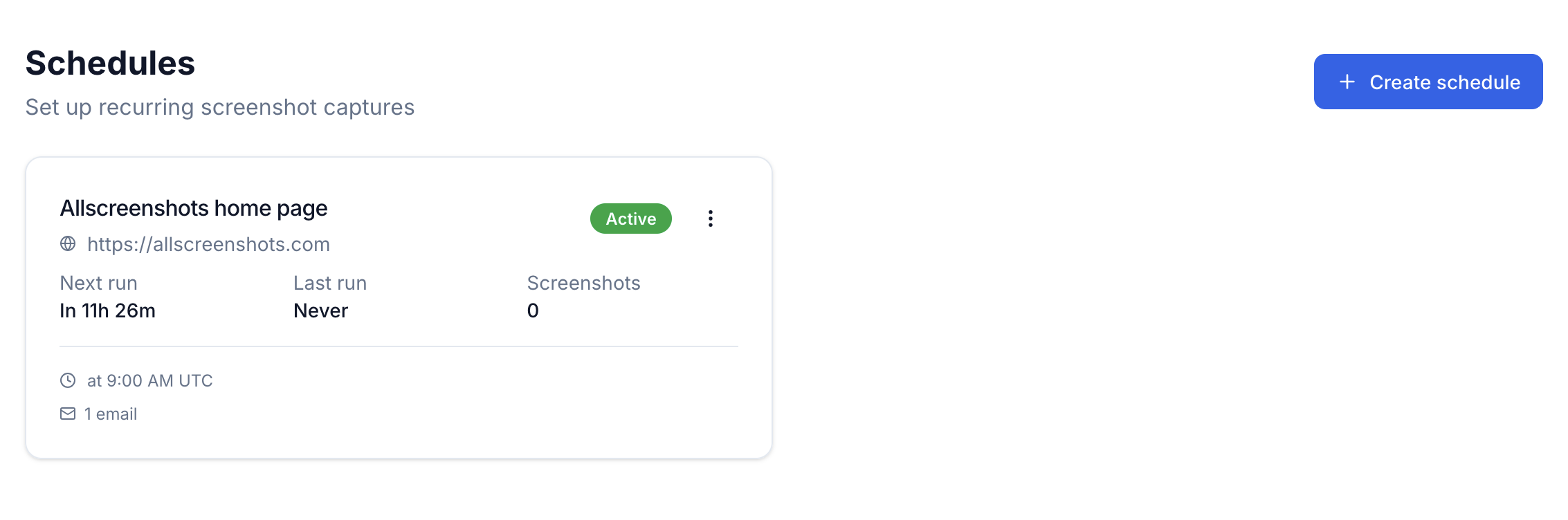
Every schedule shows up on the Schedules page with its next run, last run, and capture count.
Available on every plan, including Free — runs count against your monthly screenshot quota. Webhook delivery is free too; email delivery is on the paid plans. You can also create and manage schedules over the API. See the guide to get started.