Turn a website into an LLM knowledge base with one crawl
Allscreenshots8 min read
Find out how easy it is to capture and share pixel-perfect screenshots at scale using Allscreenshots. Sign up for a free account and start integrating your first screenshot API call today.
A support bot or a coding agent is only as good as the docs you give it. Getting those docs as text sounds easy until you try: half the pages are built in JavaScript, the sitemap is out of date, and every page has the same menu wrapped around the content.
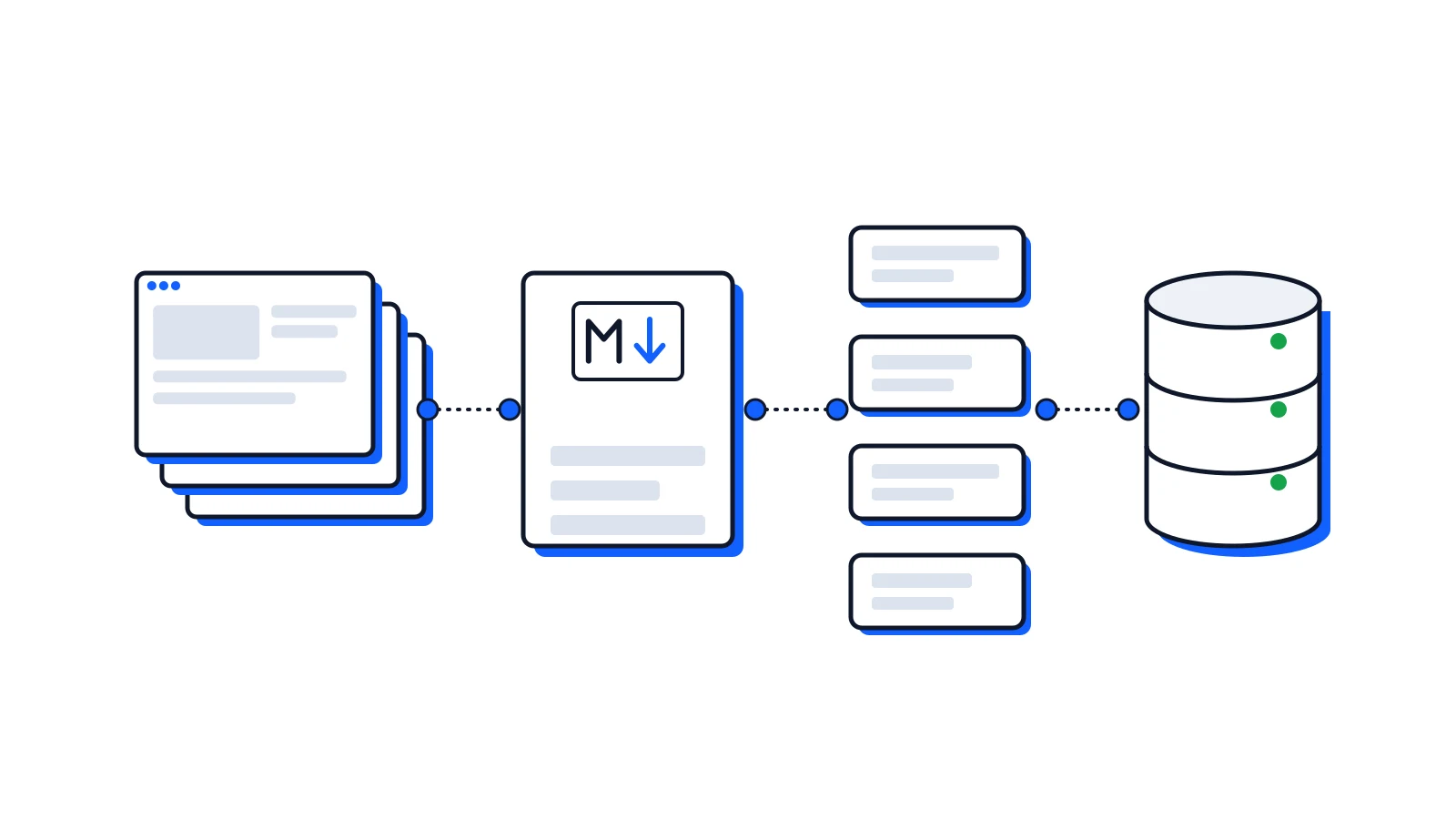
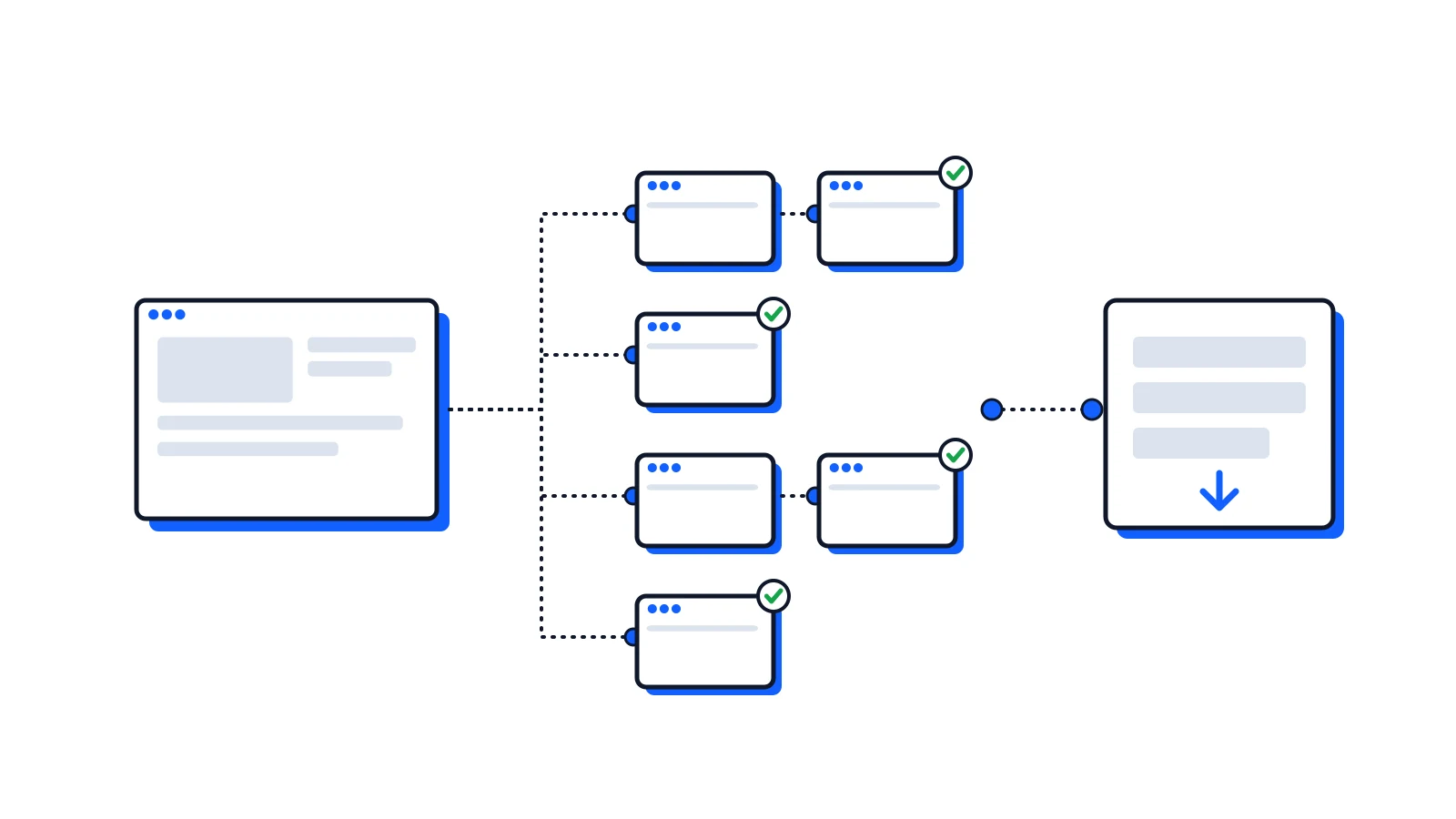
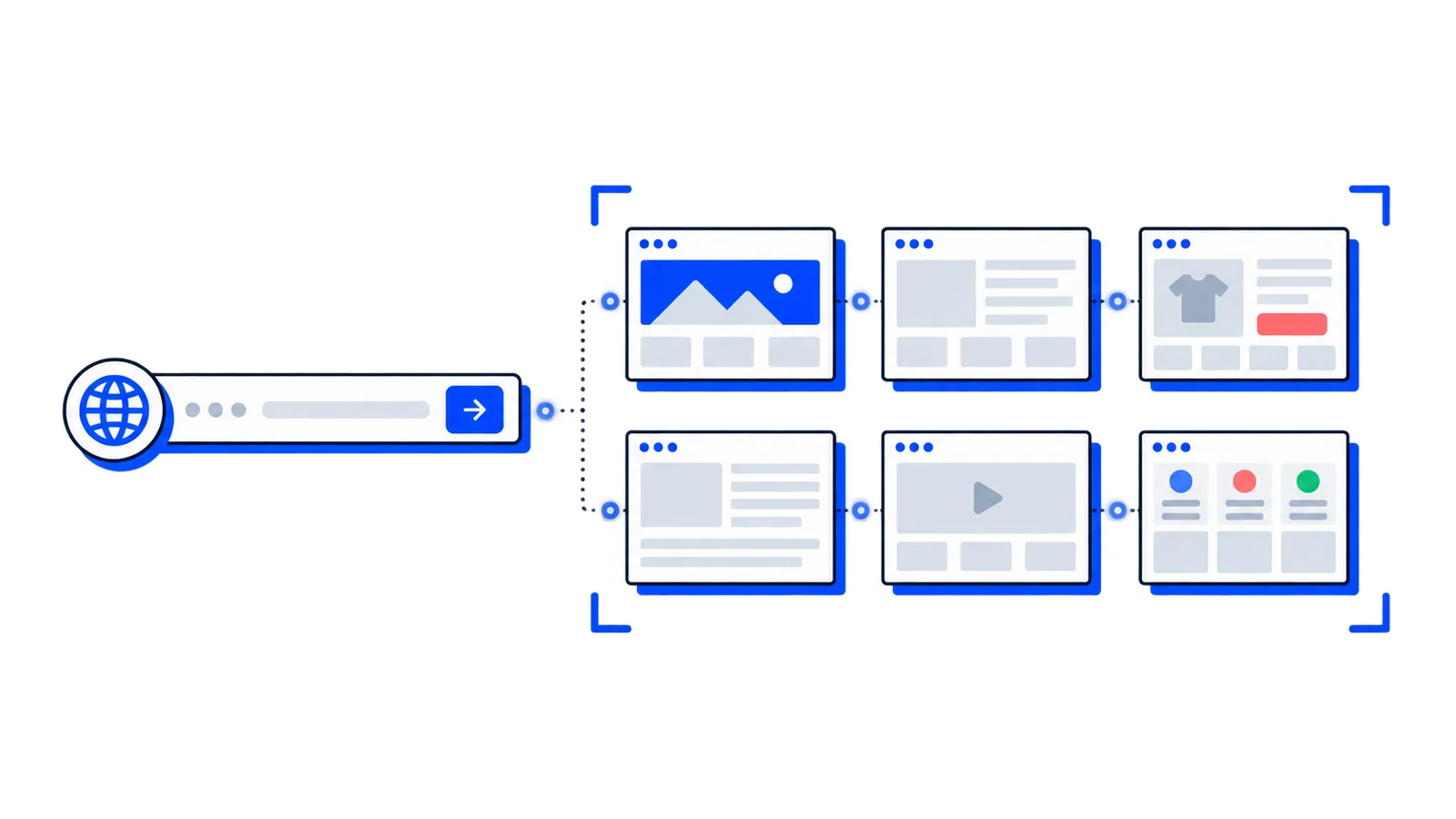
This tutorial uses the website crawler to do the collecting. It renders each page in a real browser, follows links and the sitemap, and returns every page as Markdown. Then one export call gives you the whole site in one file. We ran every step below on our own docs, and the numbers are from that run.
You need an API key on Starter or a higher plan. Each captured page uses one screenshot credit.
1. Crawl the site
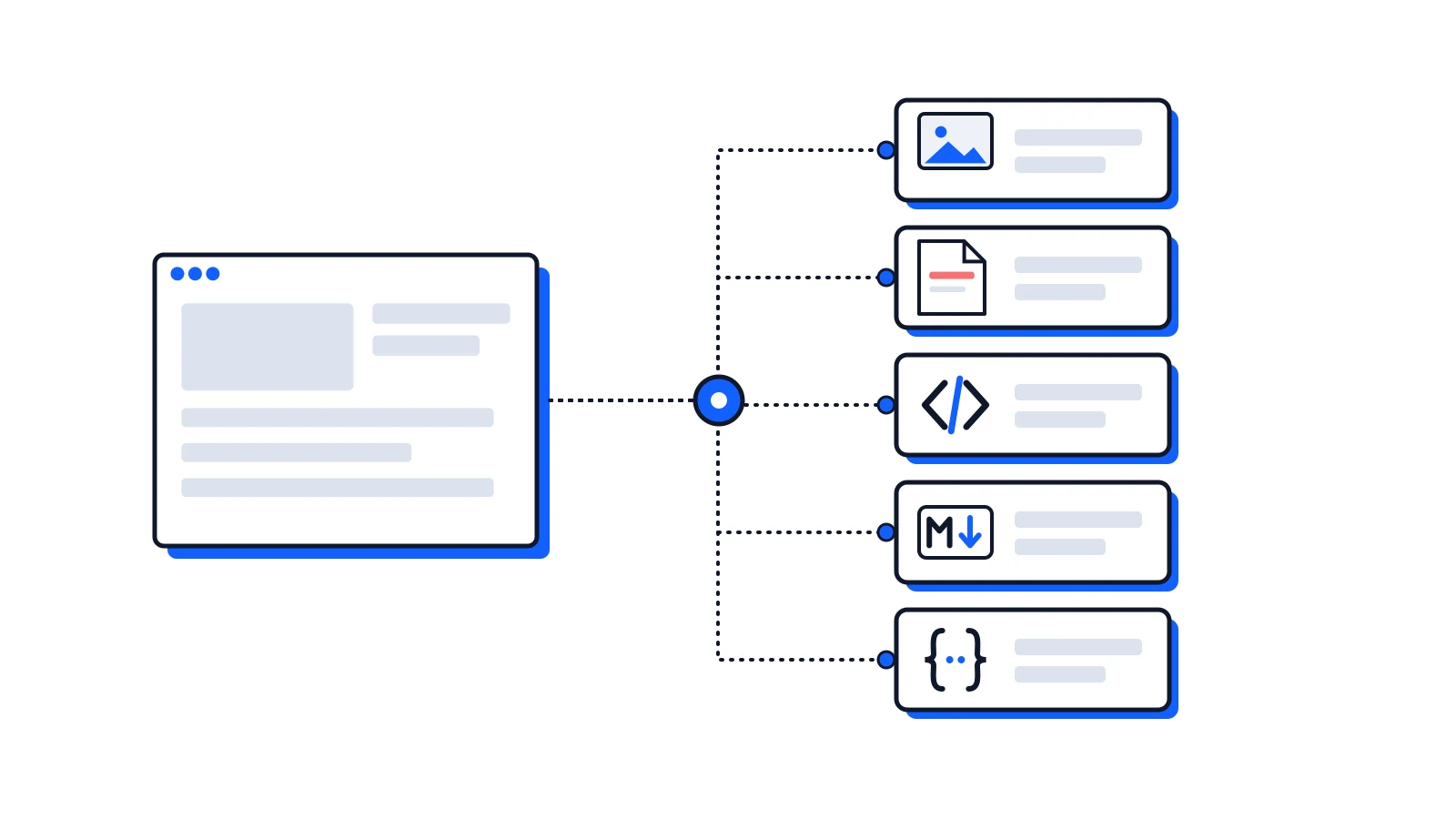
Ask for Markdown and the JSON page document. You can leave out screenshots: they cost nothing extra, but they make the export far larger.
Start where the content is. Start at https://example.com/docs/ and the crawl stays under /docs/.
Keep the sitemap. The default, sitemap: "include", finds pages that nothing links to. On our docs the sitemap listed 71 pages, and the home page linked to only 19 of them.
Exclude the noise. Patterns match the whole URL, and * matches anything, slashes included. *?* skips every URL with a query string, which is often a sorted or filtered copy of a page you already have.
2. Wait for it
Poll GET /v1/crawls/{id} until the status is final, or add a webhookUrl to the request and get one call when it ends.
Our crawl took 11 minutes and ended as PARTIALLY_COMPLETED: 71 pages captured, and 2 links that turned out to be broken. Those 2 weren't charged, and the 71 were all there.
3. Export it
If your model has a large context window, you may not need anything else. The Markdown export is one file with every page, each headed by its URL and title:
# Crawl of https://docs.allscreenshots.com/---
Source: https://docs.allscreenshots.com/
Title: Introduction | Allscreenshots Docs
# Introduction
Capture high-quality screenshots of any website with a simple API
Ours was 535 KB. For retrieval, take JSON Lines instead: one line per page, with its URL, title and Markdown, so every chunk can point back to where it came from.
Ours had 73 lines: 71 pages and the 2 broken links, which have "status": "FAILED" and no Markdown.
4. Split it into chunks
Split each page at its headings, so each chunk covers one topic, and cut long sections at paragraph breaks. Keep the URL and heading with every chunk:
importfsfrom'node:fs';importreadlinefrom'node:readline';constMAX_CHARS=4000;const out = fs.createWriteStream('chunks.jsonl');const lines = readline.createInterface({input: fs.createReadStream('site.jsonl')});forawait(const line of lines){const page =JSON.parse(line);if(page.status!=='COMPLETED'||!page.markdown)continue; page.markdown.split(/\n(?=#{1,3})/).forEach((section, i)=>{// Headings often link to themselves: keep the text of [Text](#anchor).const heading = section.match(/^#{1,3}(.+)/)?.[1].replace(/\[([^\]]*)\]\([^)]*\)/g,'$1')?? page.title;let chunk ='';let part =0;constflush=()=>{if(!chunk.trim())return; out.write(JSON.stringify({id:`${page.id}-${i}-${part++}`,url: page.url,title: page.title, heading,text: chunk.trim()})+'\n'); chunk ='';};for(const paragraph of section.split('\n\n')){if(chunk.length+ paragraph.length>MAX_CHARS)flush(); chunk += paragraph +'\n\n';}flush();});}out.end();
On our export it wrote 1,306 chunks. One of them:
{"id":"iguxHeoKT9-2-0","url":"https://docs.allscreenshots.com/","title":"Introduction | Allscreenshots Docs","heading":"Quick example","text":"## [Quick example](#quick-example)\n\nCapture a screenshot with a single API call:…"}
5. Index and answer
Send each chunk's text to your embedding model and store the vector with its url, title and heading. At question time, fetch the closest chunks and give them to the model with their URLs, and ask it to cite them. That's the whole pipeline: no browser to run, no sitemap parser, no HTML-to-Markdown converter.
Things to know
The crawl's Markdown is the whole page body. Menus and footers come along, so the same navigation text shows up in every page. Drop lines that repeat across many pages before you index. For a few key pages where you want only the article, a multi-output request returns the main content as Markdown.
100 pages per crawl. Split bigger sites by section: one crawl for /docs/, one for /blog/.
Keep it fresh. Run the crawl again on a schedule and replace the chunks of each URL. Compare the Markdown with what you stored to skip pages that didn't change.
Be a good guest. The crawler obeys robots.txt as AllScreenshotsBot and waits at least 500 ms between requests to a site. Only crawl content you're allowed to use this way.
 Product Update
 Product Update
 Tutorial