Screenshot, Markdown and JSON from one page load, now out of beta
Allscreenshots7 min read
Find out how easy it is to capture and share pixel-perfect screenshots at scale using Allscreenshots. Sign up for a free account and start integrating your first screenshot API call today.
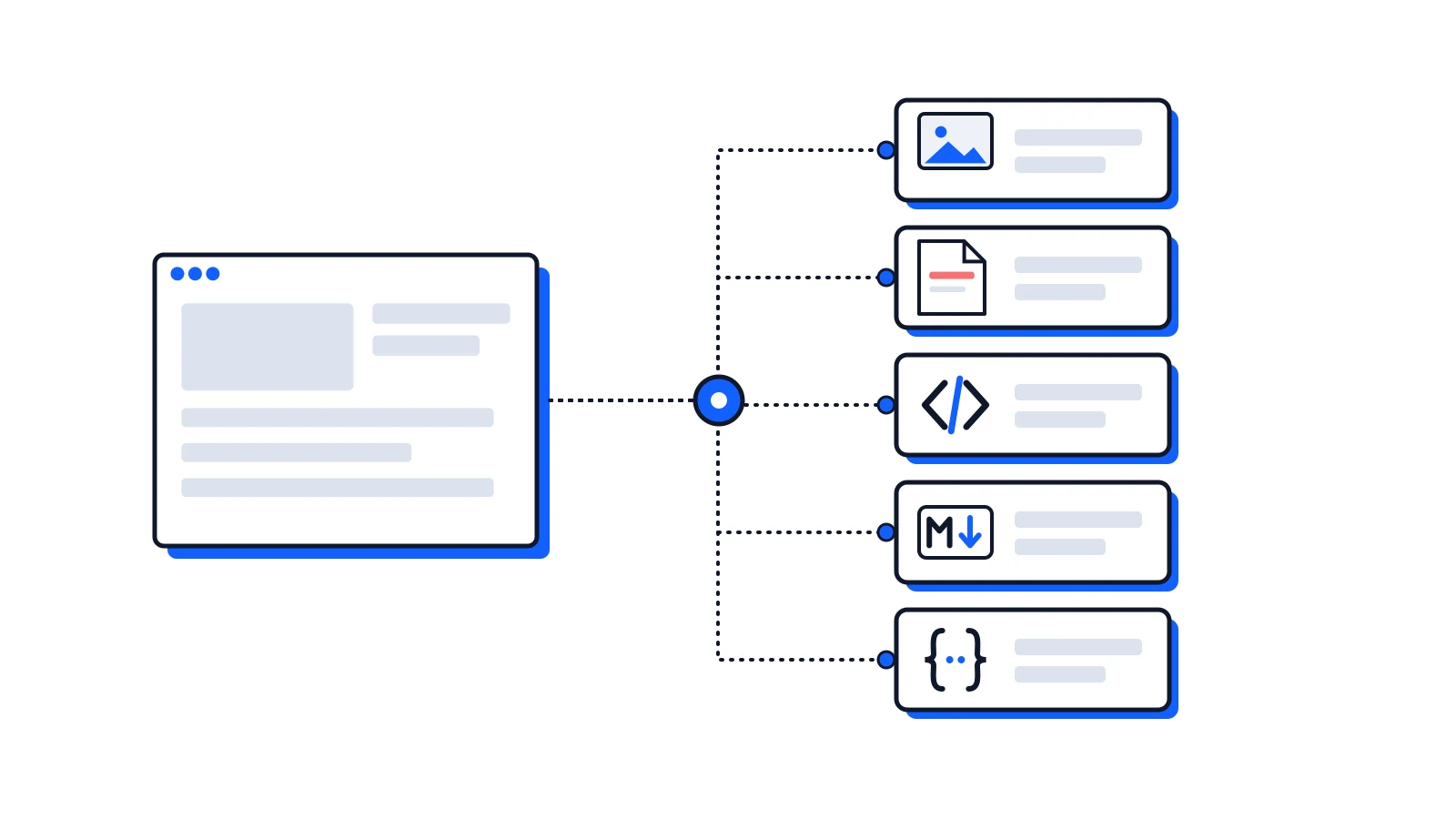
Add an outputs array to a screenshot request and you get the page back as a screenshot, a PDF, HTML, Markdown and JSON, all from one page load and for one credit. It has been in beta since February. It's now generally available, on every plan.
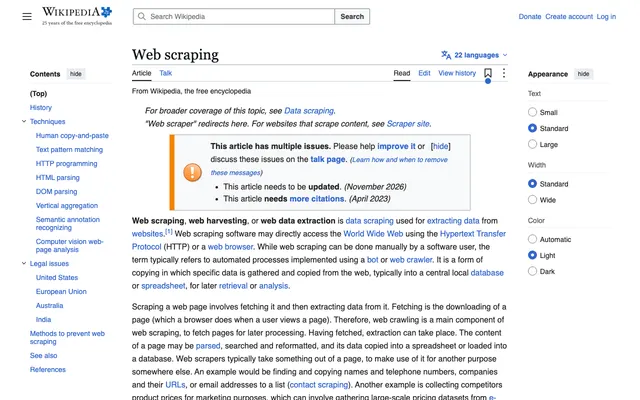
That request rendered in 7.2 seconds and returned a 294 KB PNG, a 9-page PDF, 419 KB of HTML, 49 KB of Markdown with just the article, and the page's own data as JSON. Toggle the outputs below to see the request and each real response:
1 page load · 1 credit · 3 outputsReal capture of en.wikipedia.org, rendered in 7.2 s with all five outputs
Why it took this long
Before leaving beta we ran the outputs against real pages: 144 to develop against, 85 held back to check the result, and later 67 more that nobody had looked at. Pages were graded against their screenshots with a fixed rubric. The first round wasn't good:
Extraction used a different browser path from screenshots. It skipped the waits that let a page finish rendering, ignored actions, and looked like a headless browser to bot checks. On 11 of the held-out pages, the Markdown was empty without a screenshot in the same request and full with one.
The main-content picker often kept the wrong part. It returned only the footnotes of one page, only the footer of another. On the held-out pages, the Markdown had the complete main content on 39% of them.
JSON was fragile.data came back as a string, and a selector the browser couldn't parse failed the whole request with a 500.
What changed
One page path for everything. Outputs now load the page exactly like a screenshot: the same browser, blocking, actions, sessions and readiness waits. On the held-out pages, empty-without-a-screenshot went from 11 to 0, and bot walls hit outputs no more often than screenshots.
A simpler main-content rule. We removed Readability. Markdown now takes the page's <main> element when it holds most of the page's text, and the cleaned page otherwise, with the headline on top. Collapsed FAQ answers and closed <details> are kept, hidden tabs are not, code blocks keep their language when the page marks it, and tables keep their header rows. On the 67 unseen pages, the Markdown had the complete main content on 51 of 55 that loaded normally (93%), and was usable as-is on 85%.
JSON three ways. A JSON output now returns an object and works in one of three modes:
Mode
You send
Real result
auto
{ "type": "json" }
The page's own data: title, canonical URL, OpenGraph, JSON-LD, headings, links and images
selector
A schema of CSS selectors, with fields for one object per card or row
11 books with title, price, stock and full URLs from a store listing
ai
A JSON Schema, filled in by a model
A summary, techniques and court cases from the Wikipedia article
In selector mode, href and src come back as full URLs, text is what a visitor sees, and a bad selector only nulls its own field and is listed in errors. In testing, 30 deliberately broken schemas all got a 400 that names the field, and none a 500. AI mode got 93.6% of hand-labelled fields right on 35 held-out pages.
A firmer contract.
Every option is checked up front, and errors name the field.
Text outputs are capped at 5 MB and marked truncated.
Outputs come back in type order, whatever order you send them in.
Async jobs serve each output with its own content type.
A sync request can be retried safely with an Idempotency-Key.
What it costs
A request with outputs counts as one screenshot, however many outputs it has, up to 10. AI-mode JSON also uses one AI extraction from your plan's monthly allowance; a JSON output in auto or selector mode doesn't. A request that fails isn't charged.
What isn't solved
The numbers above are good, not perfect:
Some pages still lose to <main>. News portals that put a promo carousel inside <main> keep it, and link-heavy portal pages come out noisy. Set mainContentOnly: false to get the whole body instead.
Hidden tabs are left out. When a page shows one code sample per language in tabs, you get the visible tab. Most hidden tab panels we measured repeated the visible one or were noise.
No stealth mode or AI cleanup with outputs. Both return a 400 for now.
Speed. Waiting for the page like a screenshot does costs time: extraction took 6.3 seconds at the median on the held-out pages, and 17.1 seconds at p90.
Try it
Every plan has outputs, Free included. The multi-output page shows the five outputs of one page and the three JSON modes side by side, and the docs cover every option. For a whole site rather than one page, the website crawler is out of beta today too.
 Guide
 Product Update
 Tutorial