Find out how easy it is to capture and share pixel-perfect screenshots at scale using Allscreenshots. Sign up for a free account and start integrating your first screenshot API call today.
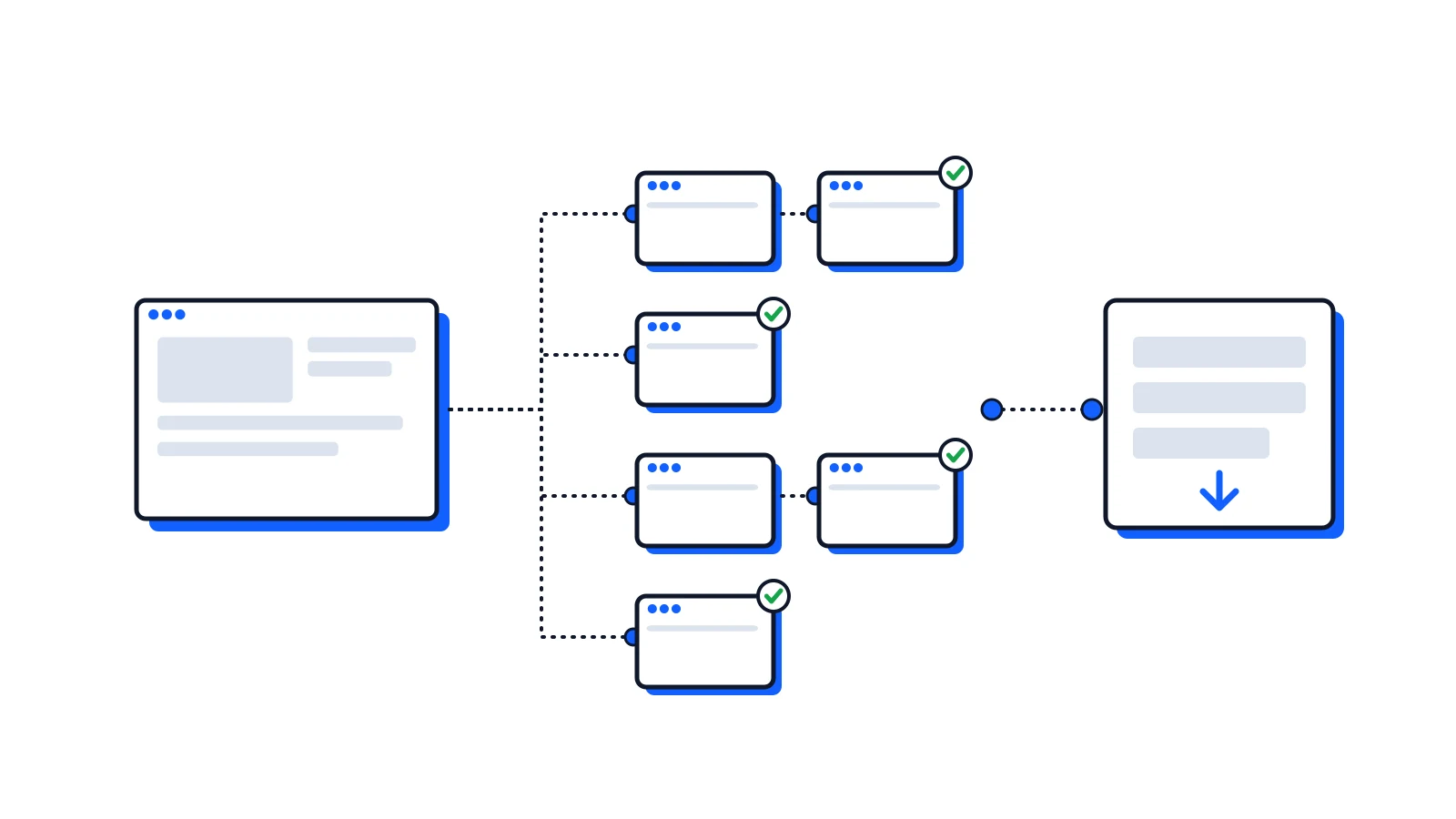
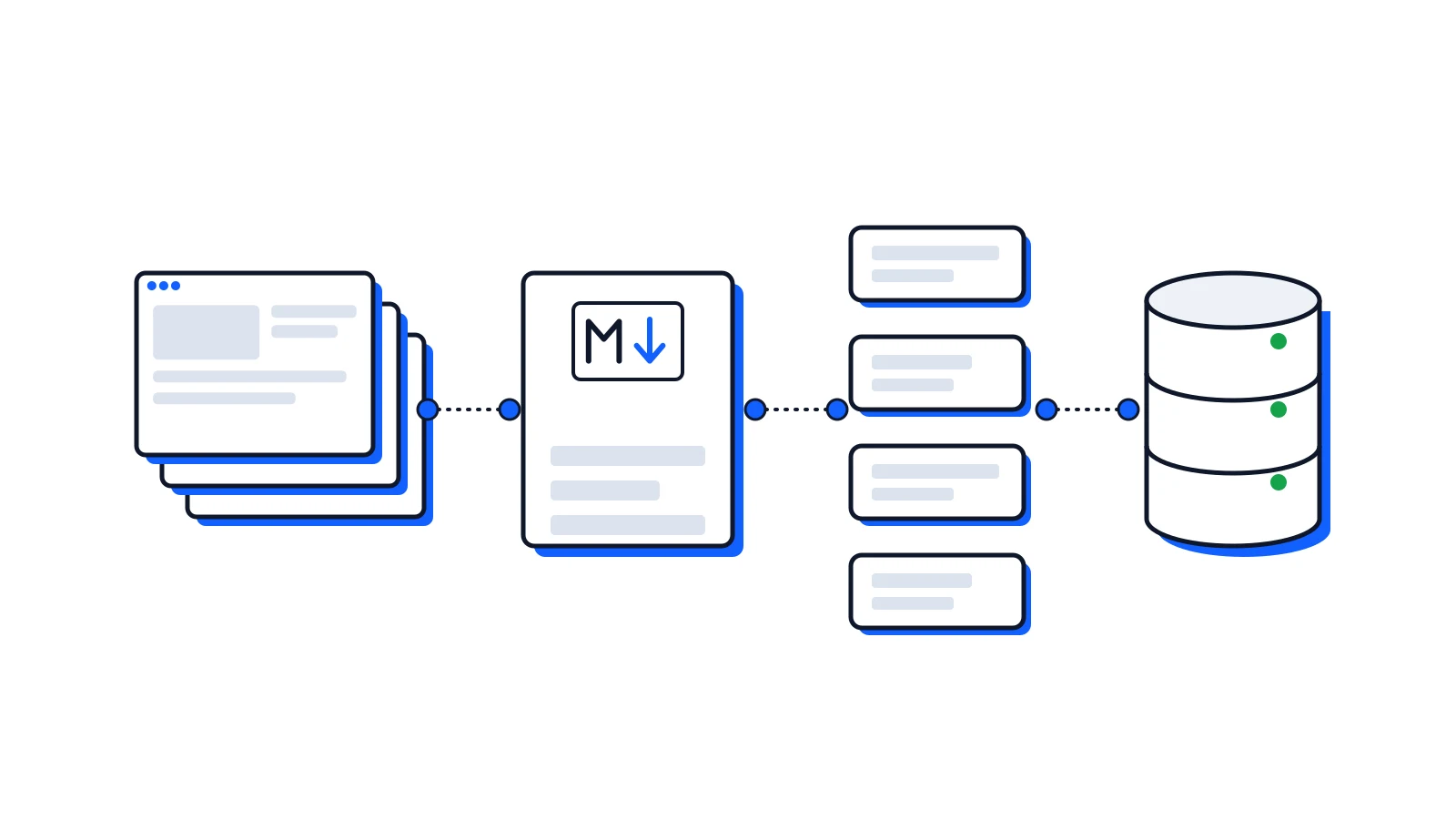
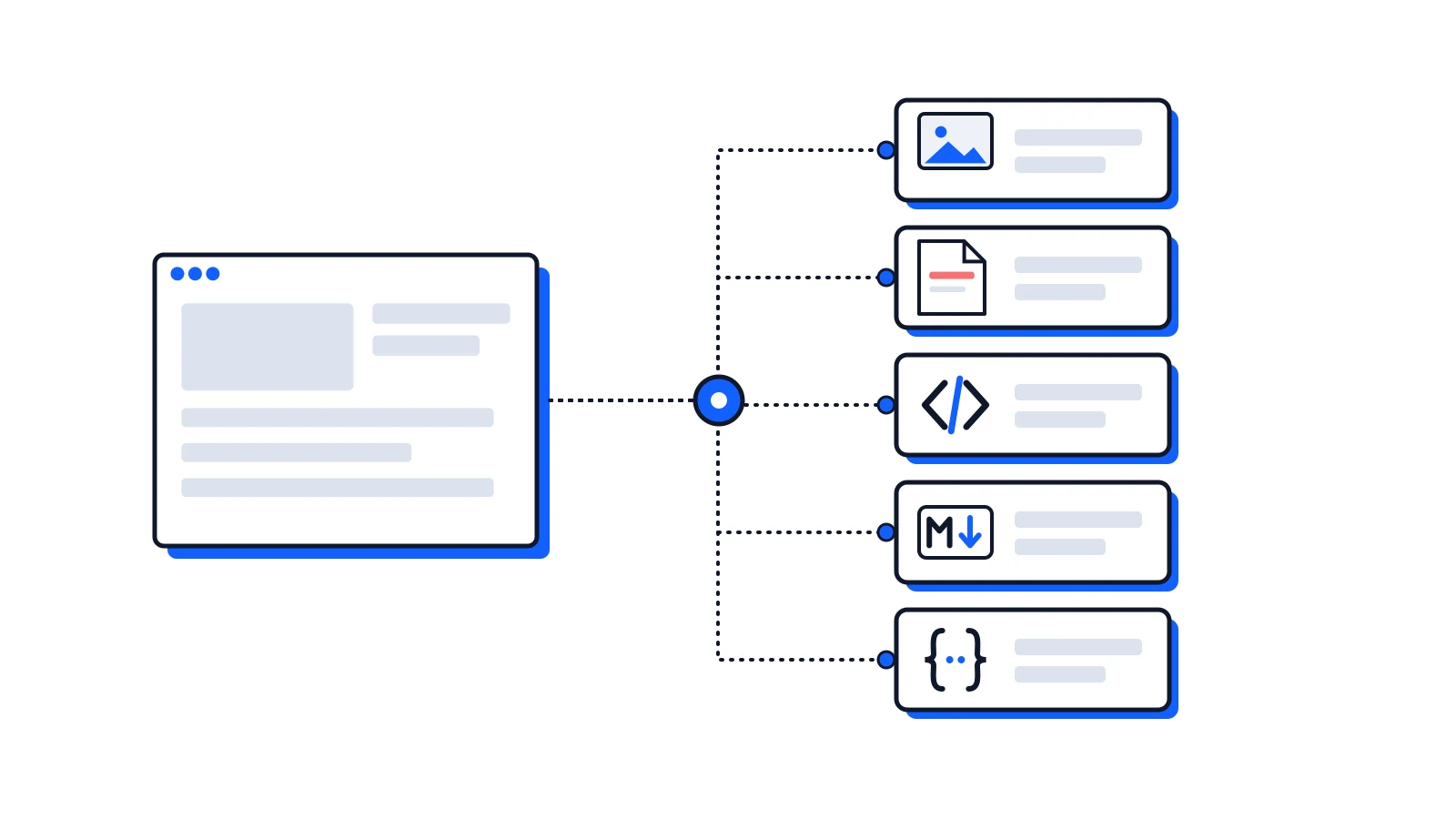
The website crawler is generally available. Send one URL to POST /v1/crawls and it follows the site's links and sitemap, renders each page in a real browser, and stores every page as a screenshot, Markdown, a JSON page document and HTML. When it's done, one more call downloads the whole site as a ZIP, one Markdown file or JSON Lines.
curl-X POST https://api.allscreenshots.com/v1/crawls \-H"X-API-Key: YOUR_API_KEY"\-H"Content-Type: application/json"\-d'{"url":"https://docs.allscreenshots.com/","depth":3,"limit":100,"entireSite":true,"outputs":["screenshot","markdown","json"]}'
That request is the one we ran against our documentation. Here is what came back:
Pages found
73: the start page, 70 at depth 1 from the sitemap and home page links, 2 at depth 2
Captured and charged
71
Failed
2, both 404s, not charged
Time
11 minutes, one page at a time, 500 ms apart
Status
PARTIALLY_COMPLETED, because of the two failures
The two failures were broken links in our own docs. One page linked to /dashboard/domains, a dashboard path written as a docs path. Another linked to /guides/cicd-integration, a guide we had renamed to ci-cd-integration. Each failed page records the page that linked to it, so finding them took one jq command. Both are fixed.
Below is a replay of that crawl. Change depth, limit or sitemap and press Play to see which pages the crawler takes and in what order. Every page, link, screenshot and outcome is from the real crawl.
Simulation over a real crawl of docs.allscreenshots.com (71 pages captured, depth 3, limit 100, finished in 11 min). Pages, links, screenshots and outcomes are from that crawl; the order and limits follow the crawler's rules. Pages the real crawl didn't reach show their path instead of a screenshot.
Try sitemap: "skip". Our home page has 19 internal links, so without the sitemap the crawl has to go three levels deep to find the same pages. With "only" it captures exactly the 71 URLs in the sitemap, and the two broken links are never visited.
What changed since the beta
The limit counts captured pages. Pages blocked by robots.txt, redirected off the site, or failing no longer use it up. The crawler keeps up to twice limit in its queue and moves on to the next URL.
Crawls stay where you start them. Start at https://example.com/docs/ and you get pages under /docs/. Set entireSite: true to follow links anywhere on the site.
Content links first. Links in a page's content are followed before links in menus, headers and footers, so a small crawl of a blog returns related posts, not every item in the nav.
Sitemaps. The crawler reads the site's sitemap, so pages nothing links to are found too.
Exports.GET /v1/crawls/{id}/export returns every page as a ZIP, one Markdown file, or JSON Lines.
Webhooks. Add webhookUrl and get one signed call when the crawl ends.
Fairer charging. Bot checks, HTTP error pages and duplicates aren't charged, and cancelling stops charges at once.
Safe retries with an Idempotency-Key header.
Where the crawl goes
A crawl stays on the site you start on, and in the folder of the start URL unless you set entireSite. www.example.com and example.com count as one site; includeSubdomains adds docs.example.com and the like.
To narrow it further, includePatterns and excludePatterns take globs that match the whole URL. * matches anything, slashes included, and an exclude always wins:
The crawler page has a pattern tester that runs these rules against the URLs of our crawl.
The crawler identifies itself as AllScreenshotsBot, obeys robots.txt, honours Crawl-delay up to 30 seconds, and waits at least 500 ms between requests to a site.
The whole site in one file
When the crawl ended, we downloaded it three ways:
Export
Size
What's in it
format=zip
18.2 MB
A folder per page with its screenshot, Markdown and JSON, and manifest.json
format=markdown
535 KB
All 71 pages in one file, each headed by its URL and title
format=jsonl
1.7 MB
One line per page with the Markdown, the JSON document and a screenshot link
The Markdown file is ready to give to a model. JSON Lines suits a search index: we split it into 1,306 chunks with a short script, each keeping its page URL. The knowledge base tutorial walks through it.
What it doesn't do yet
100 pages and 5 levels per crawl. Split bigger sites into sections, one crawl per folder.
No logins or clicks. Crawls don't support sessions, actions, device presets, PDF output or stealth mode. For pages that need those, send the URLs to the screenshot API or to bulk.
The crawl's Markdown is the whole page body, menus and footers included. For the main content only, use a multi-output request on the pages that matter.
No SDK or MCP tool for crawls yet. It's plain JSON over HTTP, and the dashboard has a Crawler view with a site atlas.
Outputs are kept for 7 days. Download the export if you need it longer.
Try it
Point it at a site you know well, start with depth: 2 and limit: 25, and look at what it finds. The docs cover every option, and the visual audit guide shows the jq commands we used to find our broken links.
 Tutorial
 Product Update
 Product Update