WordPress screenshot plugin alternative: use the Allscreenshots API
Riley Thompson · Updated 7 min read
Find out how easy it is to capture and share pixel-perfect screenshots at scale using Allscreenshots. Sign up for a free account and start integrating your first screenshot API call today.
RT
Riley Thompson
Developer advocate focused on web tooling, screenshot APIs, and helping teams ship better visual experiences.
Most WordPress screenshot plugins are heavy, outdated, and rely on free screenshot services that return low-quality results. The Allscreenshots API gives you pixel-perfect captures with a lightweight shortcode — no plugin bloat required.
What you'll build
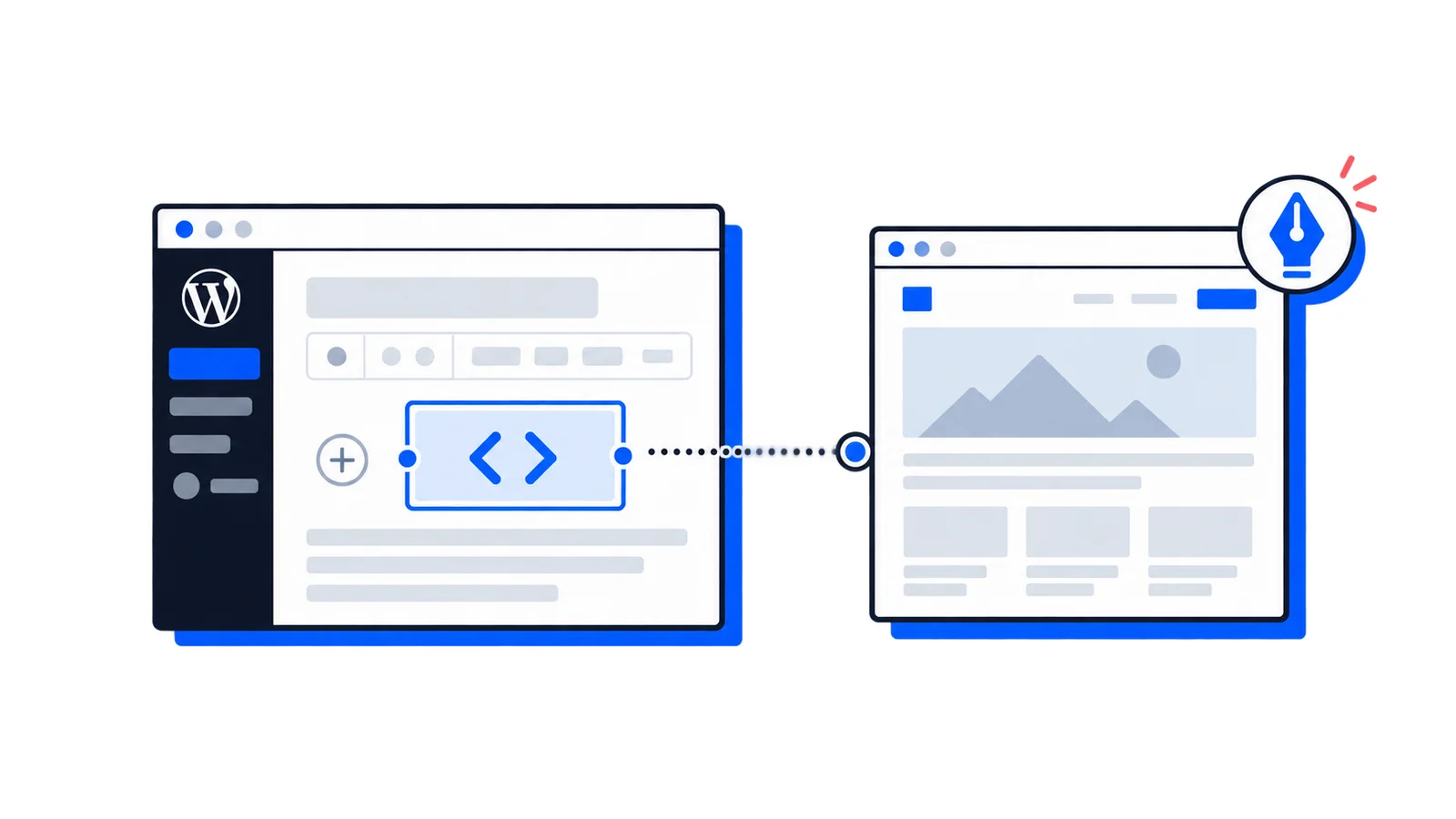
A WordPress shortcode that lets you embed website screenshots anywhere on your site: [screenshot url="https://example.com"]. It captures the page on first load and caches the result so it doesn't re-capture on every page view.
A WordPress site where you can edit functions.php or add a custom plugin
Step 1: Add the API key constant
Add this line to your wp-config.php file (above the "That's all, stop editing!" comment):
define('SCREENSHOT_API_KEY','your-api-key-here');
Replace your-api-key-here with your actual API key.
Step 2: Add the shortcode
Add this code to your theme's functions.php file, or create a simple custom plugin:
functionallscreenshots_capture($atts){$atts=shortcode_atts(['url'=>'','width'=>1280,'height'=>800,'fullpage'=>'false','class'=>'screenshot-embed',],$atts);if(empty($atts['url'])){return'<!-- screenshot: no URL provided -->';}// Check cache first$cache_key='ascr_'.md5($atts['url'].$atts['width'].$atts['fullpage']);$screenshot_url=get_transient($cache_key);if(!$screenshot_url){$response=wp_remote_post('https://api.allscreenshots.com/v1/screenshots',['timeout'=>30,'headers'=>['X-API-Key'=>SCREENSHOT_API_KEY,'Content-Type'=>'application/json',],'body'=>wp_json_encode(['url'=>esc_url_raw($atts['url']),'fullPage'=>$atts['fullpage']==='true','responseType'=>'url','viewport'=>['width'=>absint($atts['width']),'height'=>absint($atts['height']),],'blockAds'=>true,]),]);if(is_wp_error($response)){return'<!-- screenshot: API error -->';}$body=json_decode(wp_remote_retrieve_body($response),true);if(empty($body['storageUrl'])){return'<!-- screenshot: no URL returned -->';}$screenshot_url=$body['storageUrl'];set_transient($cache_key,$screenshot_url,DAY_IN_SECONDS);}returnsprintf('<img src="%s" alt="Screenshot of %s" class="%s" loading="lazy" />',esc_url($screenshot_url),esc_attr($atts['url']),esc_attr($atts['class']));}add_shortcode('screenshot','allscreenshots_capture');
The first time a visitor loads the page, the screenshot is captured and cached for 24 hours. Subsequent page loads use the cached URL.
Using with Gutenberg
In the Gutenberg editor, add a Shortcode block and paste the shortcode. The screenshot renders on the frontend.
Using with page builders
The shortcode works in any page builder:
Elementor: Add a Shortcode widget
Divi: Use the Code module
WPBakery: Use the Raw HTML element
Beaver Builder: Add an HTML module
Customizing the cache duration
By default, screenshots are cached for 24 hours. To change this, modify the set_transient call:
// Cache for 1 weekset_transient($cache_key,$screenshot_url,WEEK_IN_SECONDS);// Cache for 1 hourset_transient($cache_key,$screenshot_url,HOUR_IN_SECONDS);// No cache (captures on every page load — not recommended)// Remove the get_transient/set_transient logic
Clearing the cache
To force a re-capture, you can clear WordPress transients:
// Add this as a helper functionfunctionclear_screenshot_cache($url){$cache_key='ascr_'.md5($url.'1280'.'false');delete_transient($cache_key);}
Or clear all screenshot caches at once via the database:
DELETEFROM wp_options WHERE option_name LIKE'_transient_ascr_%';
Building a link directory
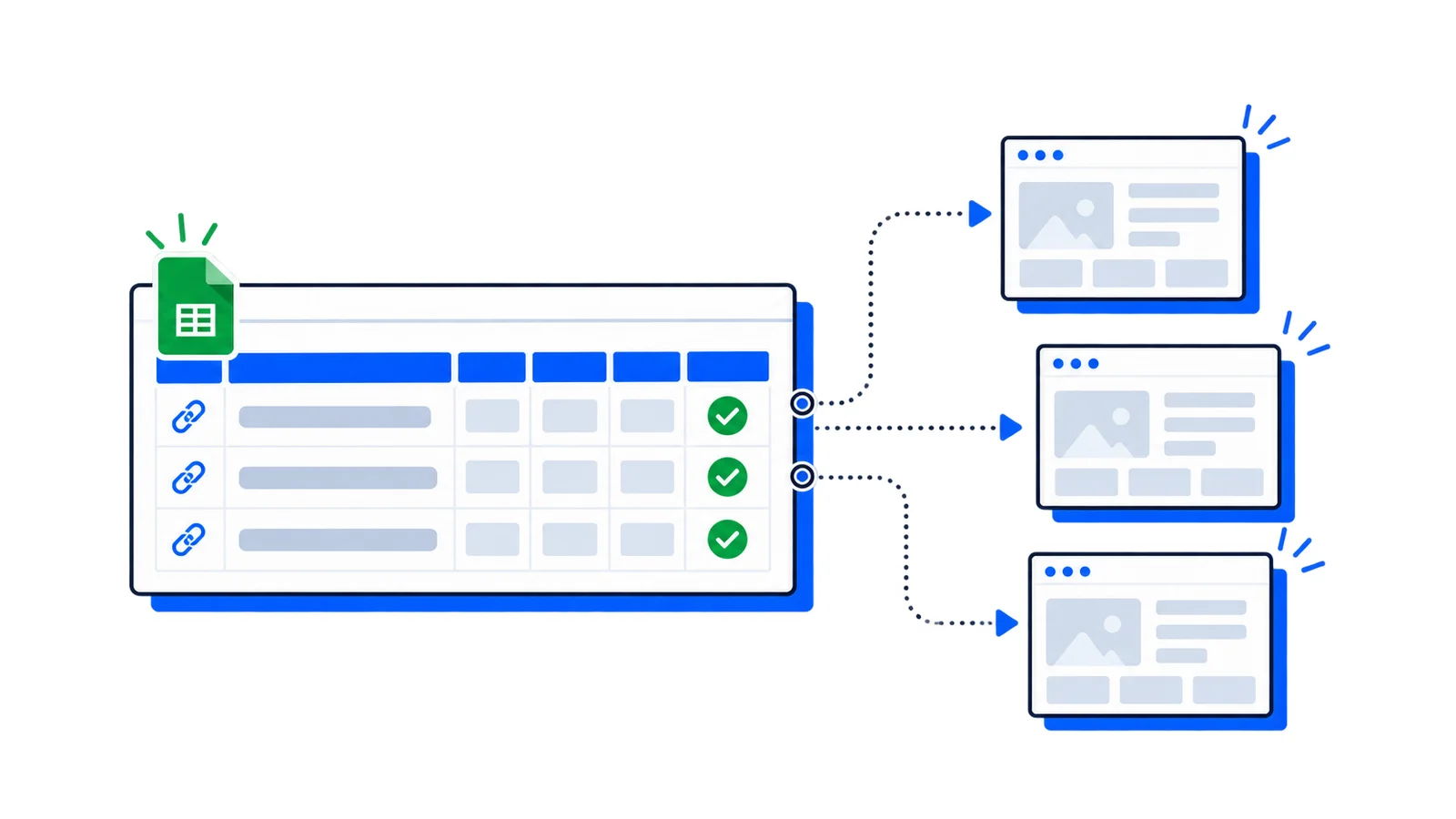
If you're building a link directory or resource page, combine the shortcode with a custom post type or ACF fields:
// In your template file$websites=get_posts(['post_type'=>'website','numberposts'=>-1]);foreach($websitesas$site){$url=get_field('website_url',$site->ID);echo'<div class="website-card">';echo'<h3>'.esc_html($site->post_title).'</h3>';echodo_shortcode('[screenshot url="'.esc_url($url).'"]');echo'</div>';}
Why not use a plugin?
Most WordPress screenshot plugins have drawbacks:
Heavy dependencies — Some bundle Puppeteer or rely on deprecated services
Low quality — Free screenshot services often return blurry or outdated captures
Slow — Plugin-based solutions add significant page load time
Unmaintained — Many haven't been updated in years
The shortcode approach above is about 50 lines of code, has zero dependencies, caches aggressively, and uses a production-grade screenshot API.
Wrapping up
A lightweight shortcode beats a bloated plugin. You get pixel-perfect screenshots, aggressive caching, and full control over the rendering options — viewport size, full-page capture, dark mode, and more.